Last Updated: April 27, 2025
Applies to:
Shippers, Brokers, Carriers, and Partners
Solution Overview:
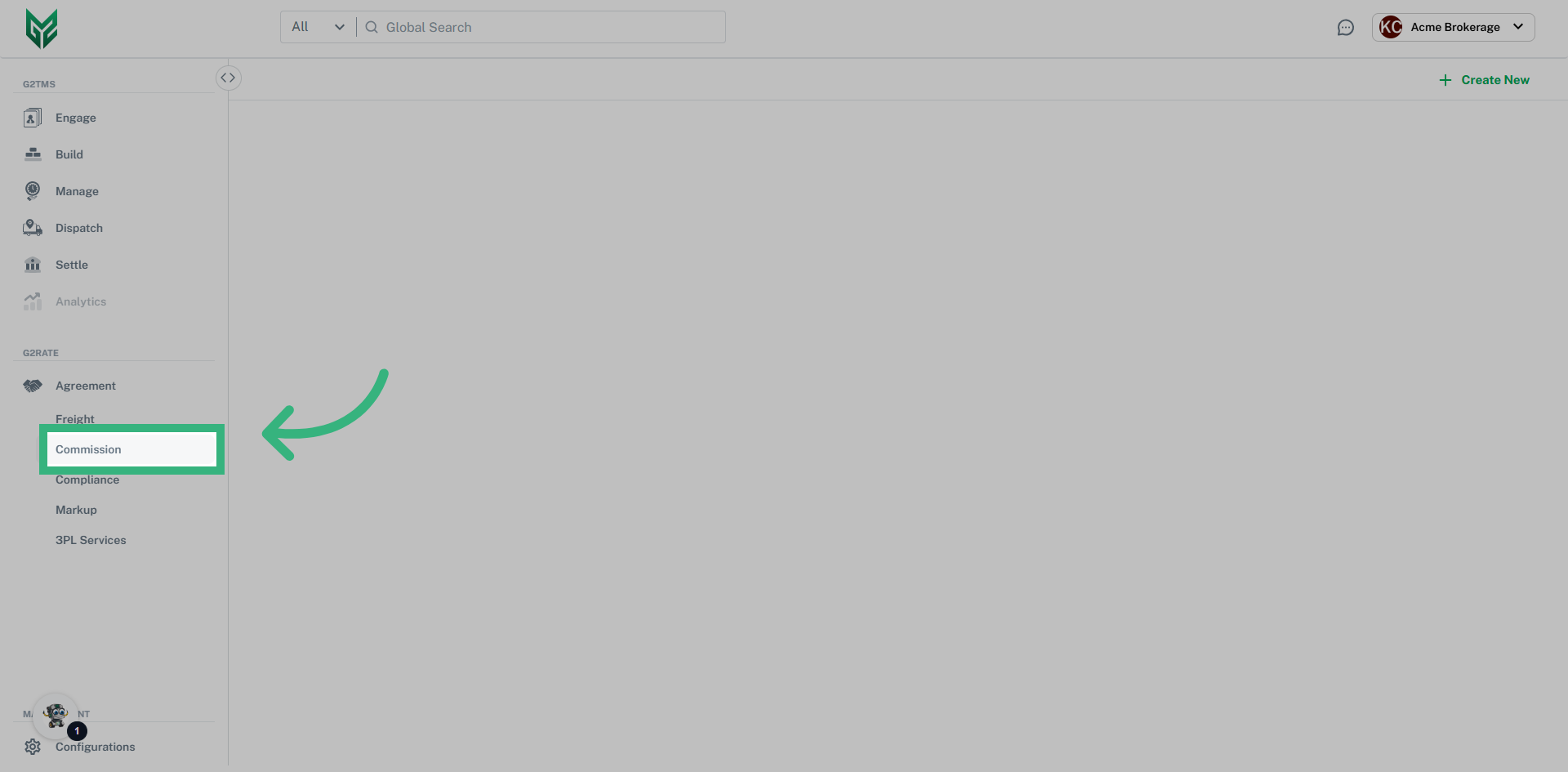
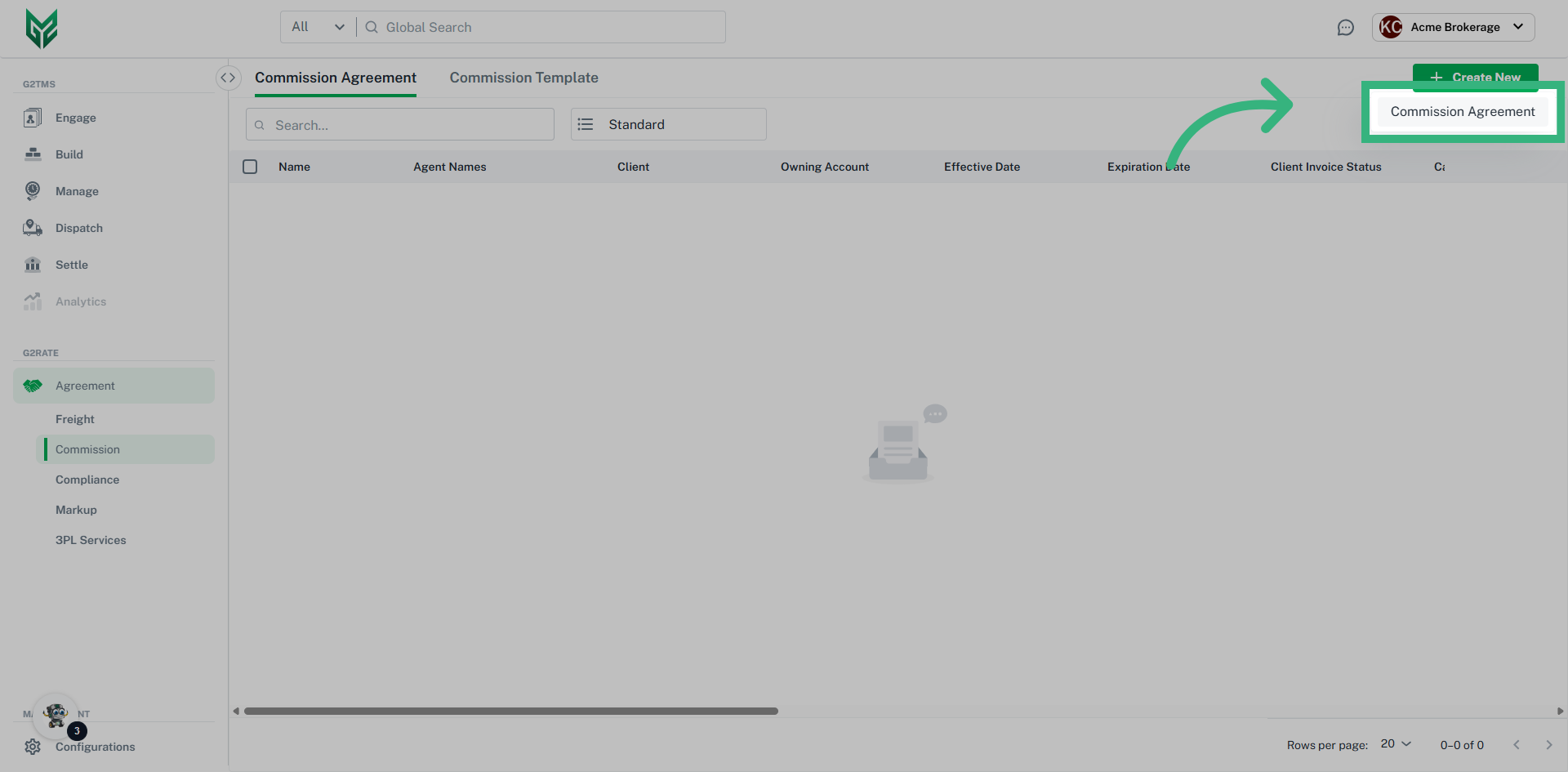
Commission Agreements offer a structured solution for a complex yet vital area of the business. G2Mint streamlines any commission scenario you may encounter, automating the process and significantly reducing the time spent on manual calculations. We provide customizable templates that can be assigned to specific accounts or agents, accommodating various commission methods such as percentage-based, fixed dollar amounts, revenue-based, activity-based, and Trickle-Down commission plans. Additionally, you can establish payment terms that suit your needs, whether weekly, monthly, quarterly, or annually. Our application enhances transparency and efficiency in managing financial compensation for all stakeholders in the transportation process, including brokers, co-brokers, agents, and other involved parties. You can save and reuse commission templates when setting up new agreements and easily link them to existing templates during the process.
A Commission Agreement Template provides an easy way to utilize the same plan structure for multiple plans. Simply build the template, and then adjust as needed on an individual basis, whether that is by groups (Sales Teams, Booking Agents, etc) or by individual agents.
Step by Step:
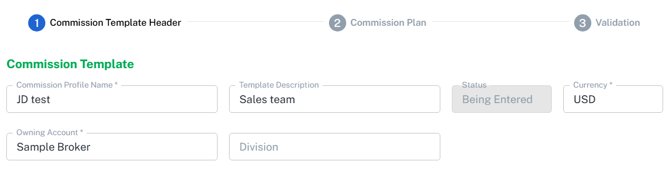
Template Header:
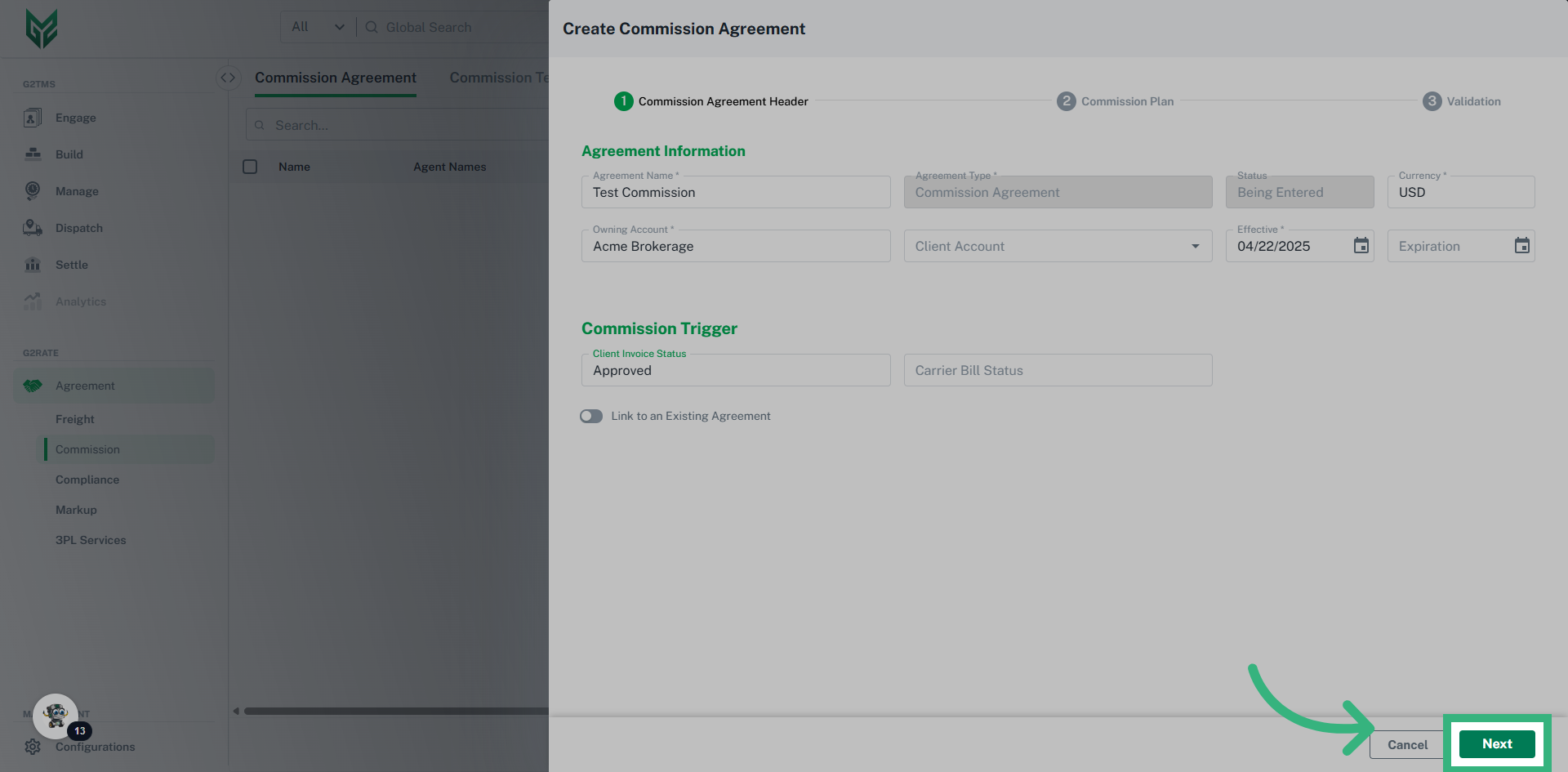
- Commission Profile Name: Utilize a unique name that provides a clear description
- Template Description: Provide further detail identifying specifics of the Template
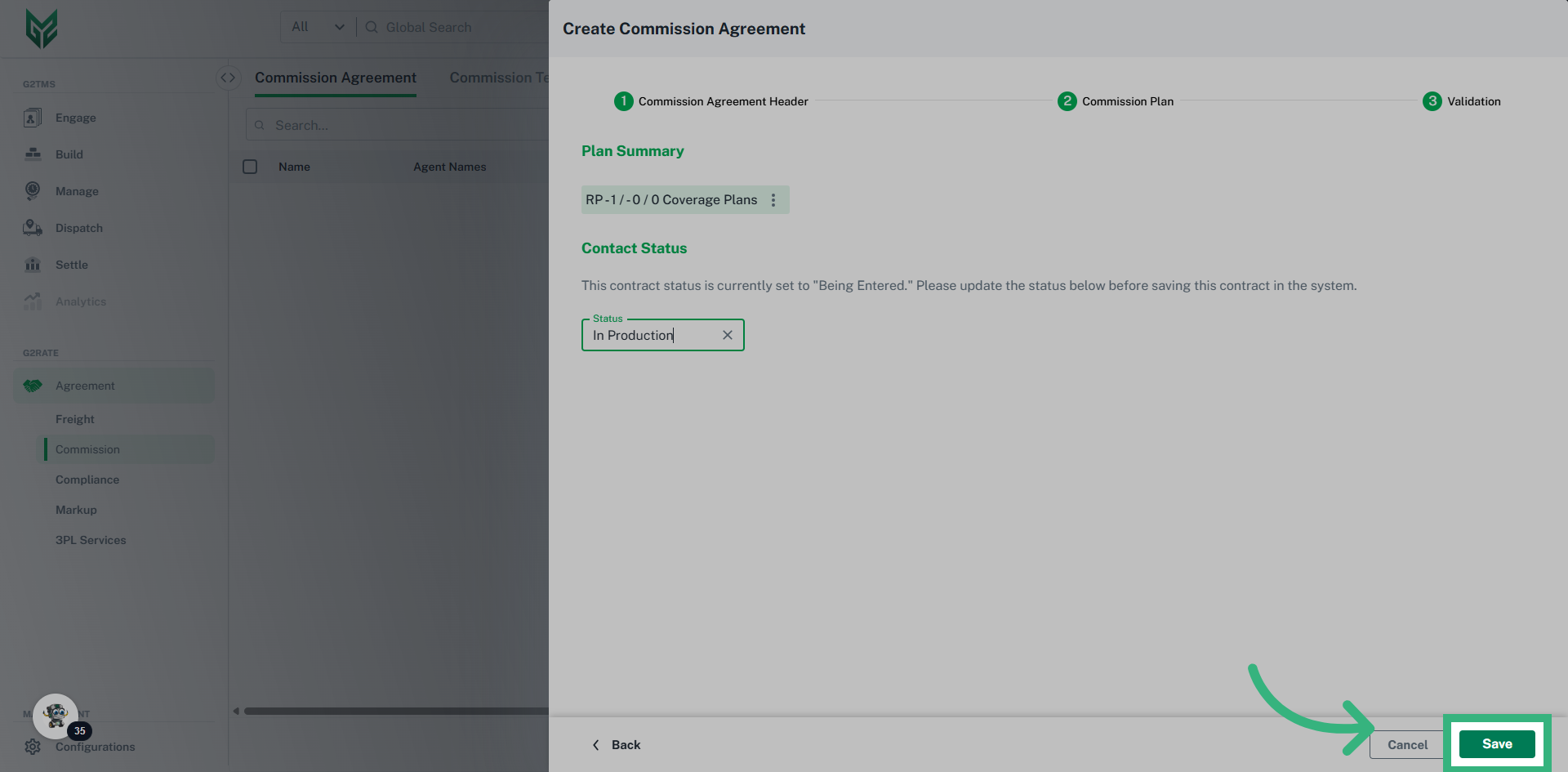
- Status: Utilize “In Production” to have plan available for use. This field is editable in the Validation step
- Currency: Default is US Dollars
- Owning Account: Options from the dropdown will only include Shipper/Brokers accounts associated with the licensed User.
- Division: If an owning account has divisions, they will appear in this dropdown.
Template Plan Overview:
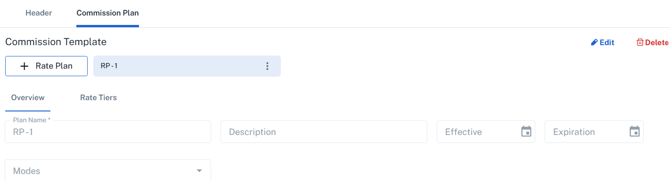
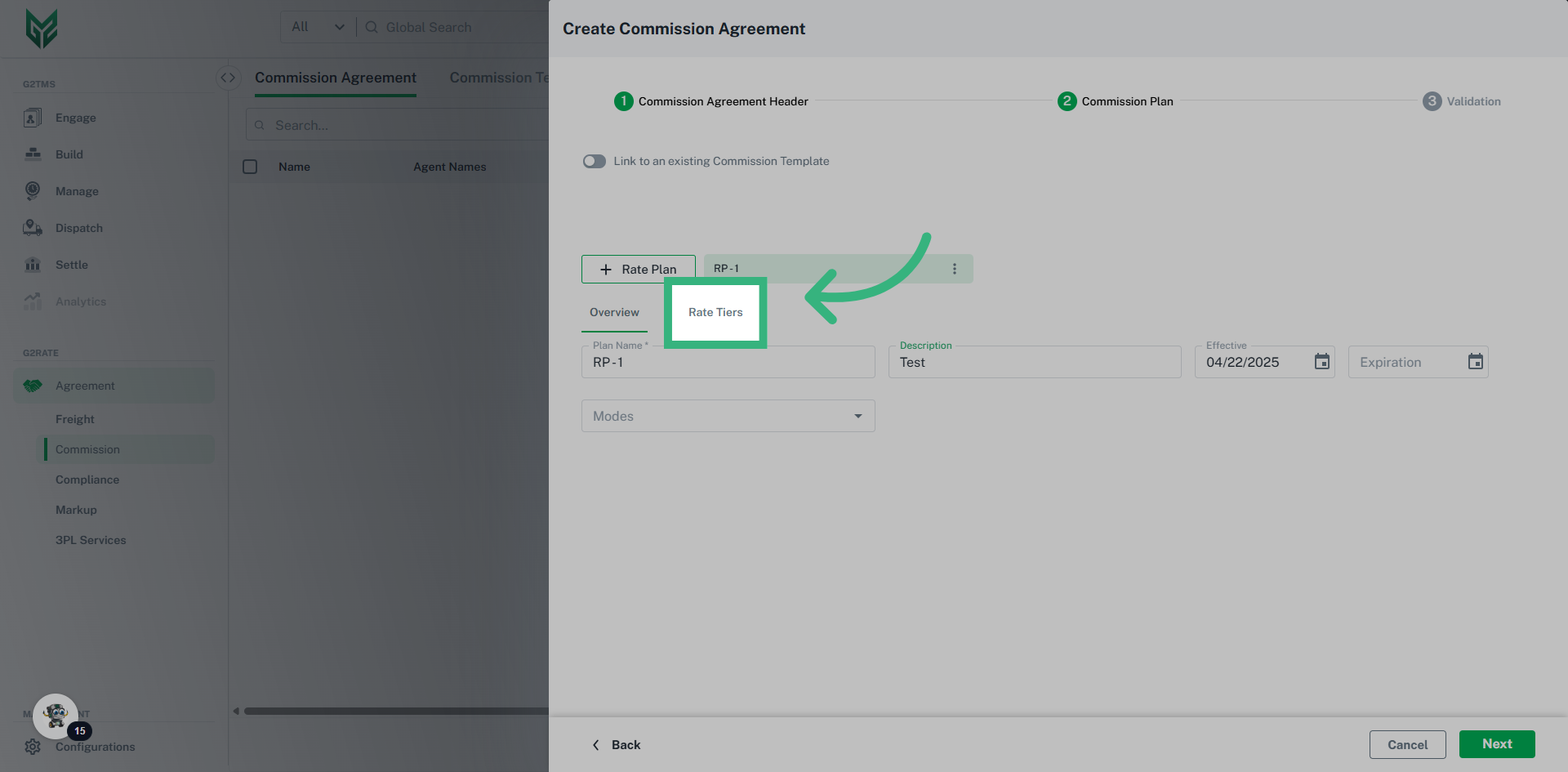
- Plan Name: Provide a unique Commission Plan name to easily recognize the functionality
- Description: Provide additional information that is only viewed by the internal team
- Modes: If plan is Mode specific, select one, or multiple modes to assign a plan
Template Plan Rate Tiers:
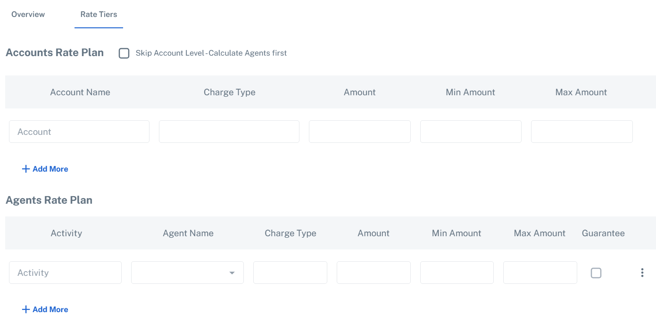
Rate Tiers Terms:
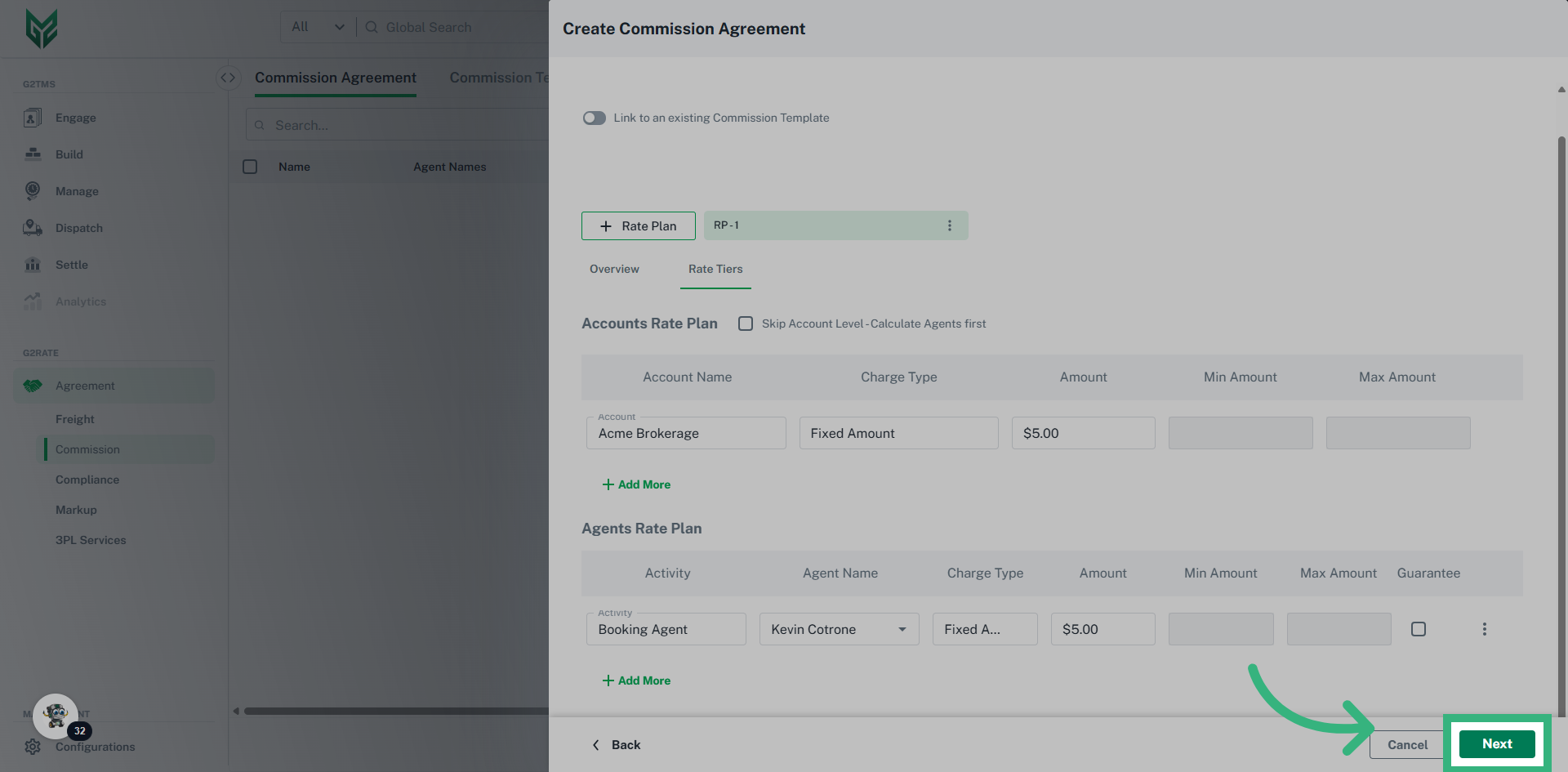
- Accounts Rate Plan: Account Rate Plan refers to the "house." Often times, a Commission Plan ensures that the primary account (the "house) receives their portion, either by percent or fixed dollars amount. Enter the amount given to the primary account here.
- Skip Account Level- Calculate Agents First: Utilize this checkbox if the Commission Plan will pay the Agents regardless of the "house" receiving their cut.
- Agents Rate Plan: Select the "activity" that triggers the commission plan. Then select “agent” only if this plan is specific to a particular agent (Leave blank if it only applies to a group, for example, Sales). Utilize the ellipsis (three dots) if the assigned agent is then "sharing" their cut with another associate.
Template Validation: Commission Agreement Template Validation provides a Plan Summary as well offering the ability to update a Status of the contract.