Last Updated: April 15, 2025
Applies to:
Shippers, Brokers, Carriers
Solution Overview:
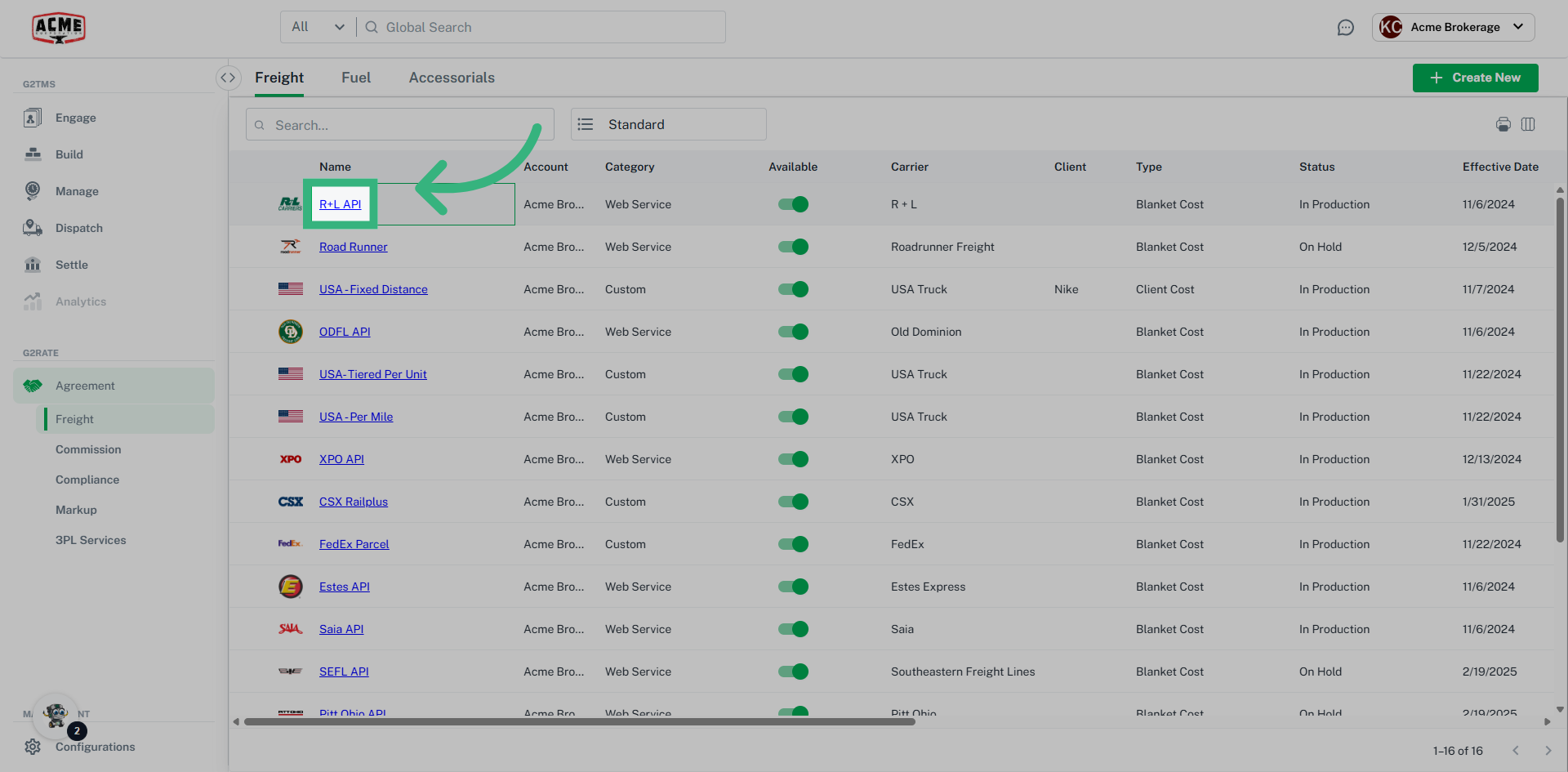
Freight Agreements serve as the essential foundation of the Rating Engine; without them, it is impossible to generate any rates. A Custom Freight Agreement (not API enabled) offers significant flexibility, allowing for the accommodation of various transportation modes, services, equipment types, geographical coverage, and packaging requirements. These Custom Agreements are not only utilized for formal contracts with carriers but can also be established to serve as benchmark or baseline pricing models. Web Service agreements can communicate in real-time via API calls, providing immediate Rates, ensure real-time visibility, and automate daily tasks.
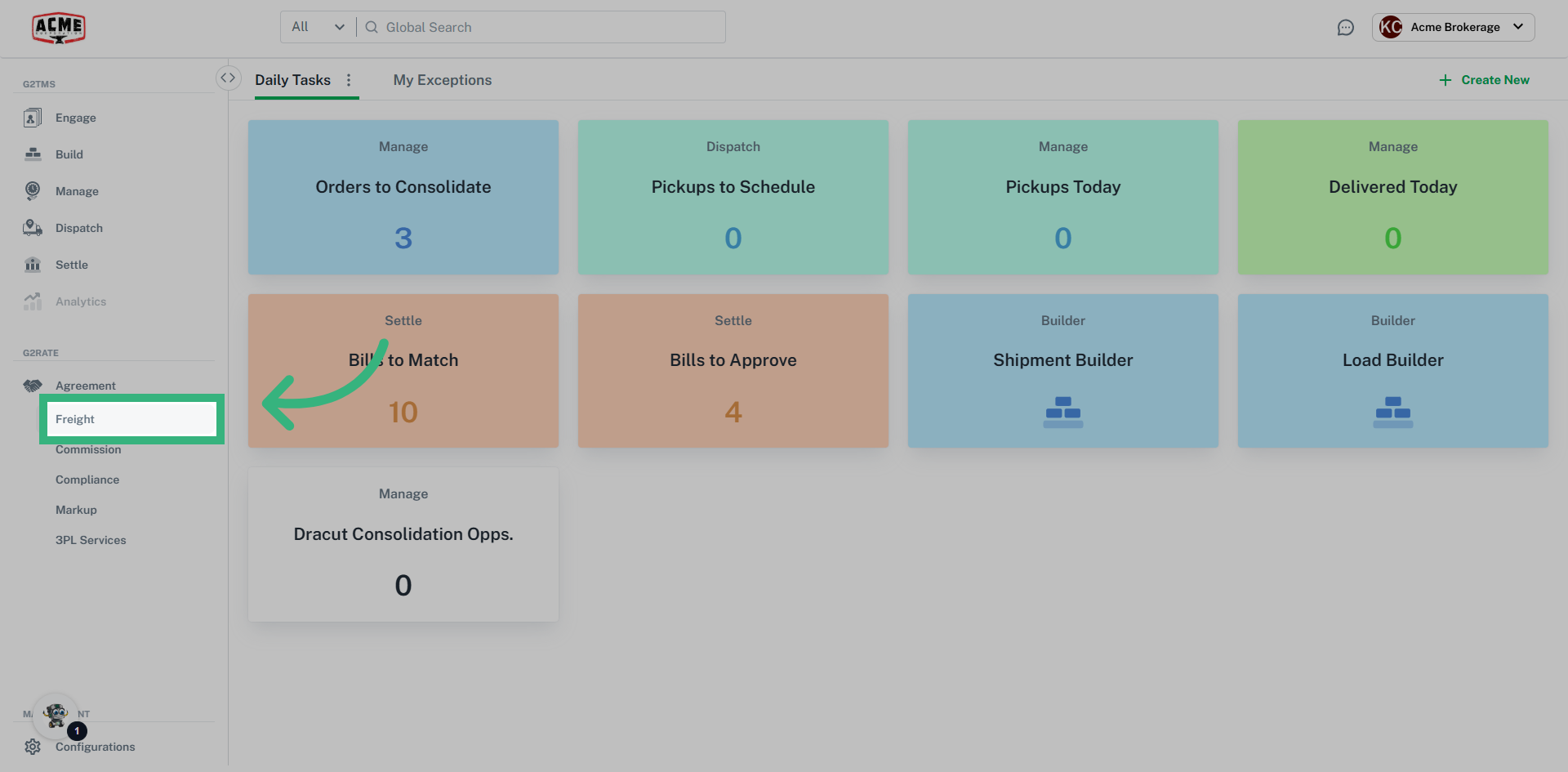
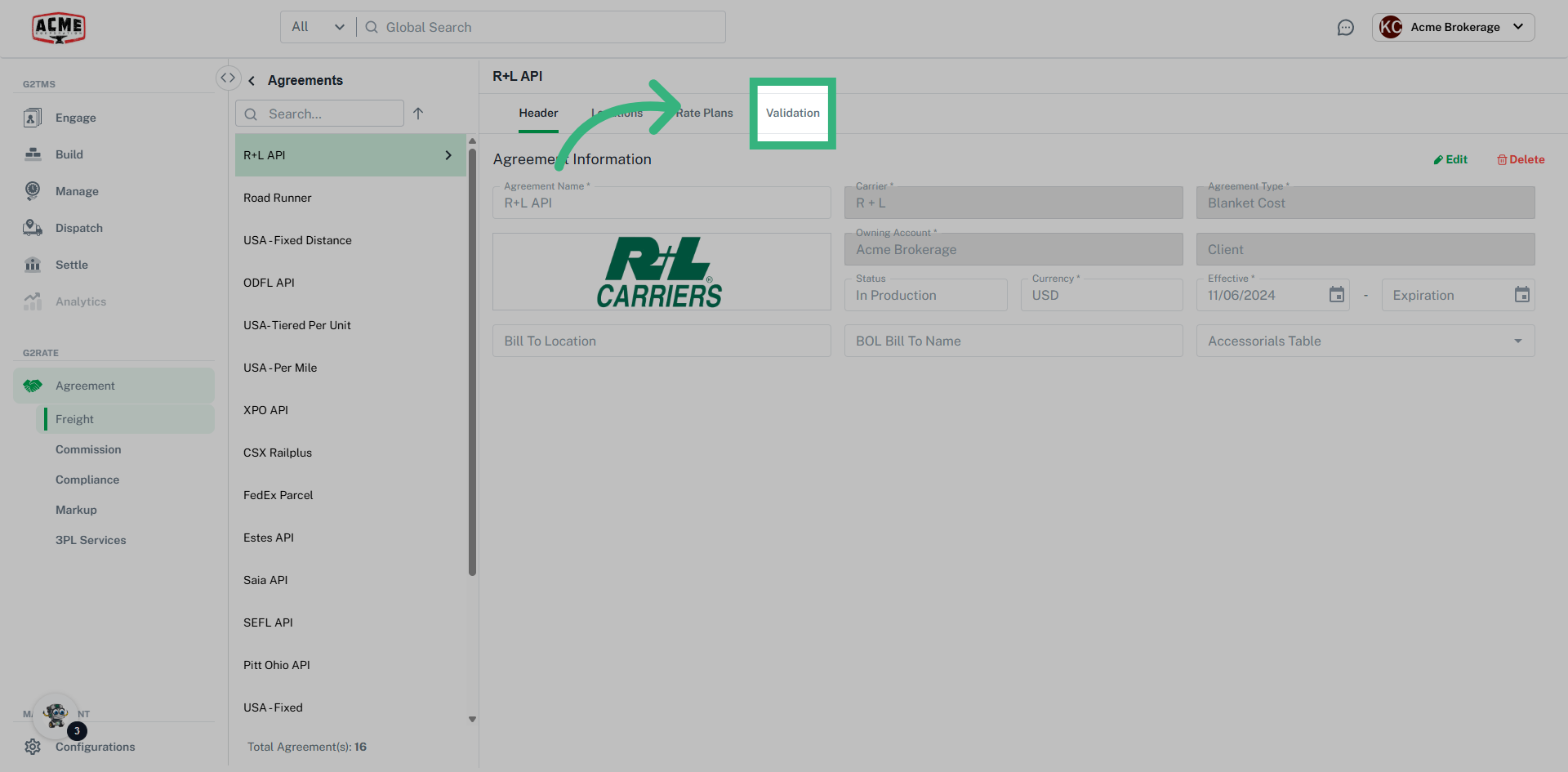
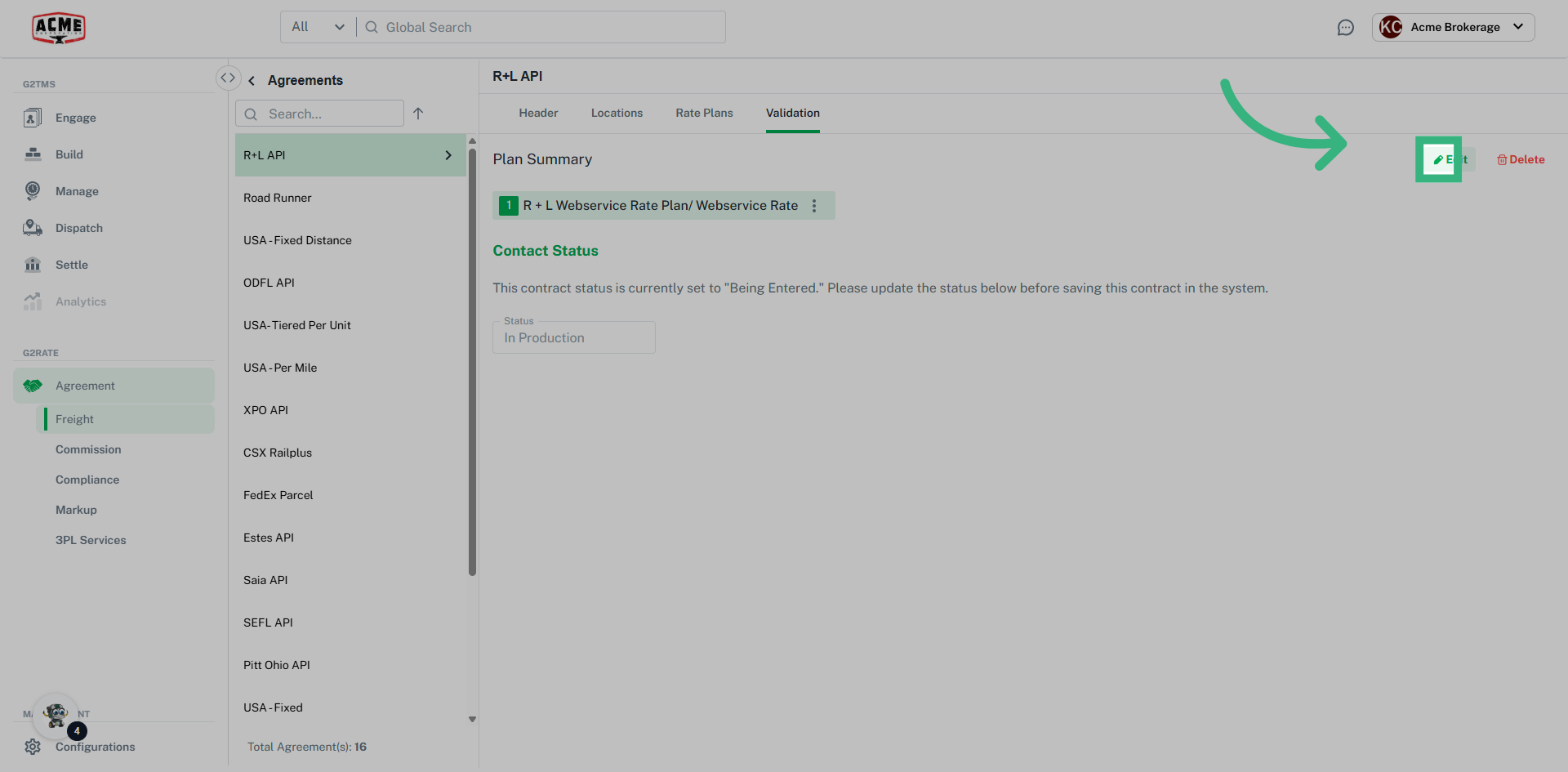
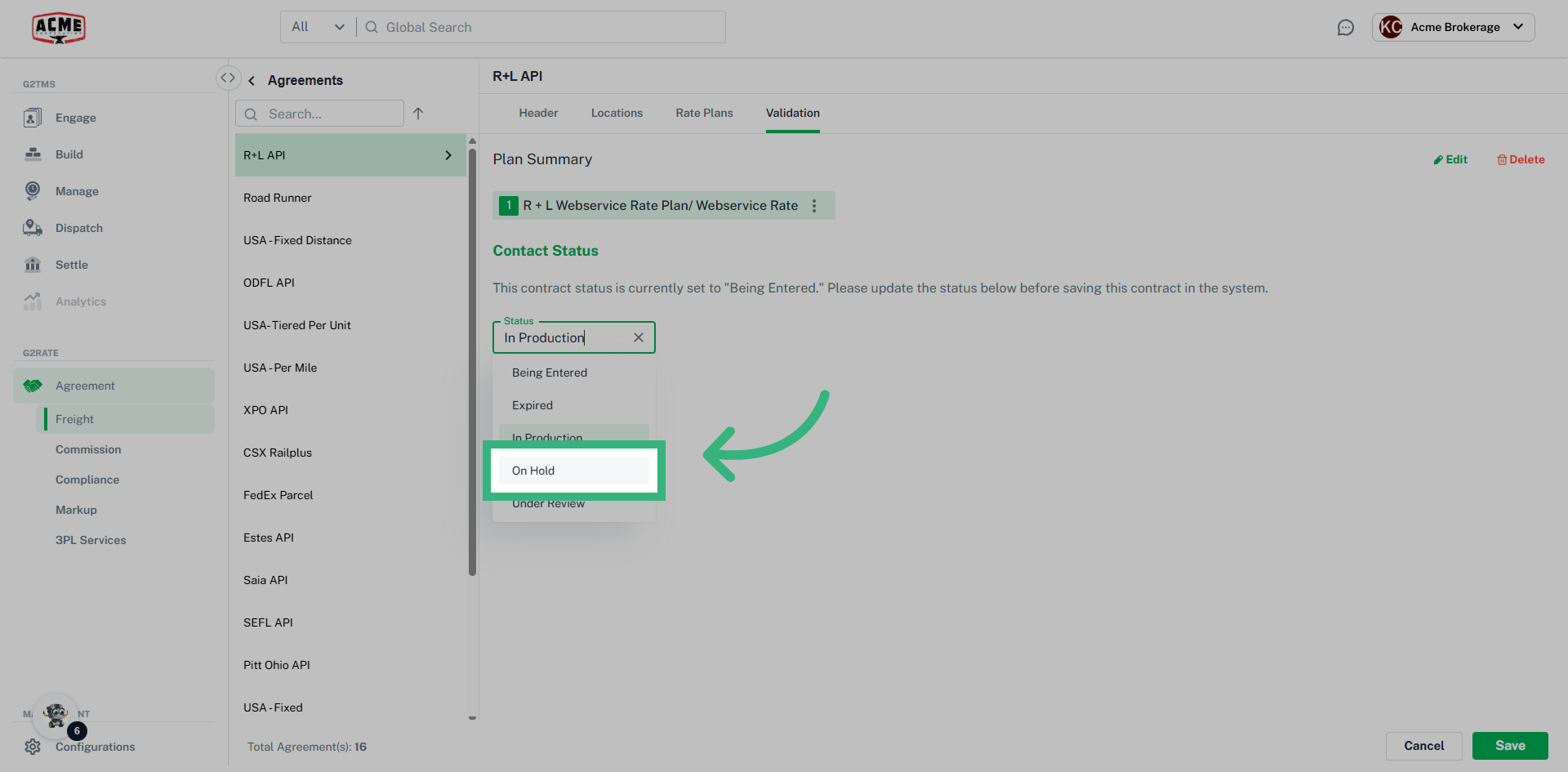
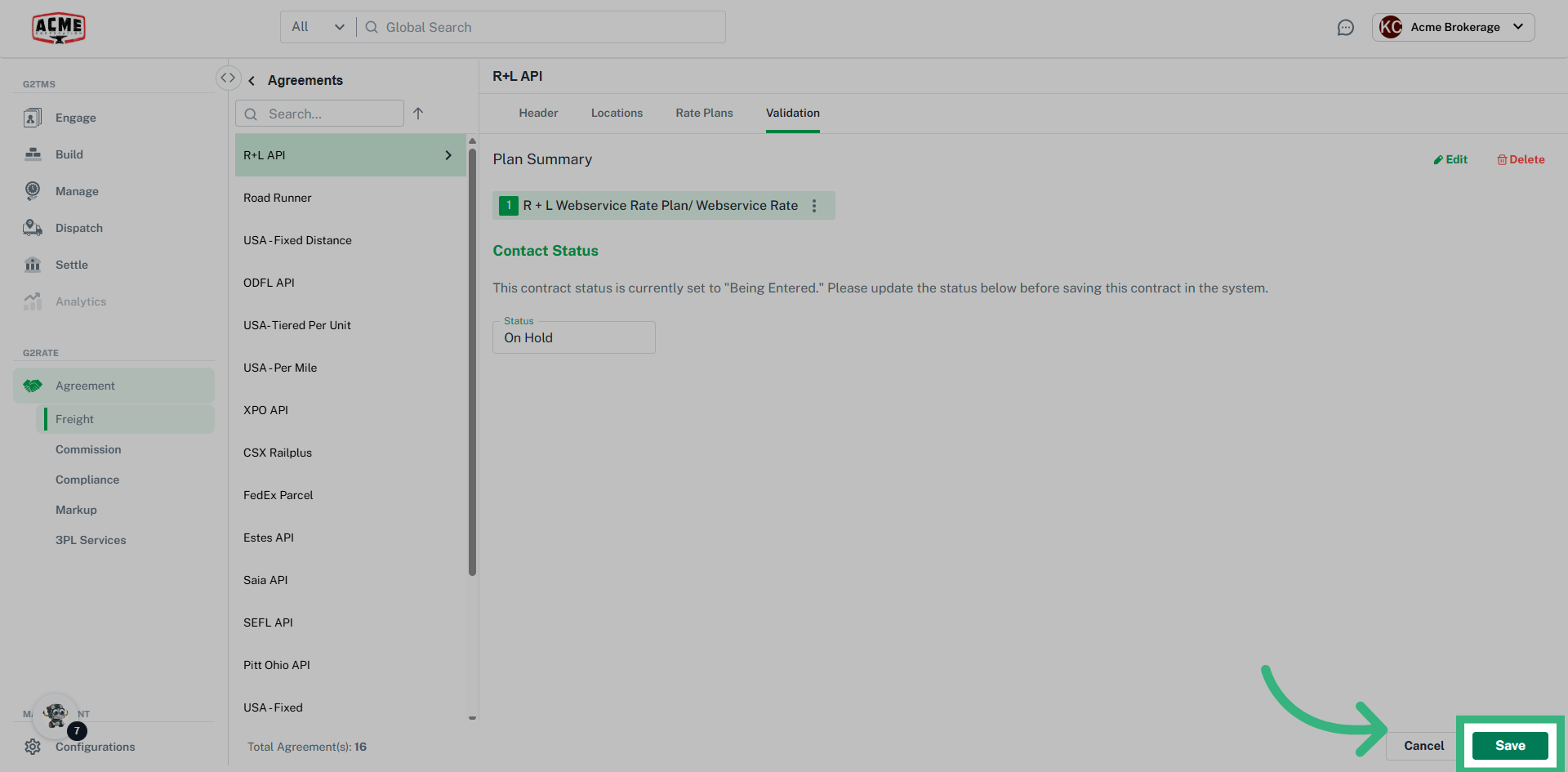
Validation in Freight Agreements allows to check/update status of an agreement, whether it is In Production (active), Expired, On Hold, Under Review, or Being Entered.
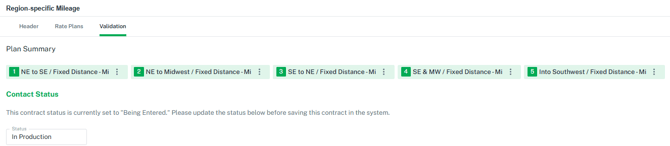
Additionally, the Plan Summary in Validation lists the multiple plans associated with an Agreement. Often times, the order of Plans does matter. Once a plan produces a Rate, the system will not keep searching. In the image above, if Plan 1 provides a Rate, the system will not view Plans 2-5. If you want ALL rates to return, activate the Return ALL qualified rate plans toggle in the Header section.