Last Updated: April 19, 2025
Applies to:
Shippers, Brokers, Carriers, and Partners
Common Scenarios/Challenges:
The Engage Account feature enables users to establish an entity within the Licensed Account of the TMS, representing an organization or company that will engage in various transactions within the system, such as shipments and settlements.
Engage Accounts can take on several personas, including:
- Broker
- Shipper
- Carrier
Each type of Engage Account is responsible for managing its specific attributes, including profiles, credit ratings, compliance, and capabilities. Furthermore, every Engage Account can have unique preferences and system settings tailored to its needs. In the G2M TMS, it is mandatory for each Engage Account to have at least one Location (typically designated as a Billing location) and one Contact (which includes a name and email address).
Solution Overview:
Once an Engage Account is created, all relevant information linked to that account will automatically populate in the application wherever applicable.
Services & Capabilities in Engage allows users to manage specific coverage areas, modes or services to be assigned to an account. These options do differ based on their persona: Broker, Shipper, Carrier or Payment Service. This can allow desired information to be visible to other G2Mint users, if desired, to increase networking capabilities.
How to Create an Engage Account:
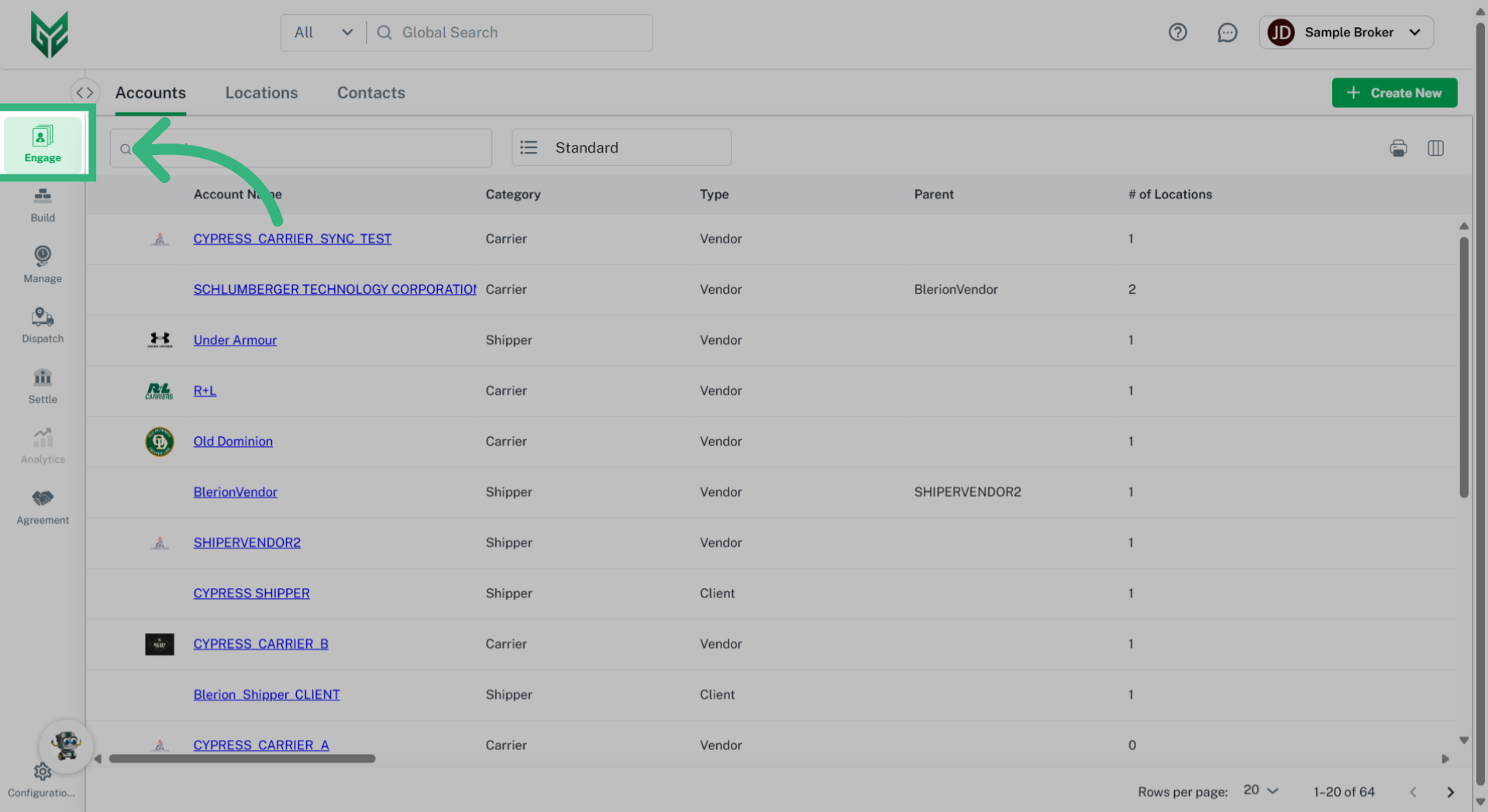
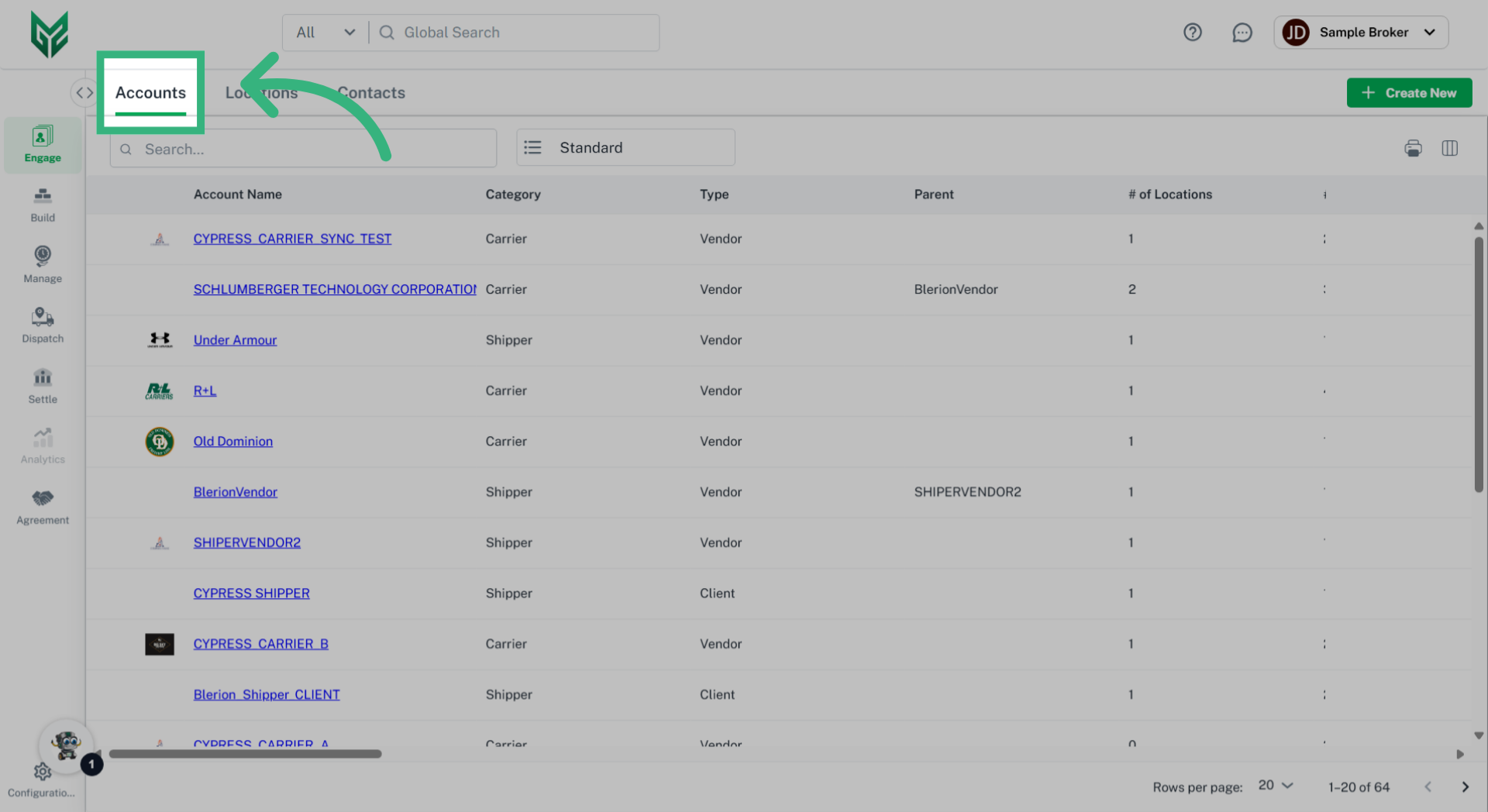
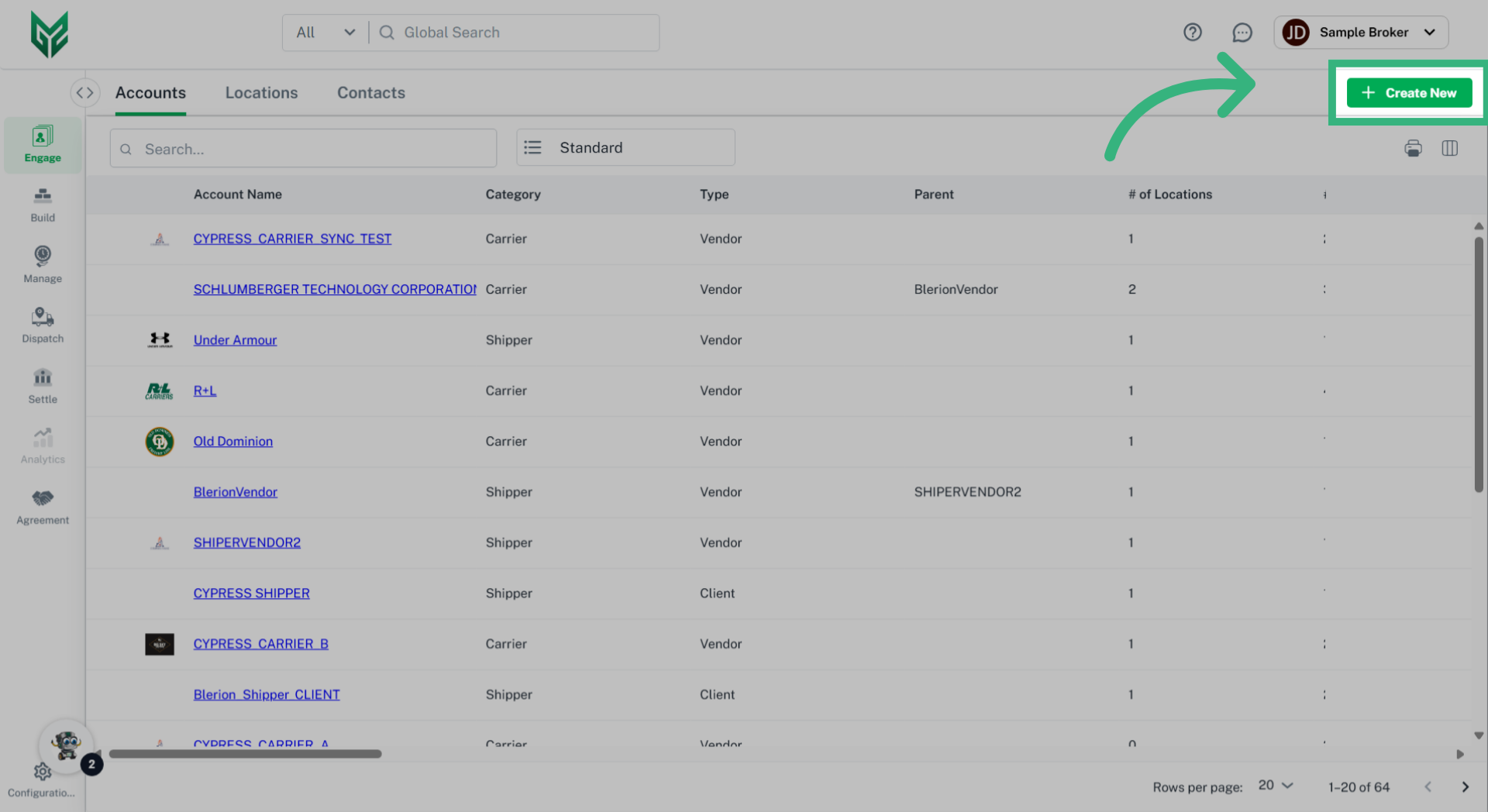
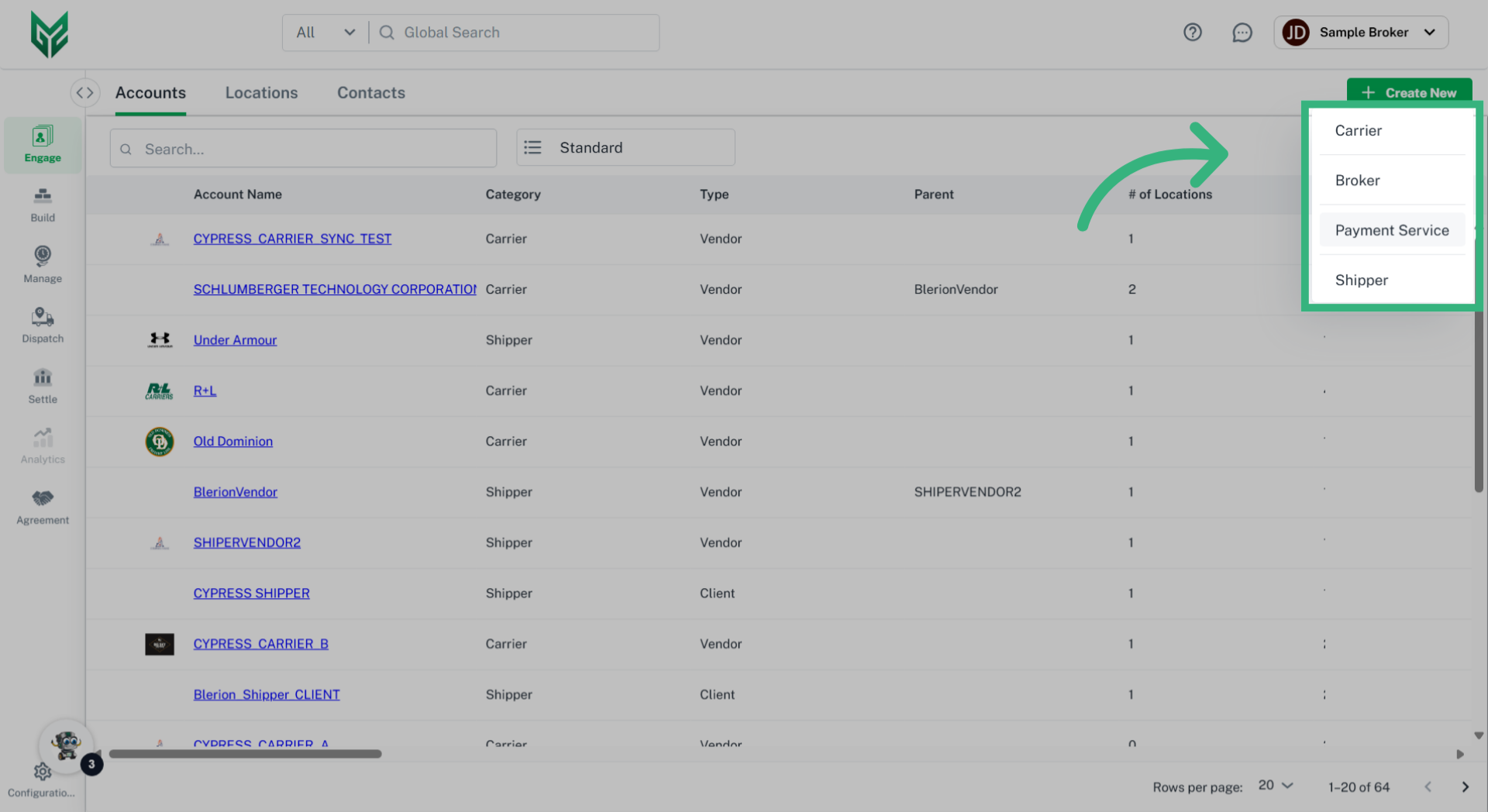
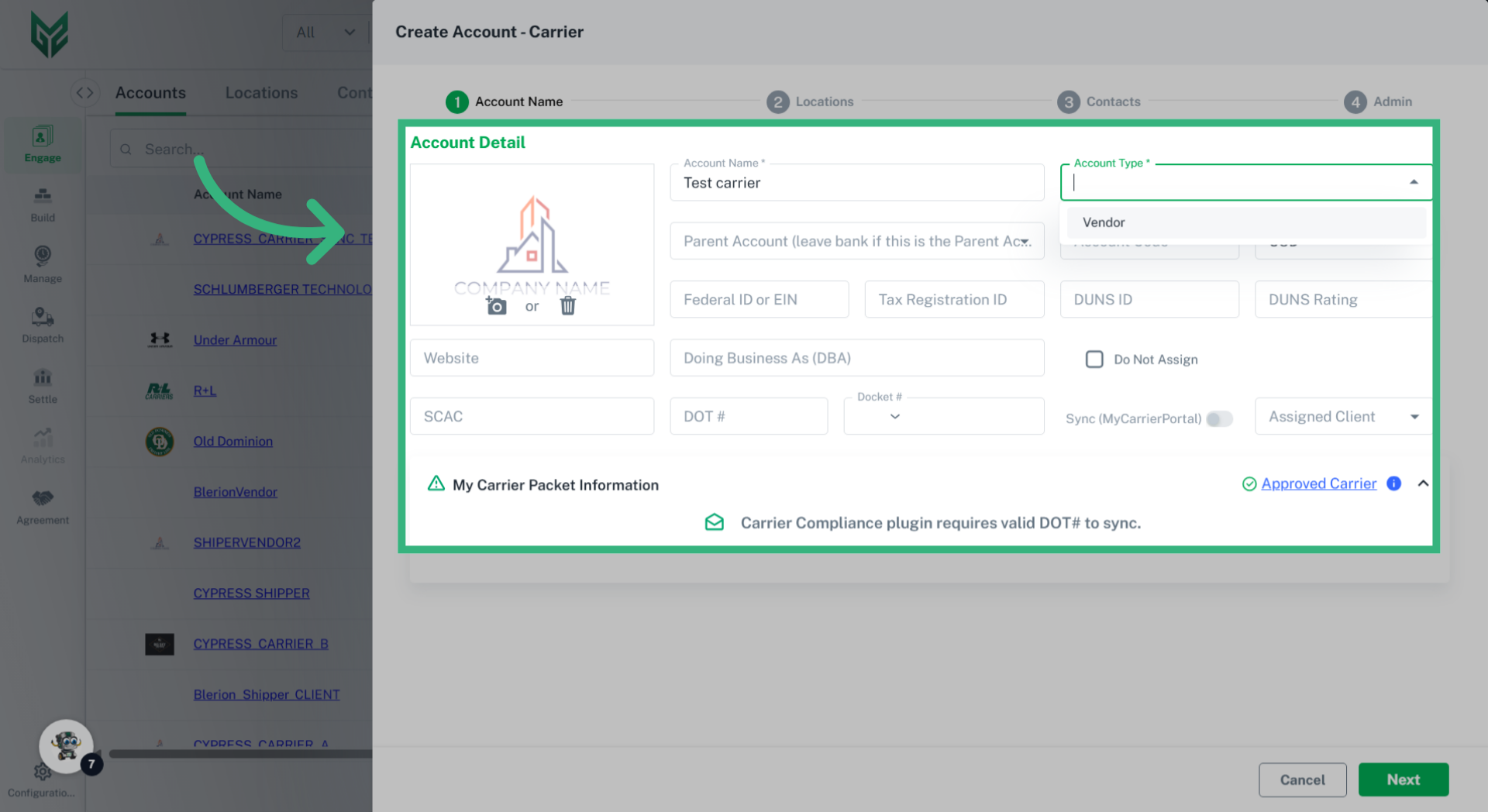
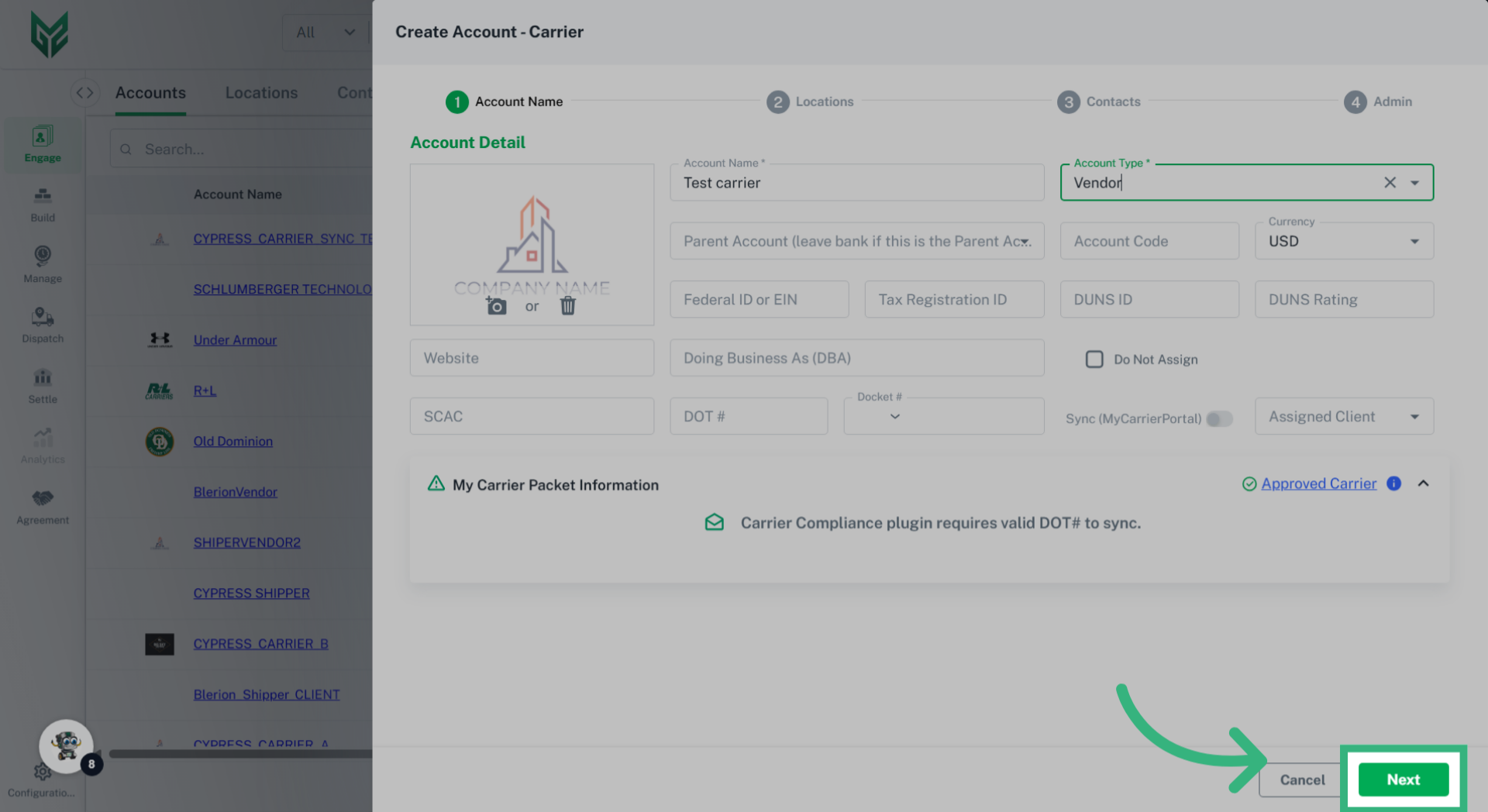
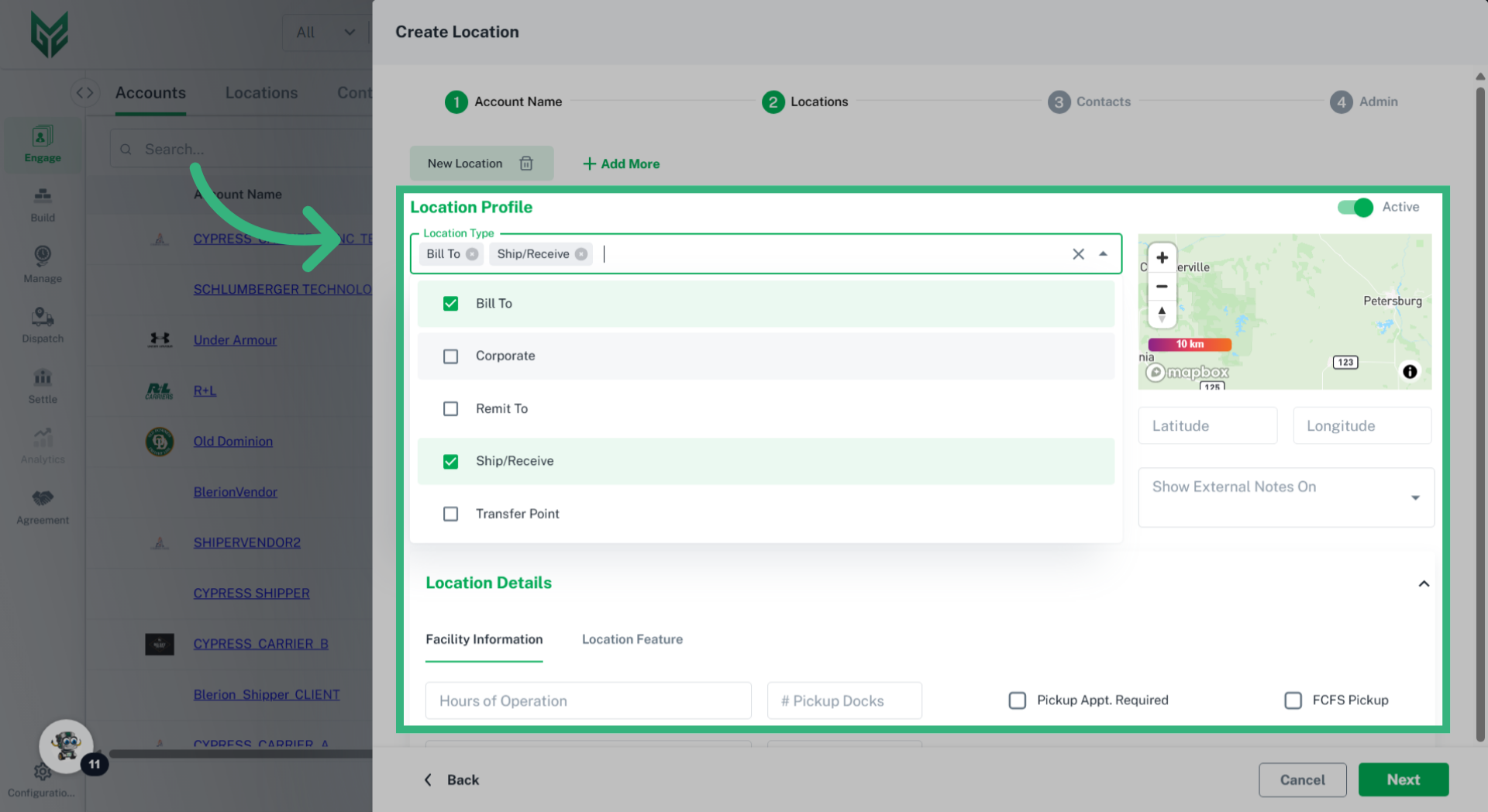
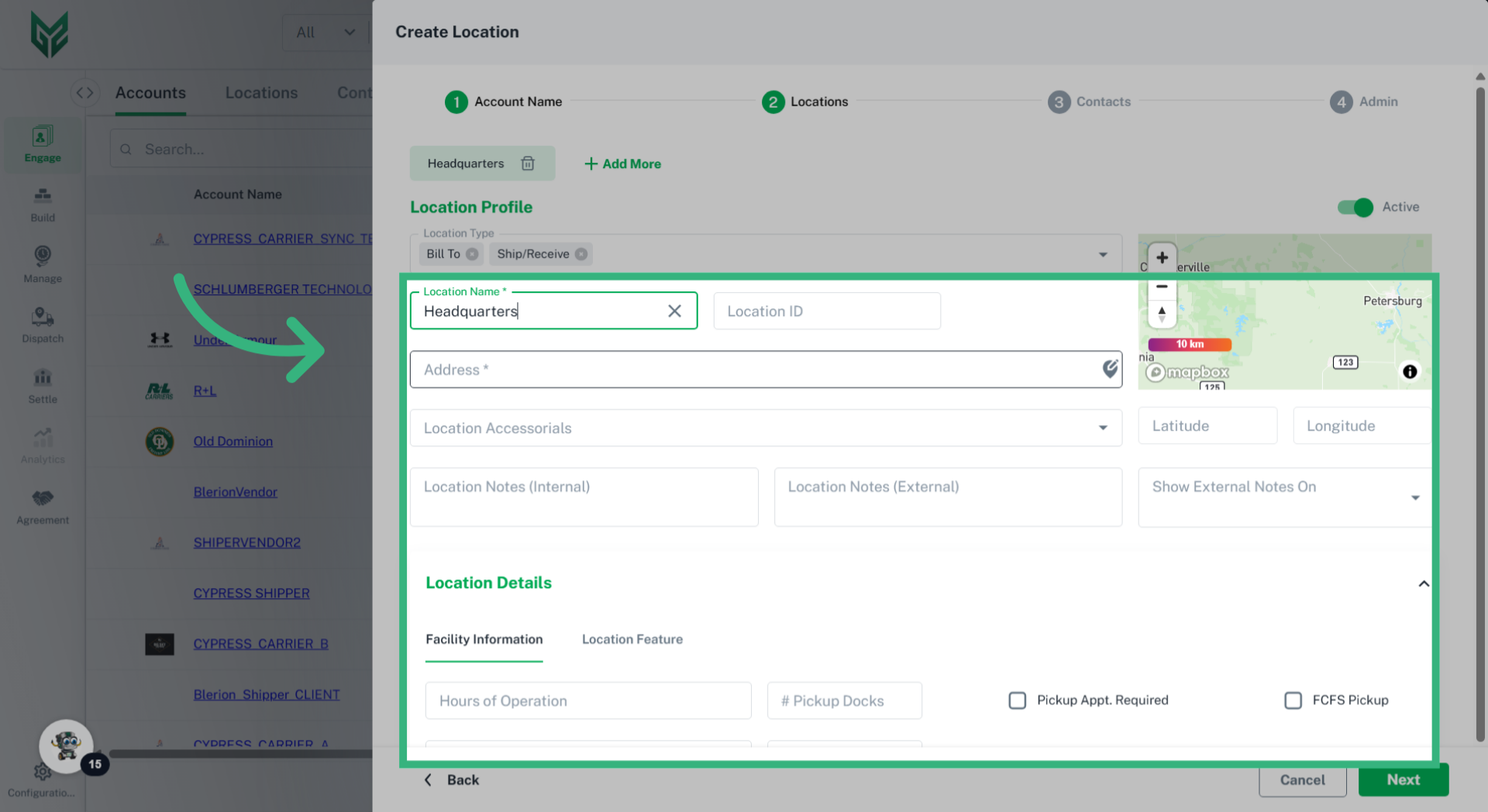
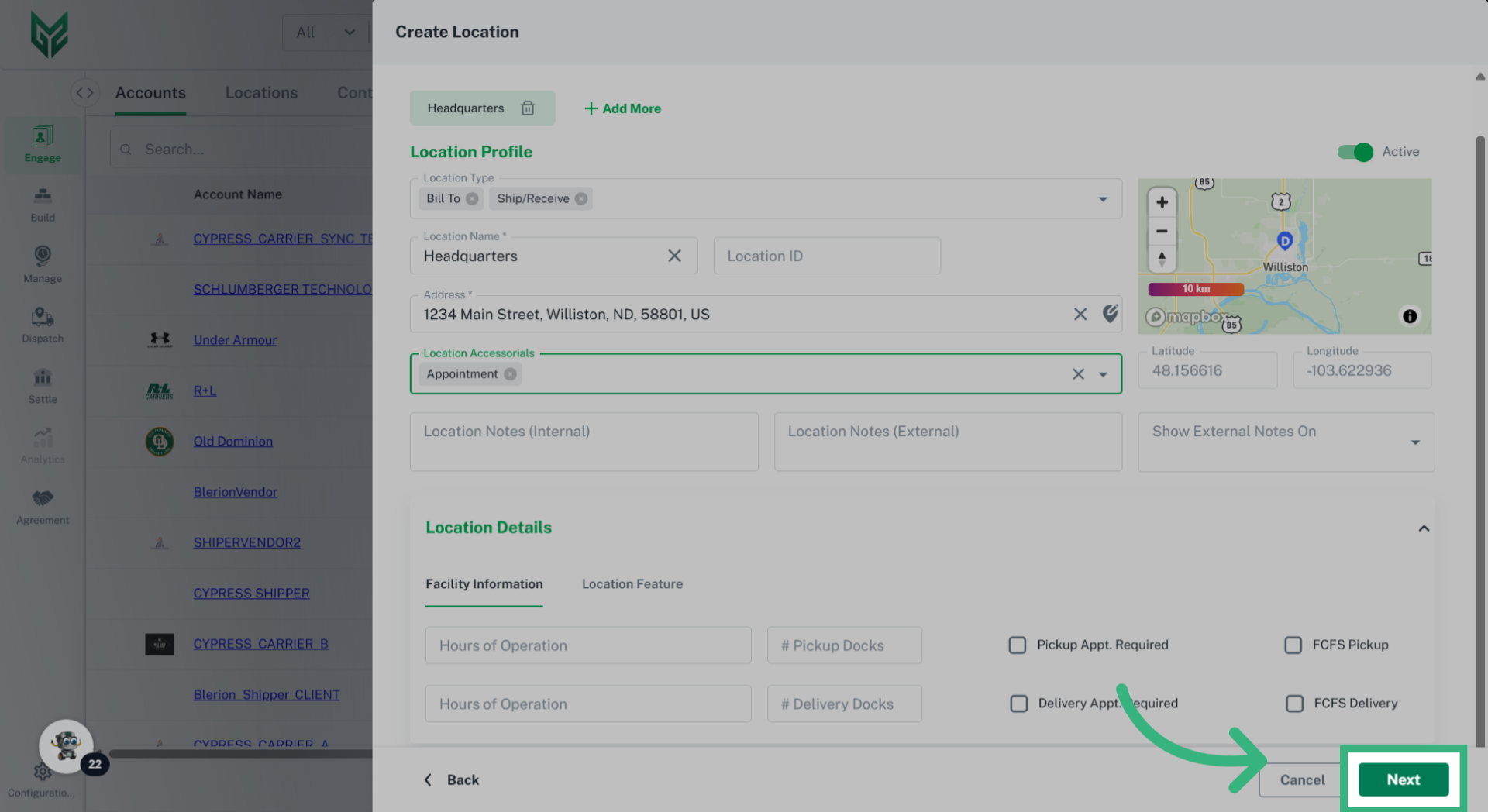
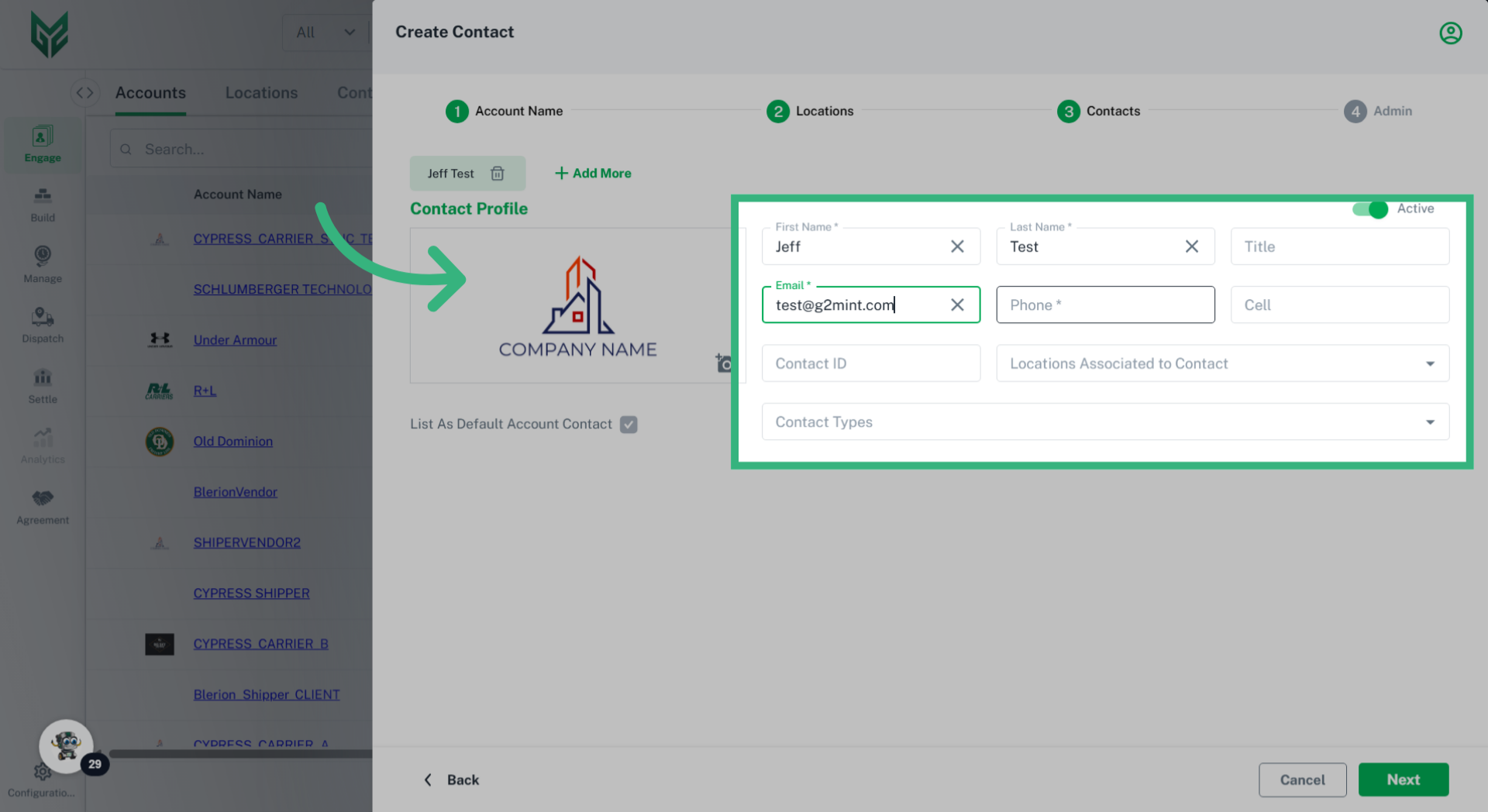
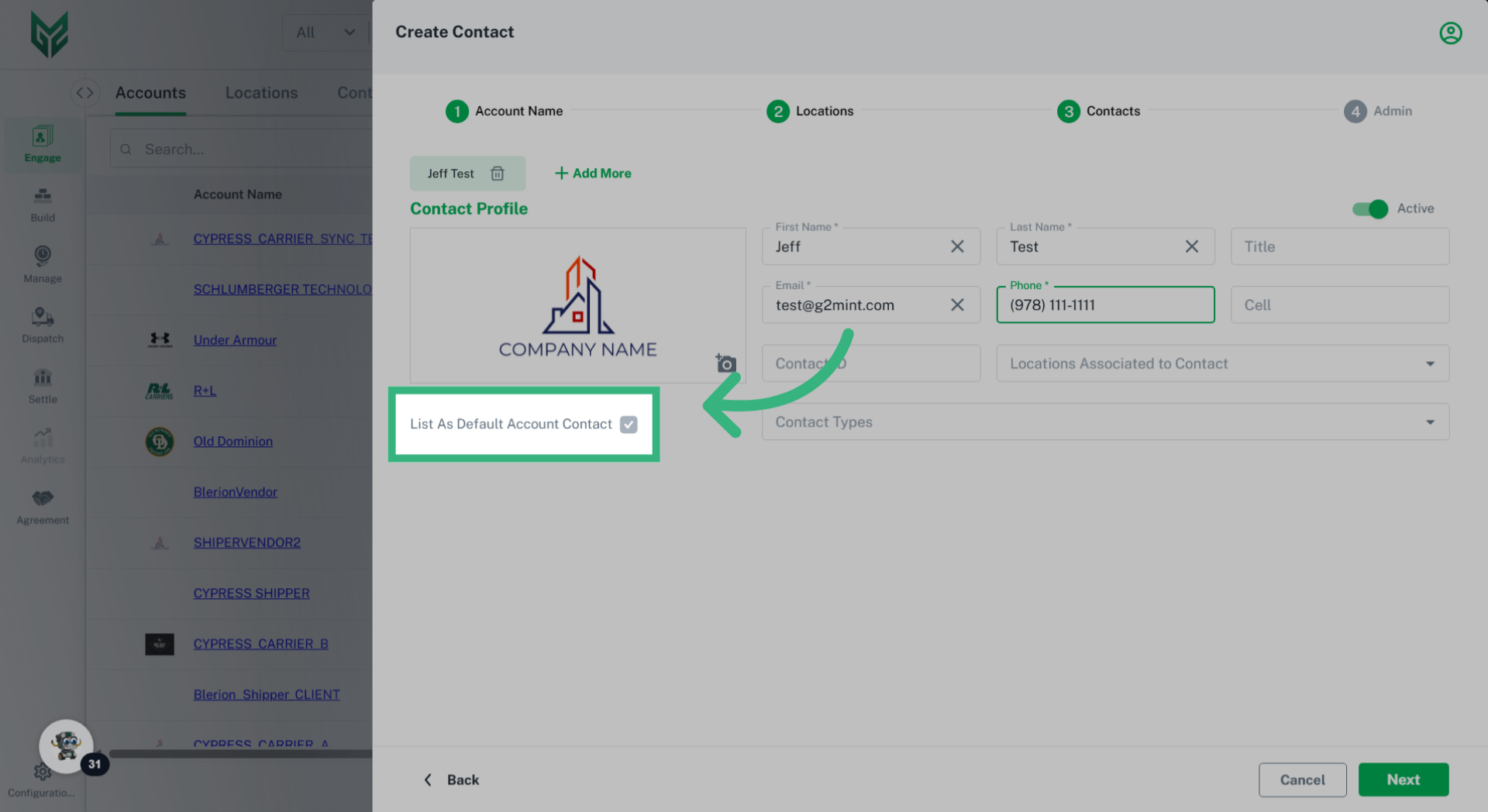
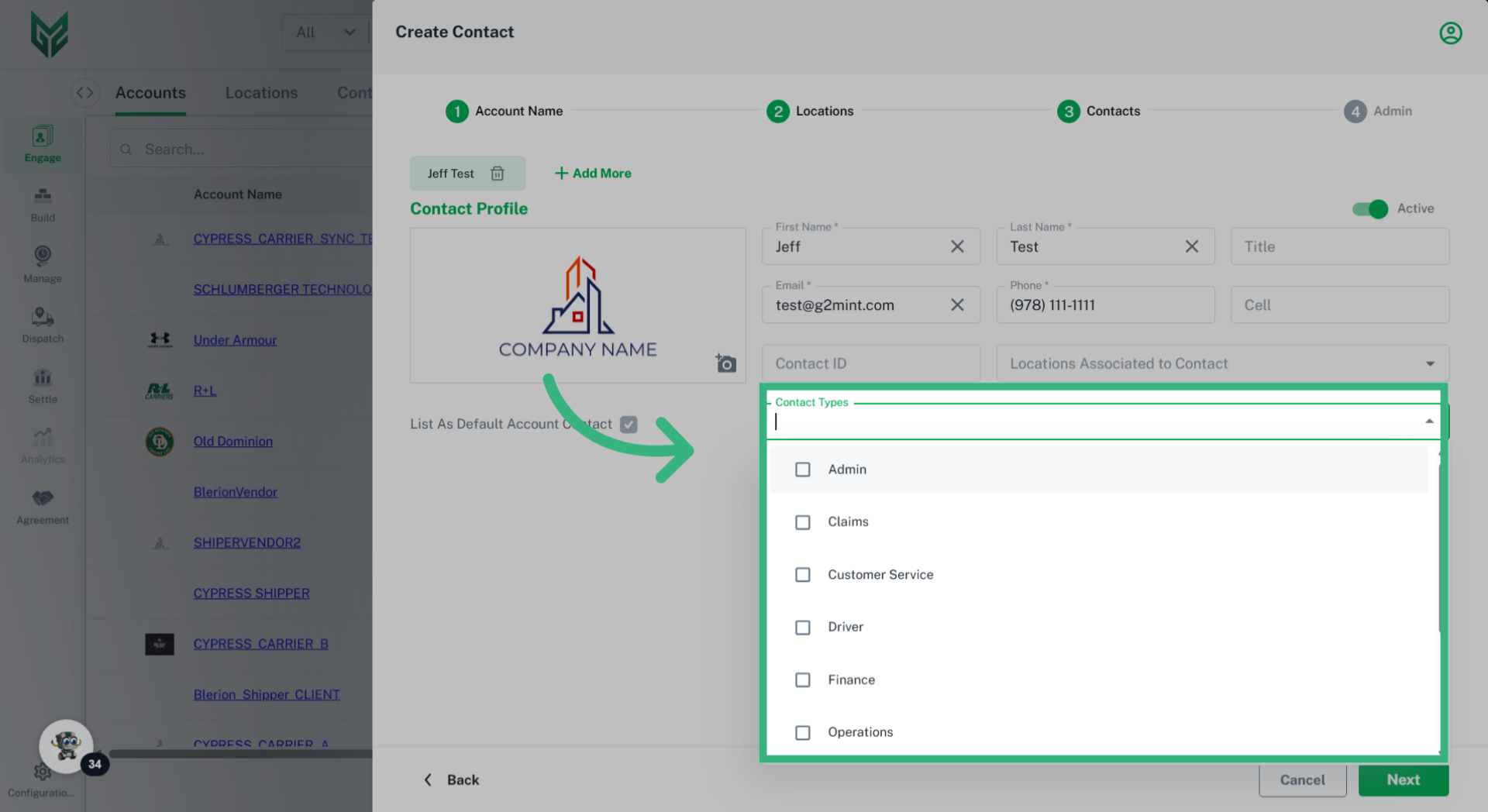
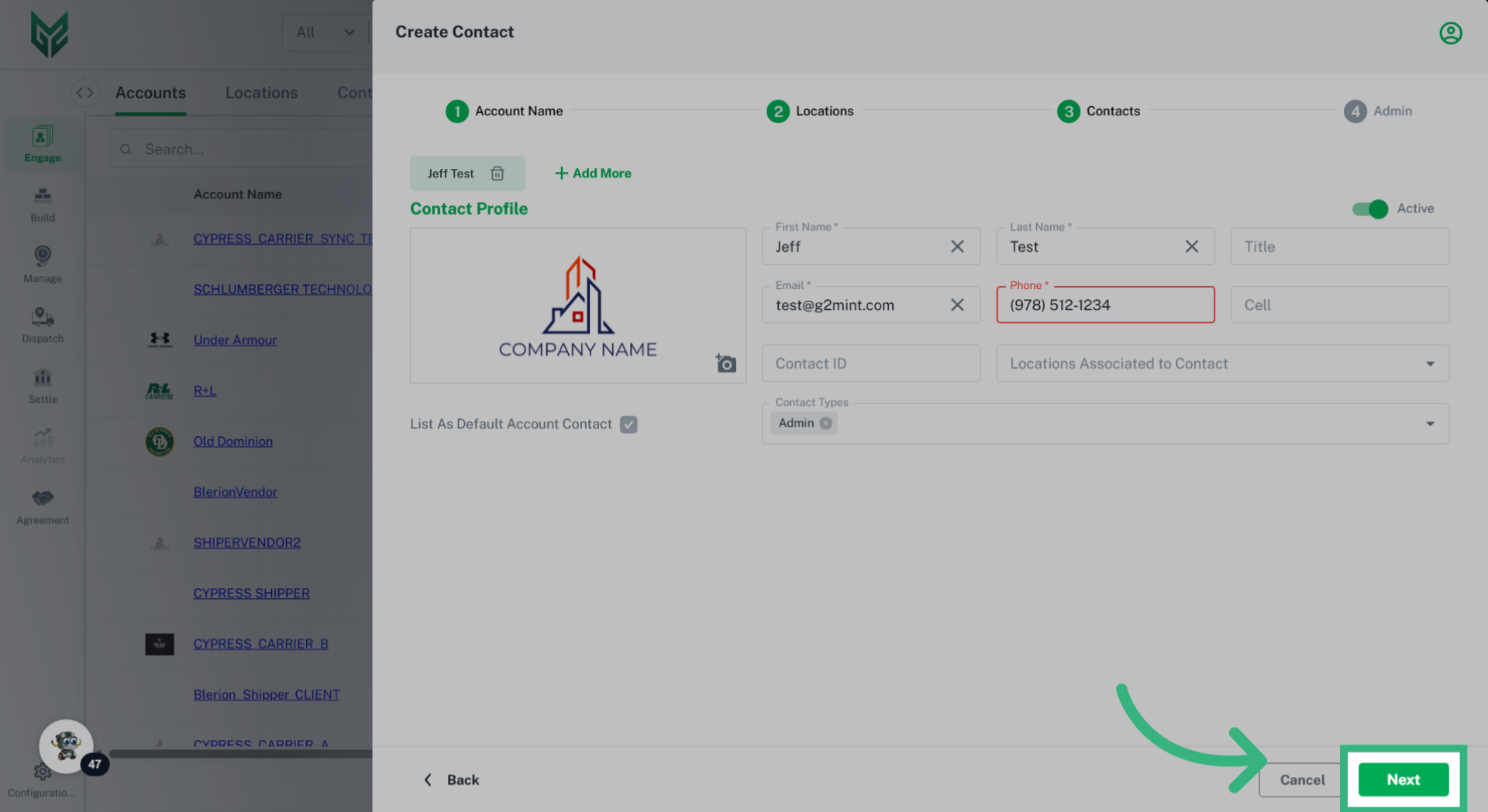
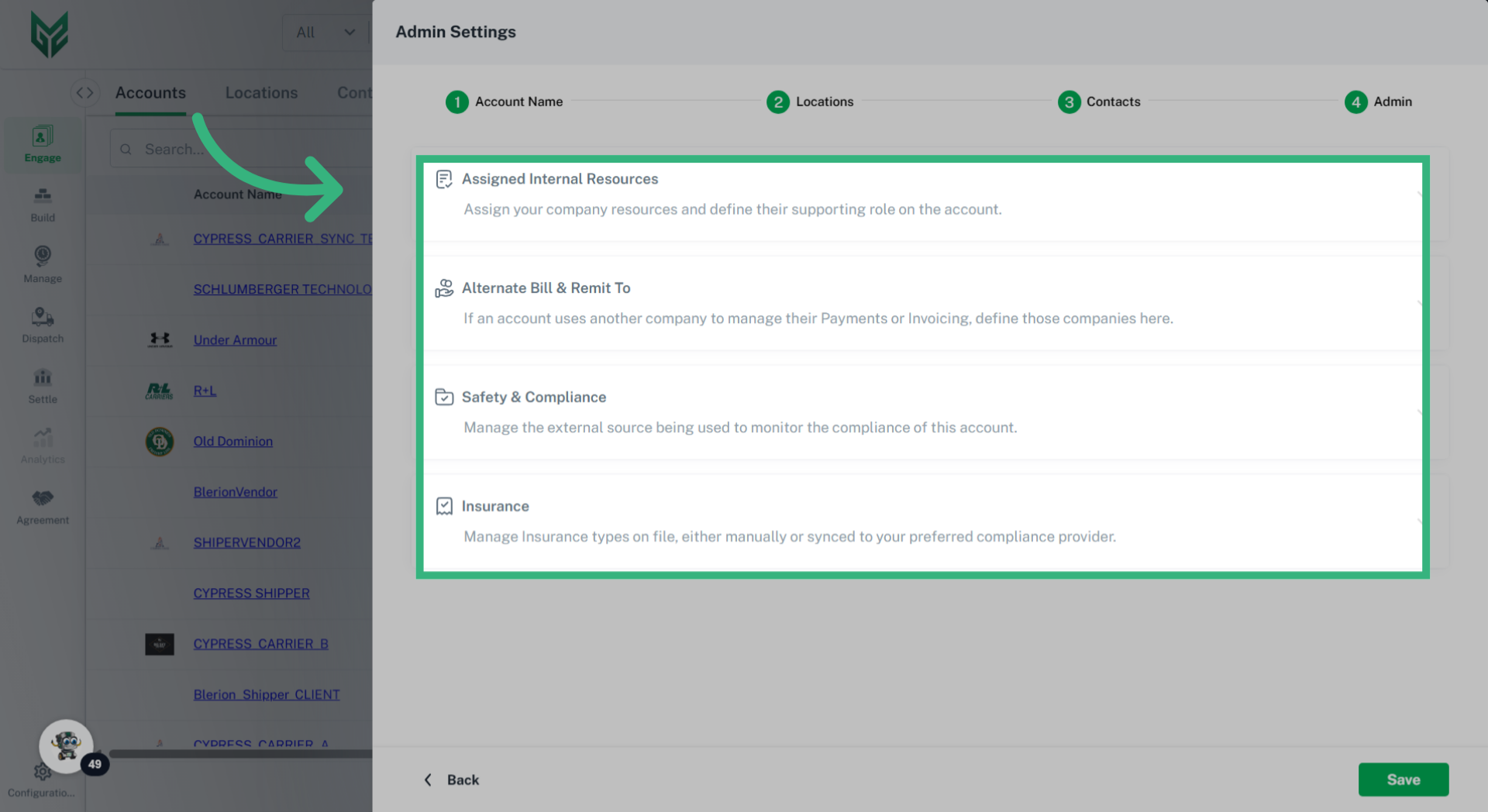
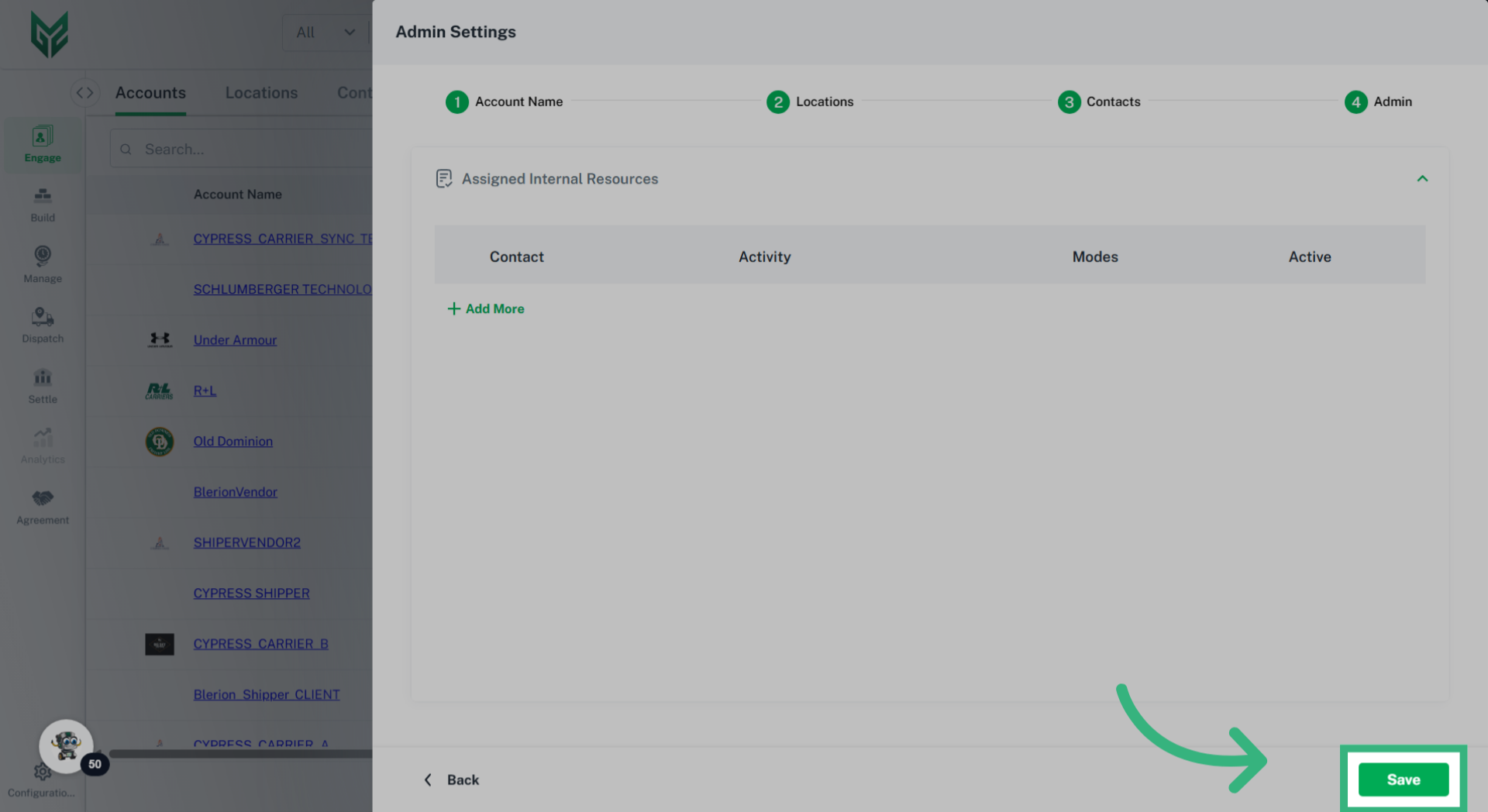
Options include:
- Coverage: Define specific geographic hierarchies (coverage areas) of the service areas you operate in, enabling you to identify preferred lanes for using a spot provider. The preferred lanes designation becomes particularly helpful to limit the number of Spot Carriers available, allowing you to only see those who specialize in the lane.
- Capabilities: Identify any Equipment types supported (for Carrier accounts) or required (for Shipper accounts). For example, if an account requires a refrigerated truck, this would be noted here.
- Available Services: Allows the user to define any service levels & special services as well as the appropriate codes their account may pass to the system as part of the shipment integration.
- Supported 3PL Services: Select additional services that the Account is capable of providing, such as Factoring Services. These elections can be visible to help others discover services offered by this account (opt-in will be required).