How to see what my guest users see in their environment (Impersonate)
Learn how to impersonate a Guest User within the platform.
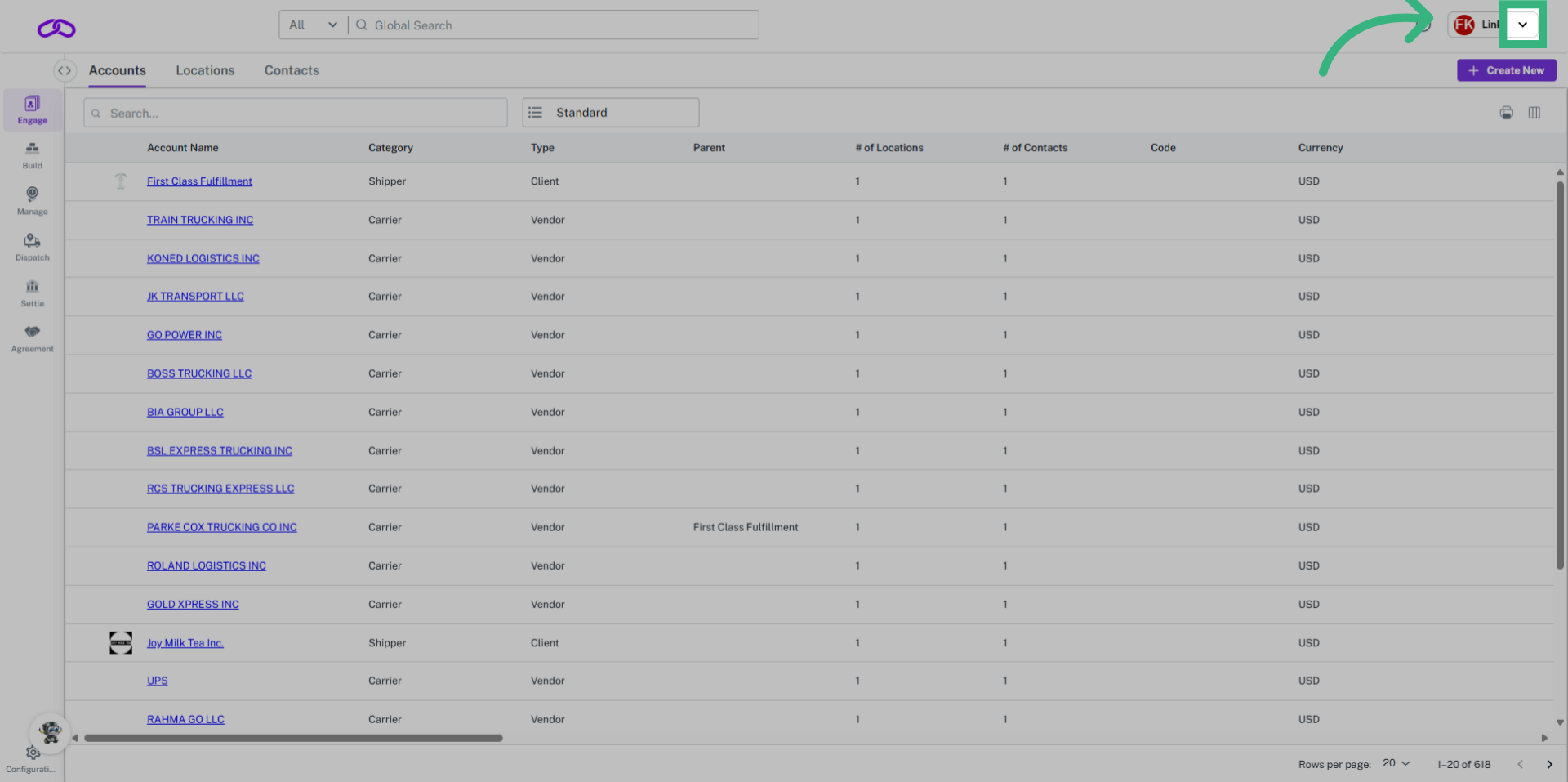
1. Click here
Access the main dashboard to begin managing user accounts.
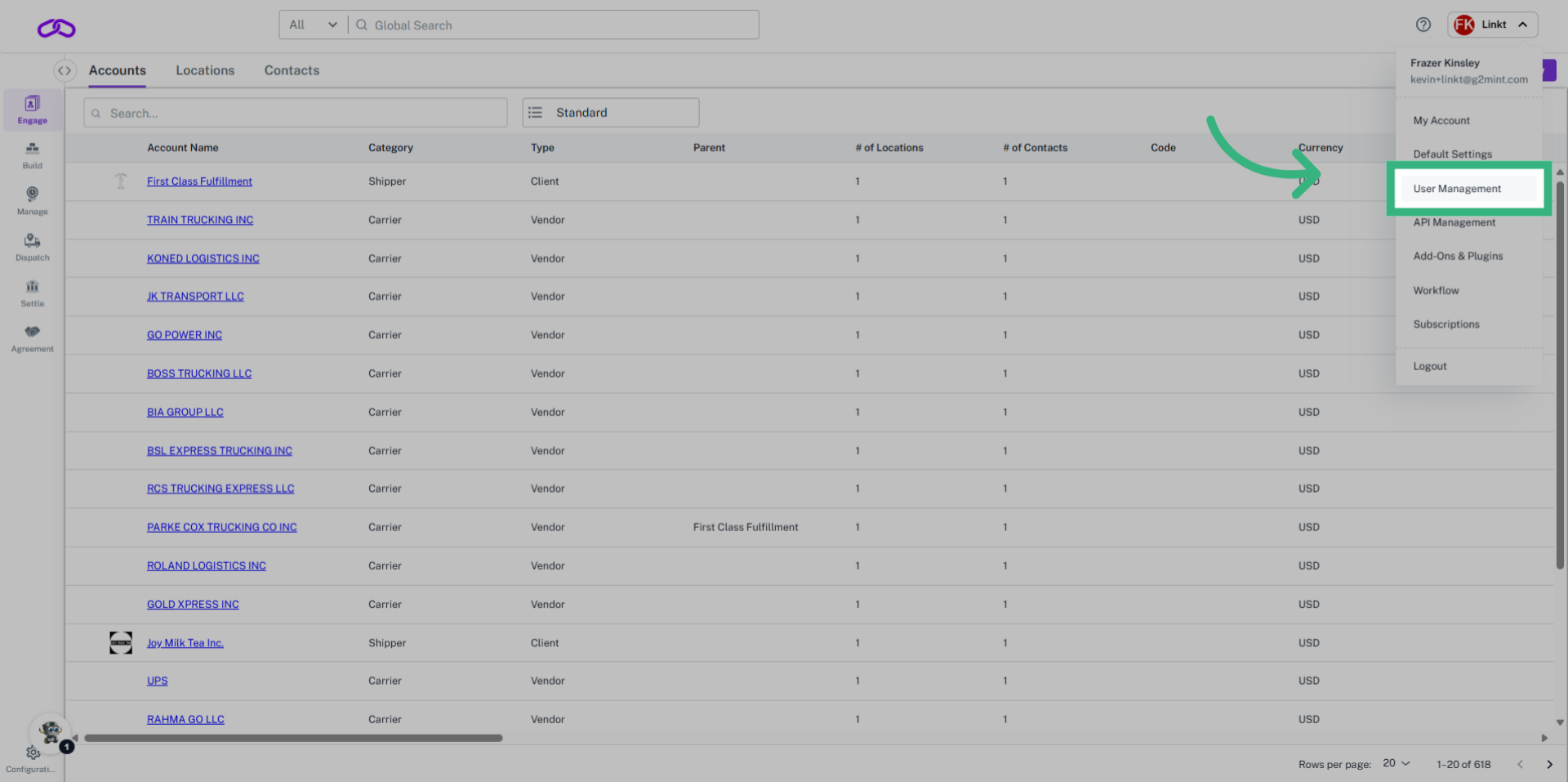
2. Click "User Management"
Navigate to the 'User Management' section.
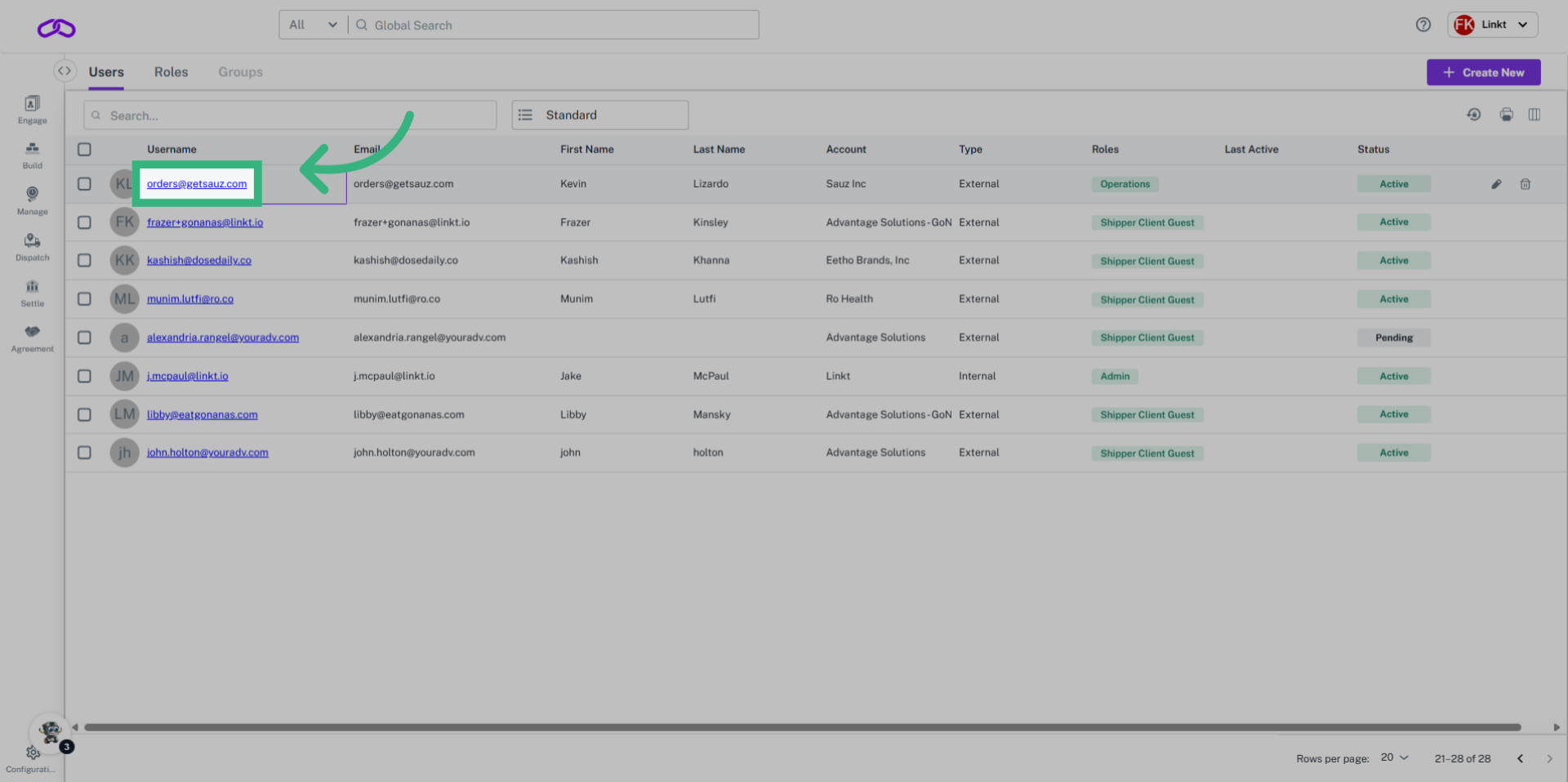
3. Click the Account name
Select the desired user by clicking their email address.
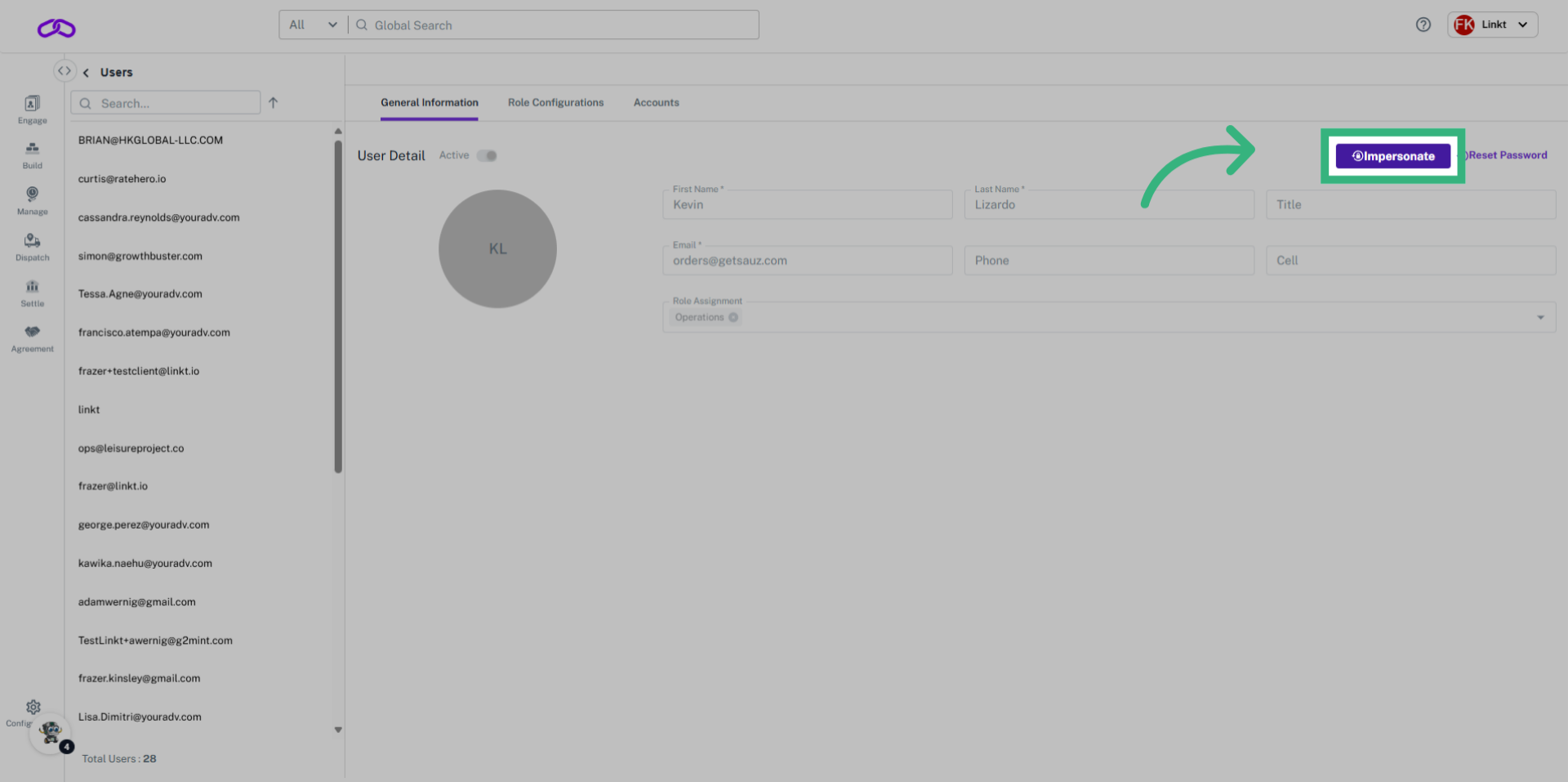
4. Click "Impersonate"
Activate the 'Impersonate' feature.
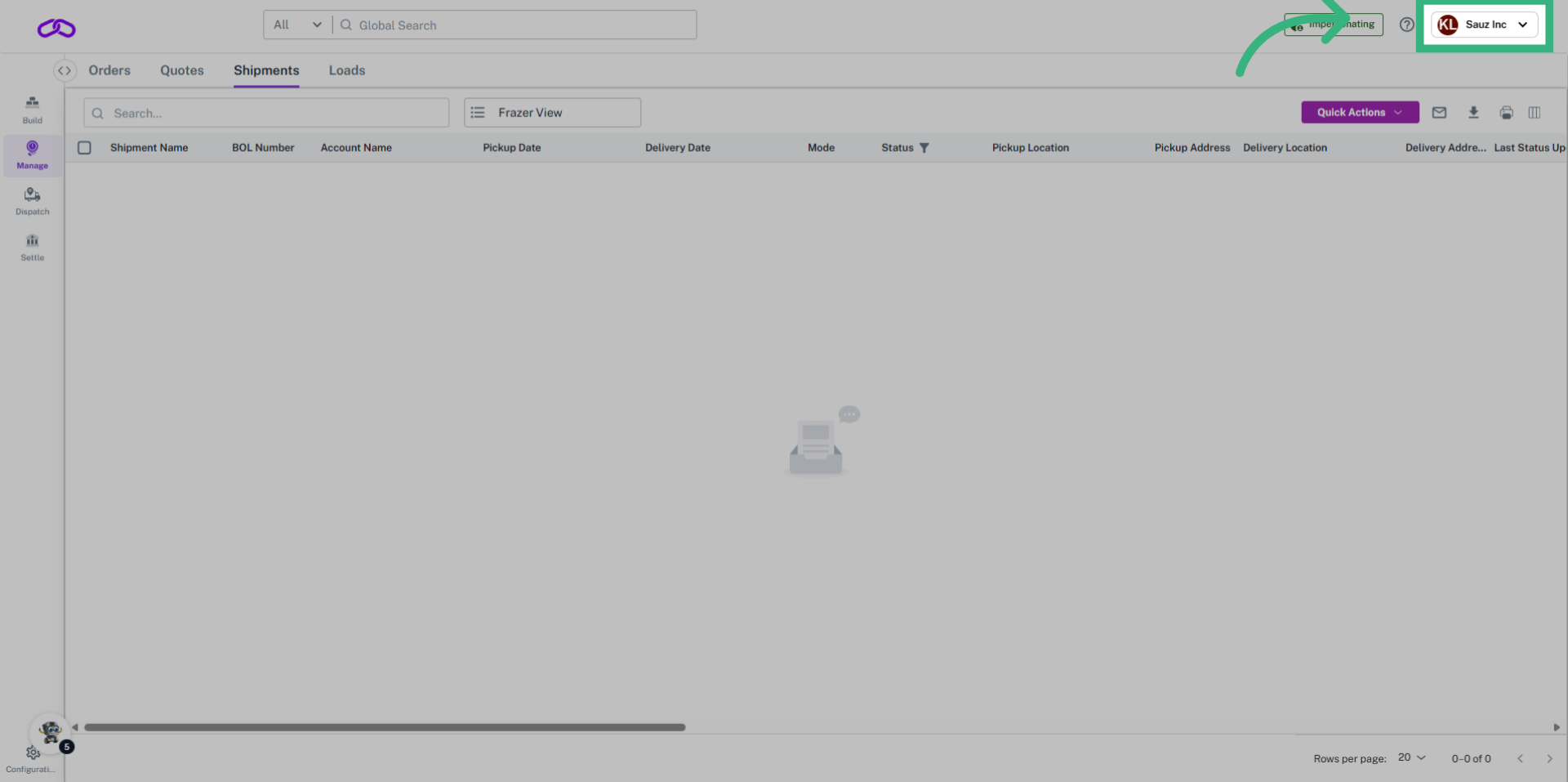
5. Confirm Account
Confirm the impersonation by seeing the appropriate company.
This video covered how to see your "clients", or "guests", accounts as they would see it. Please reach out to support@g2mint.com with additional questions.