-
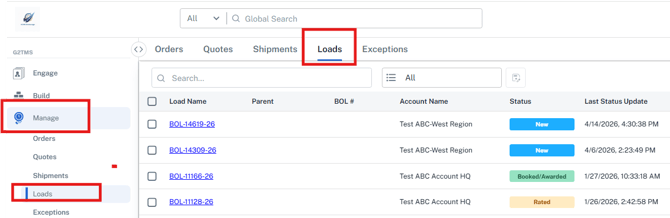
Navigate to the Manage>Loads grid and locate the specific Load you are looking to edit.
-
Click on Load name you wish to edit.
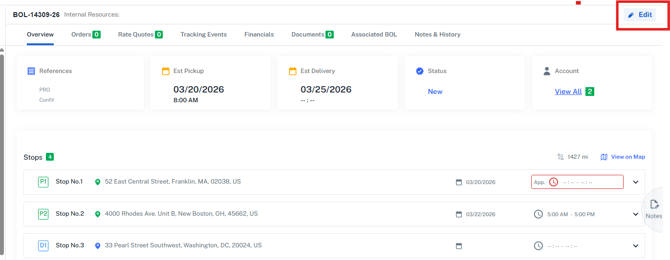
- Once in the Load detail screen, click 'Edit' in the top right of the screen
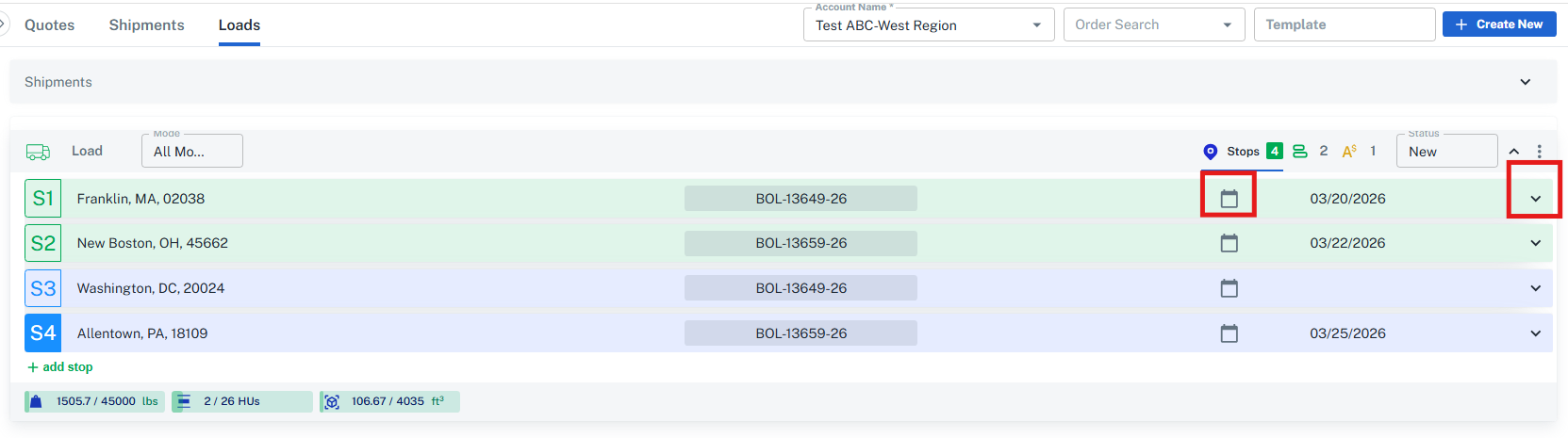
- While in the edit screen of the Load, you will see each stop. Locate the stop you wish to edit and you can select the calendar icon in the green header row.
- Select your desired new pickup date and click the 'Save Load' button in the bottom of your screen.