How to Tender a shipment without my Carrier having to accept
The Auto-Accept feature in G2mint is designed for Carriers who wish to automatically accept a Tender Request that follows their rate plan agreement.
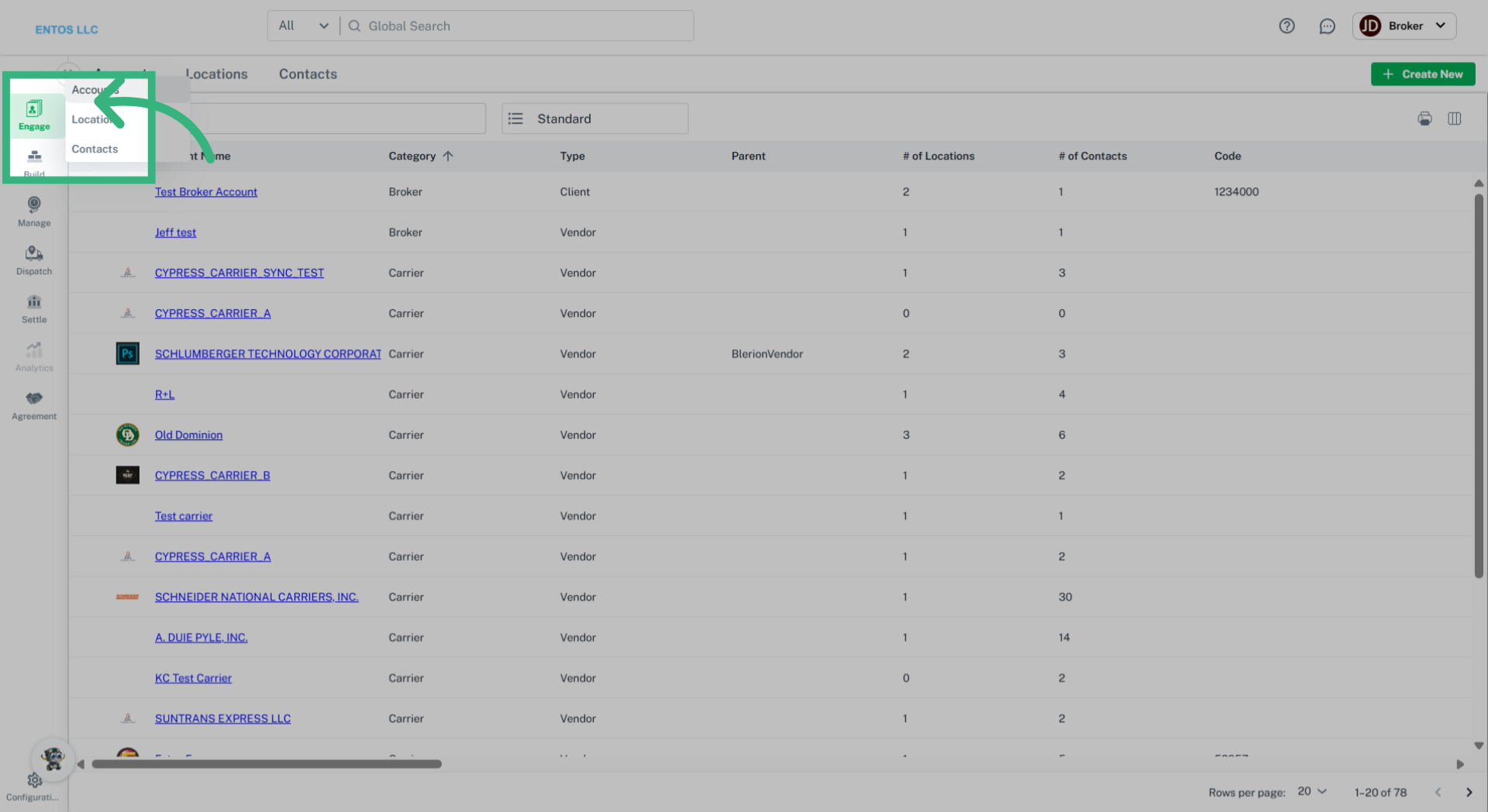
1. Click Engage
Select "Engage", and then "Accounts" to access any Carrier account.
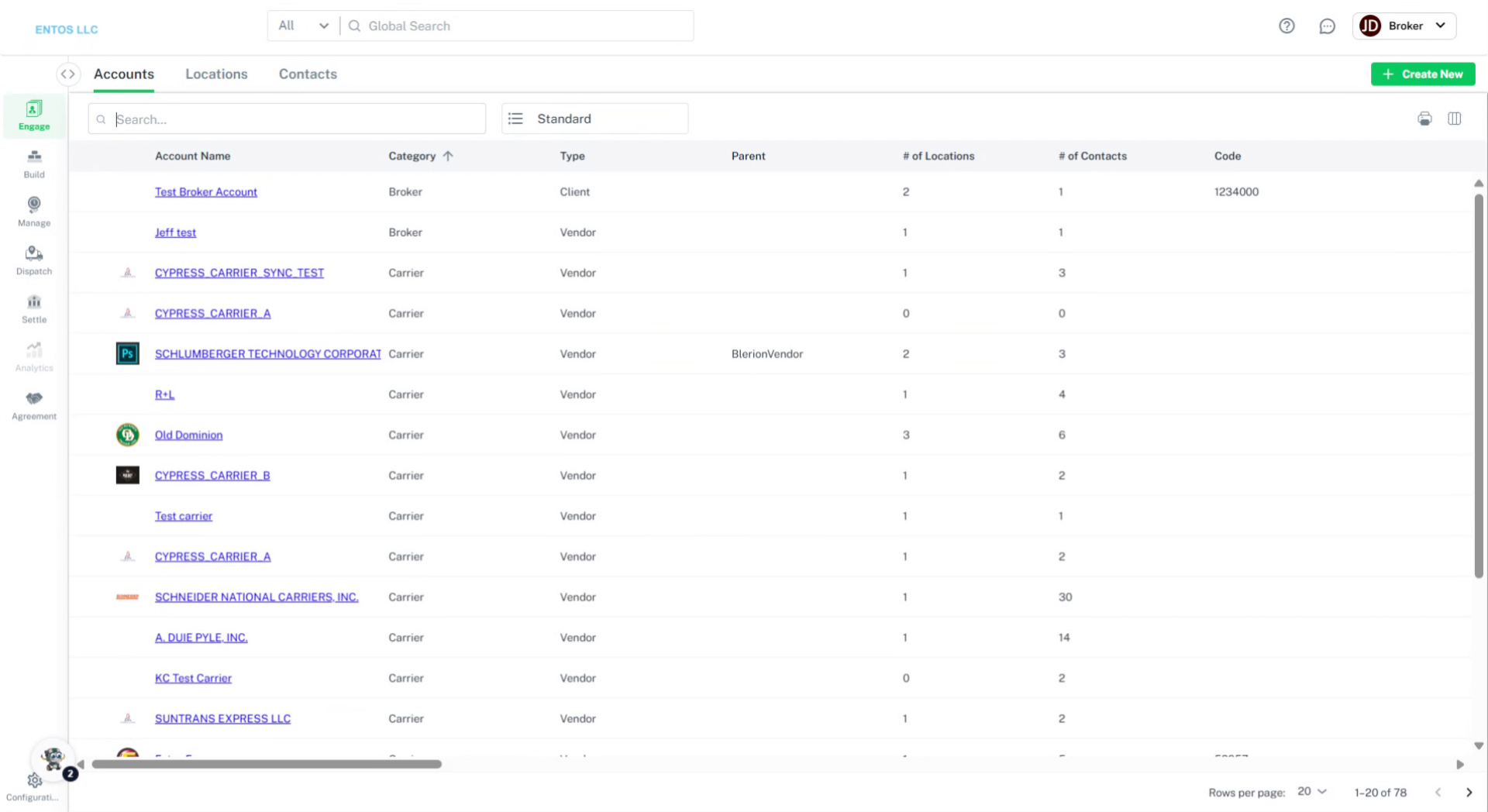
2. Select Account
Select the blue hyperlink of the desired Carrier account.
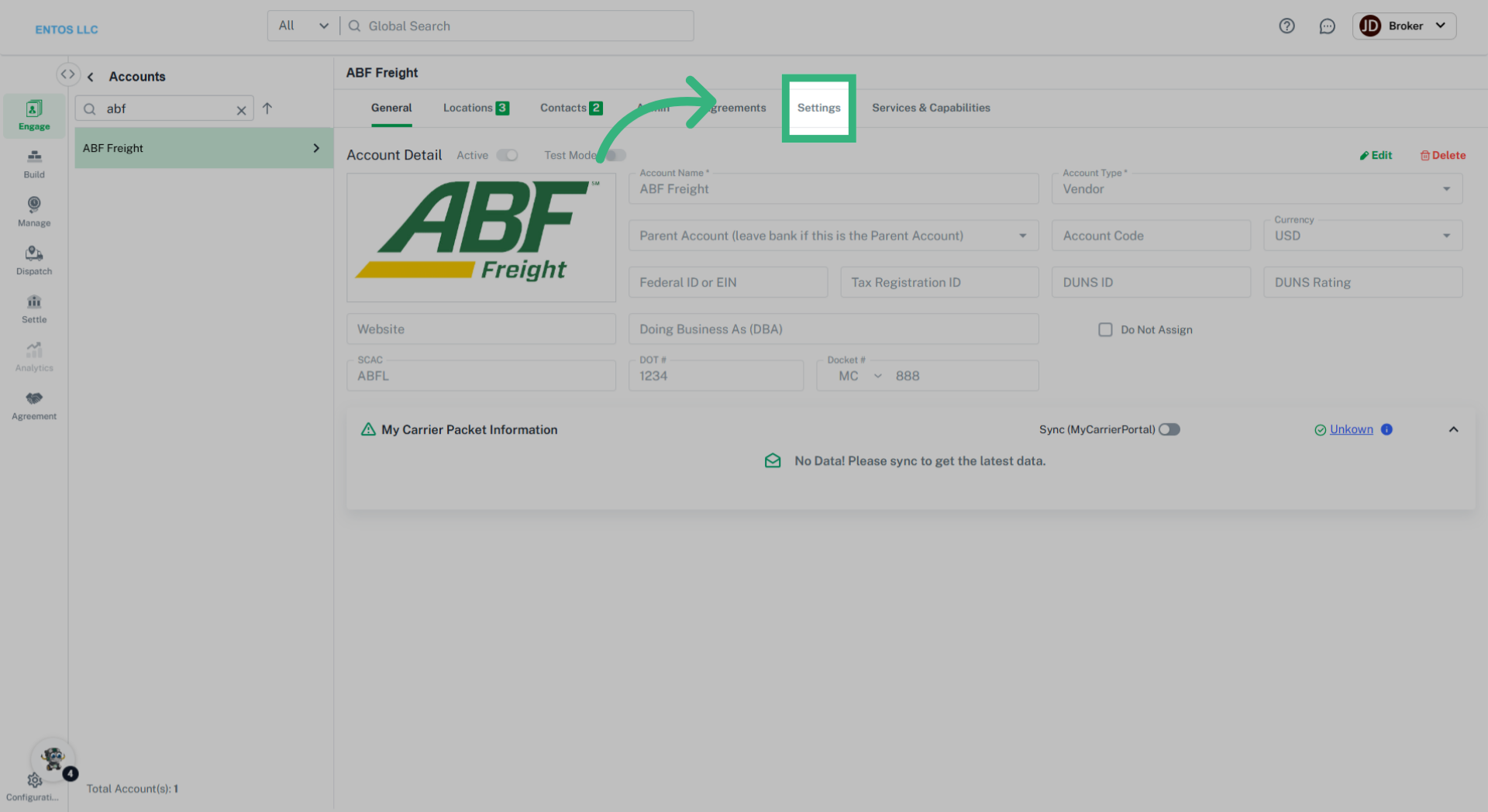
3. Click "Settings"
Navigate to the Settings section on the top navigation bar.
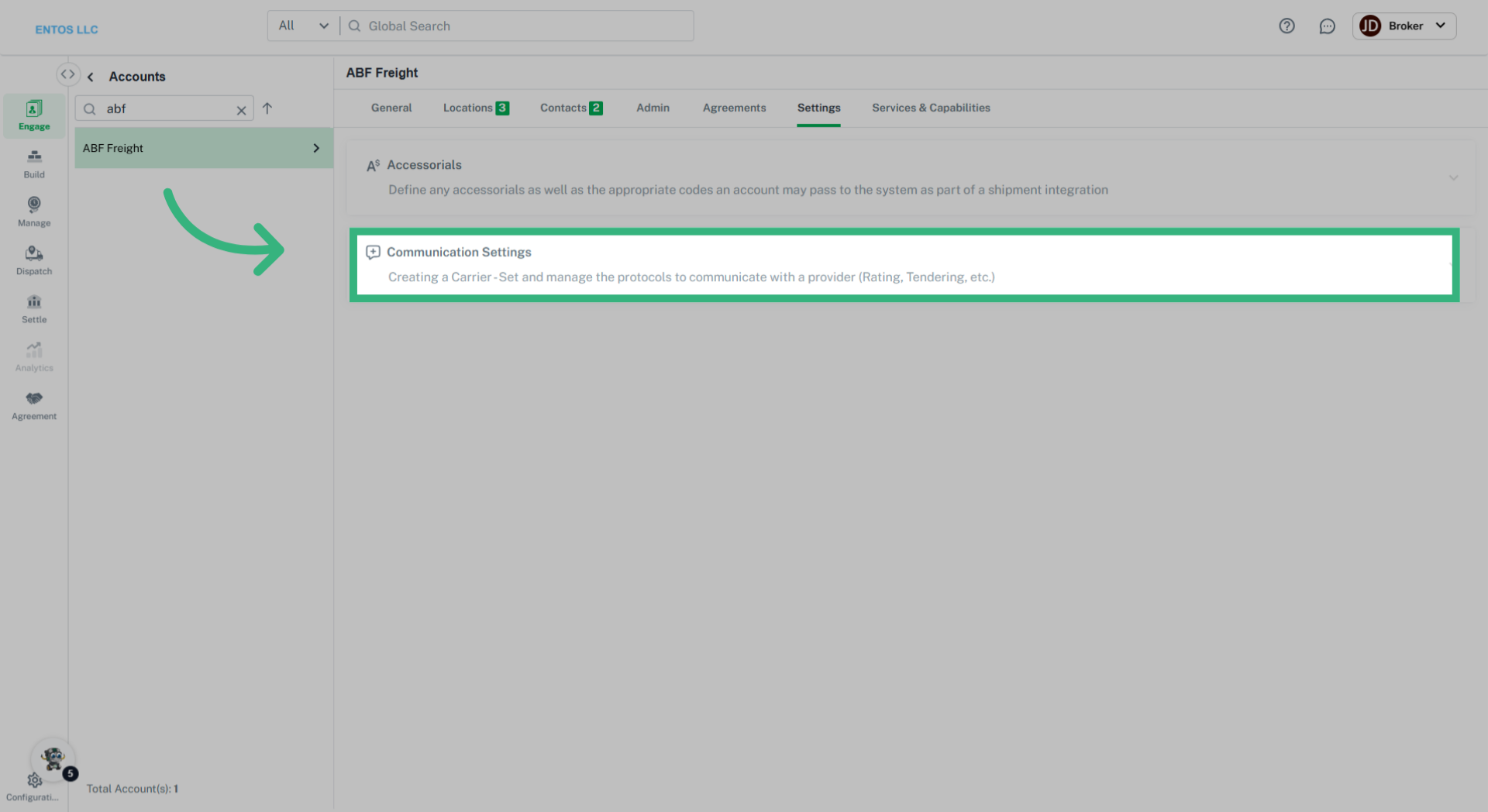
4. Click "Communication Settings"
Access Communication Settings.
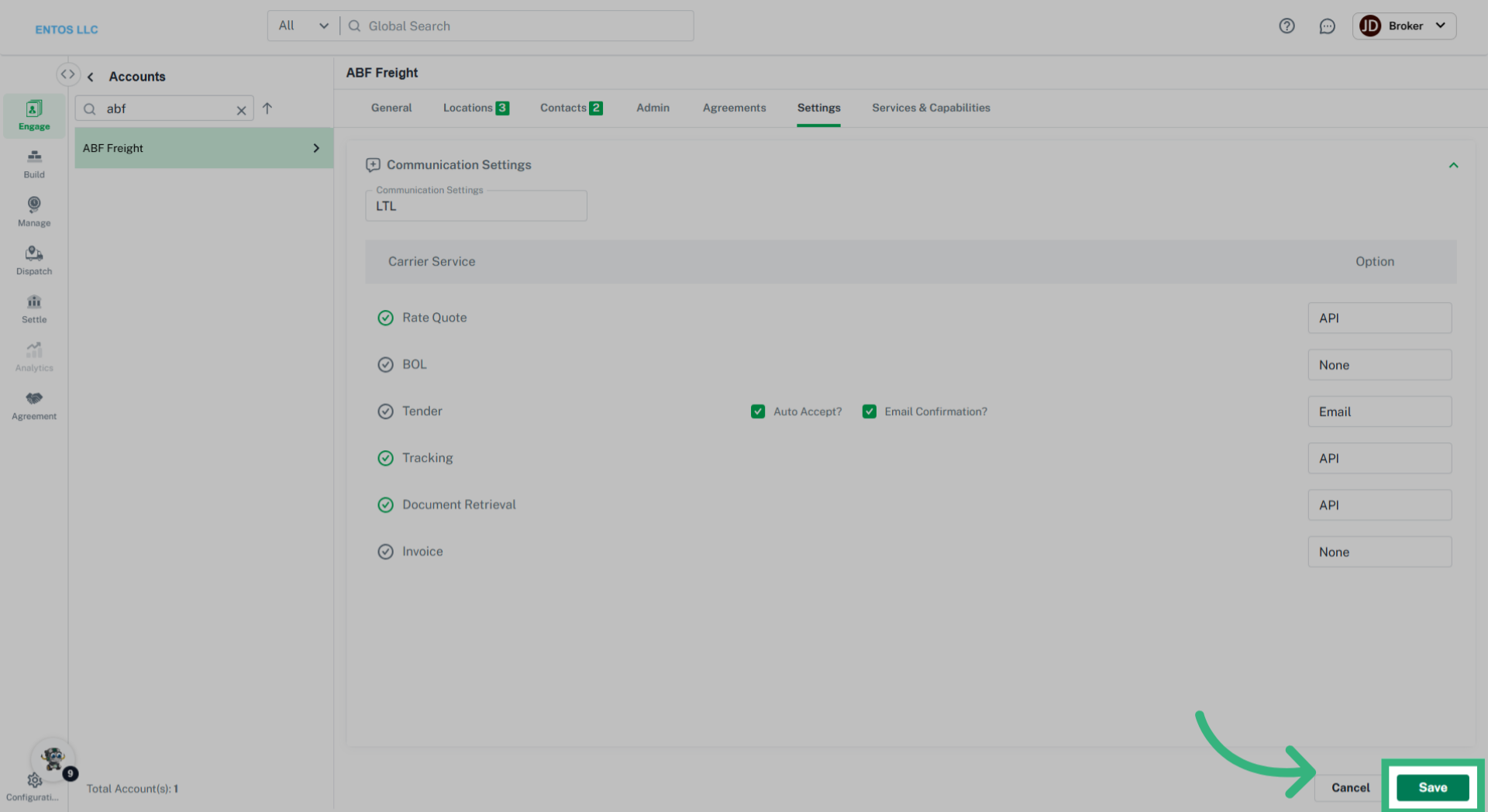
5. Click checkbox
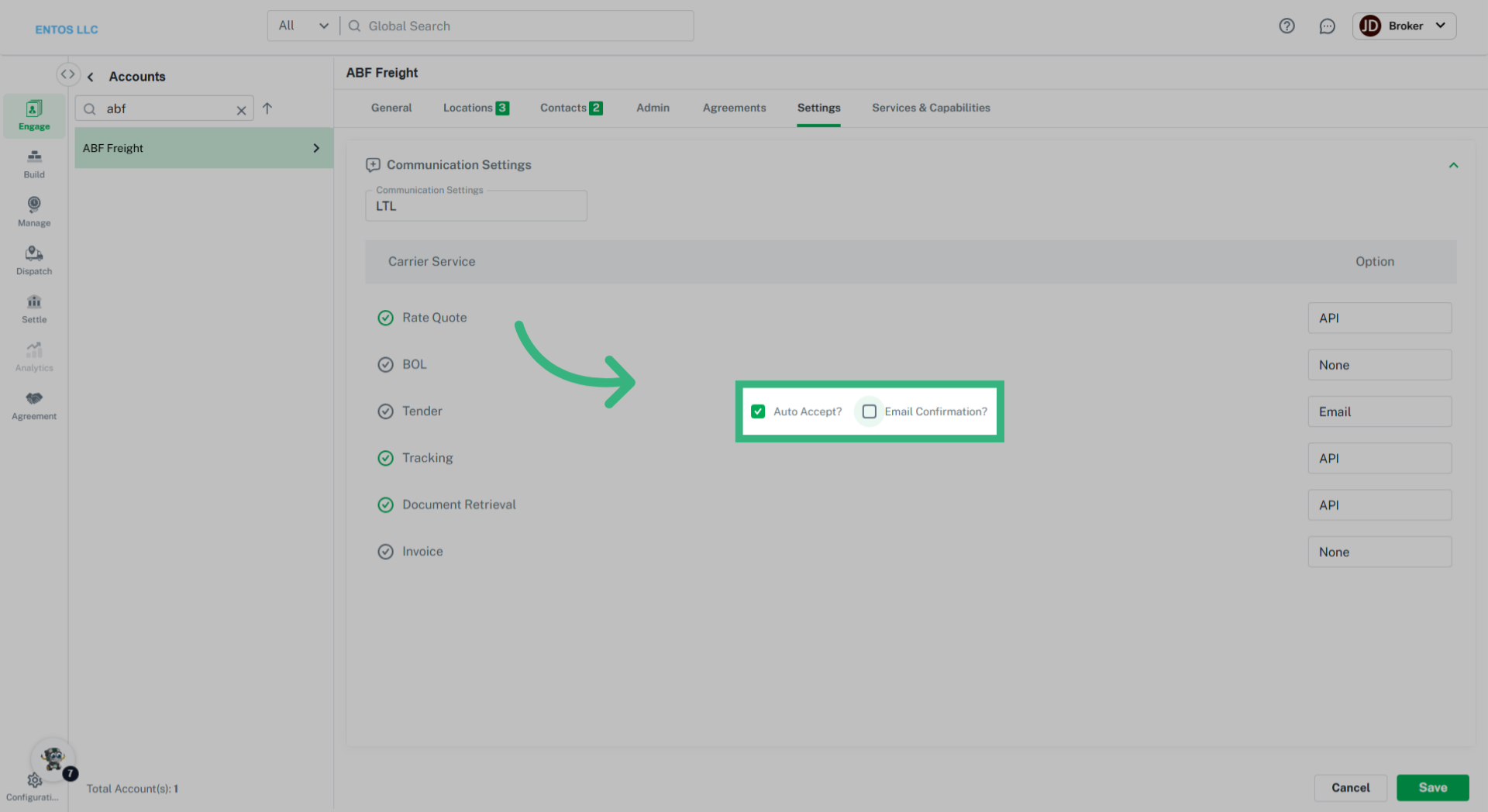
Ensure this setting is selected to activate Auto-Accept. Also determine if an email confirmation is required (which is recommended).
6. Click "Save"
Finalize your settings by selecting "Save" to put the Auto-Accept feature into action.