Last Updated: April 17, 2025
Applies to:
Shippers, Brokers, Carriers, and Partners
Common Scenario(s)/Challenge (s):
Struggling to get negotiated Rates?
Miscalculated Fuel Surcharges?
Unexpected Accessorial charges?
Weight and Dimensional Discrepancies?
Human error causing unnecessary disputes?
Solution Overview:
Agreements serve as the foundation for creating and managing various types of contracts, including web service agreements and custom Freight agreements related to cost and billing, Fuel agreements, Accessorial agreements, Commission agreements, Compliance agreements, and Markup agreements. These agreements can be categorized as Blanket Agreements, which are general contracts applicable to any client or customer or tailored specifically to meet the needs of a particular client, location, or division. Additionally, agreements may include systematic qualifiers, such as service performance metrics. Once established, each agreement is designated as either Billable (indicating potential income) or Cost (indicating an expense). You also have the ability to set benchmarks based on historical data and utilize Plugins to generate a rate index.
Create a Web Service Freight Agreement
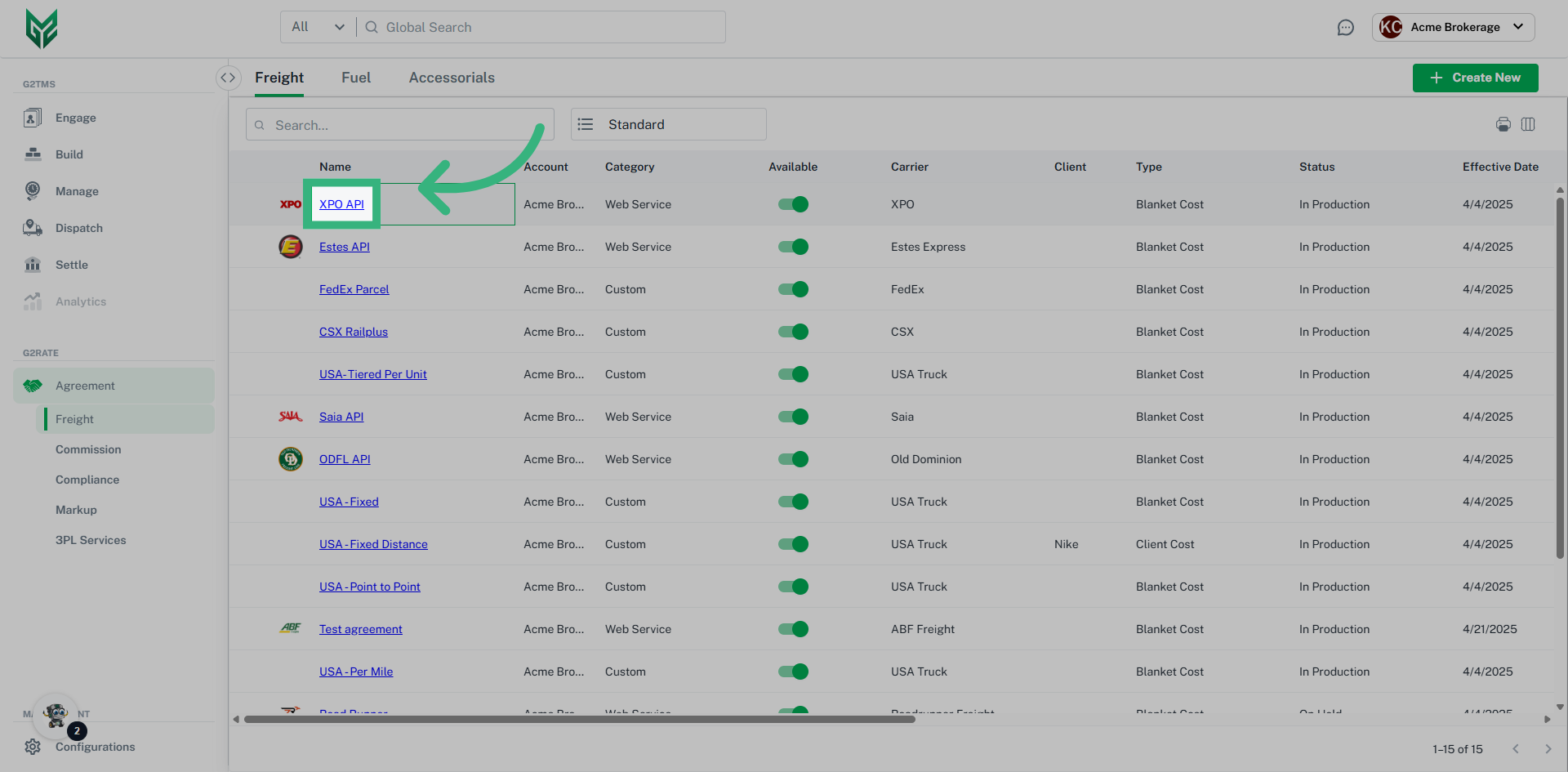
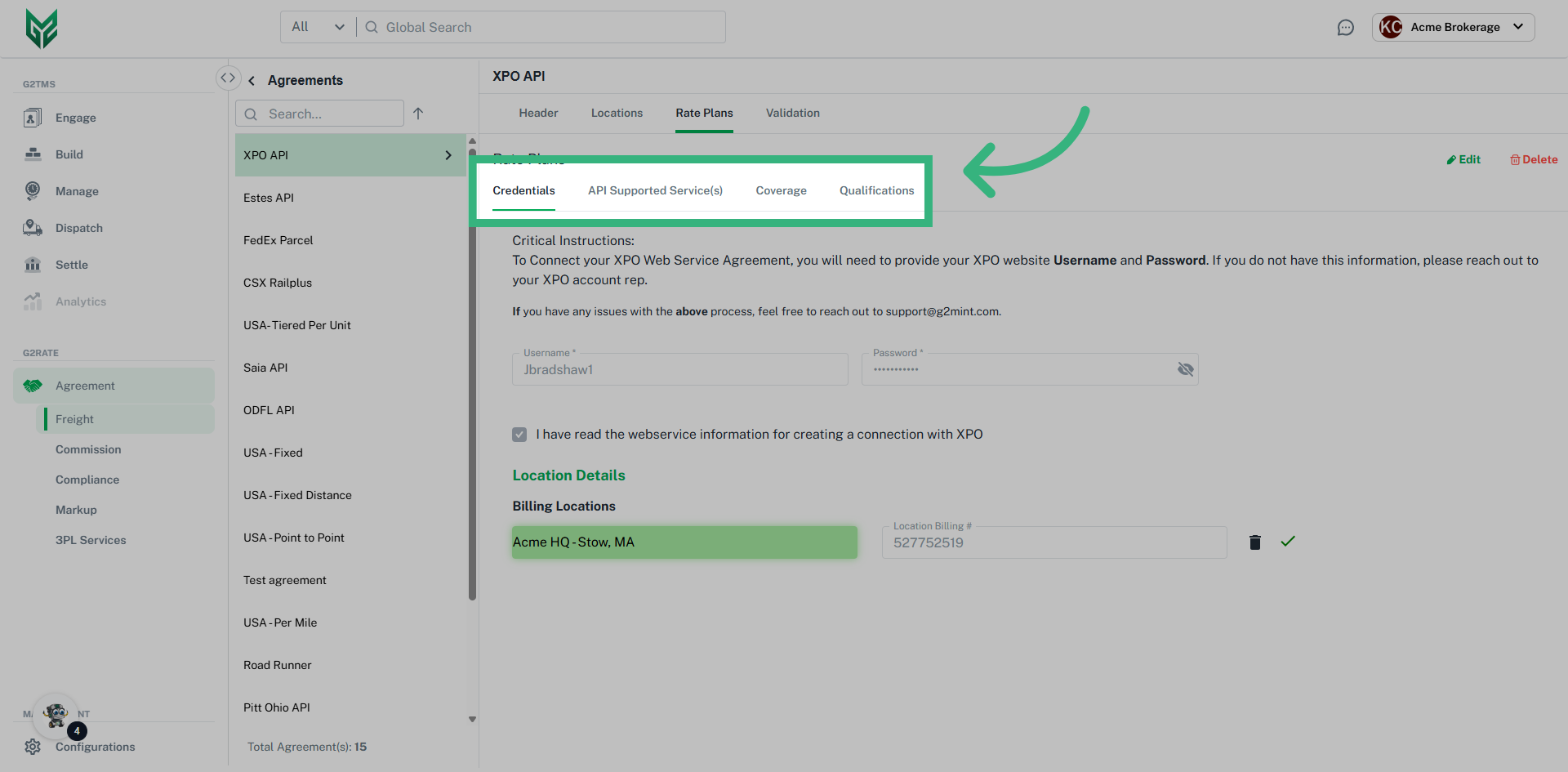
Web Service Agreements are utilized through API access and can be created in minutes due to G2Mint's pre-established connections with several LTL and TL Carriers. All that is required is account credentials with a carrier to establish the agreement. Once a web service agreement is created, additional functionality such as Tender/ Pickup request, Document management, Status updates and Freight Bill acceptance (API or EDI 210) will be enabled.
Create a Custom Freight Agreement
Custom Freight Agreements are the foundation of the rating engine and are used to accommodate the participants (Shipper, Broker, and Carrier) & the pricing for various services. Custom Agreements are not only used for actual contracts but can also be created to represent benchmark or baseline pricing, which can be used for analytics. Because agreements are made up of “modules” or components, our Custom Agreement allows a great deal of flexibility to accommodate various Modes, Services, Equipment, Geographical coverage, and Handling unit / Packaging types.
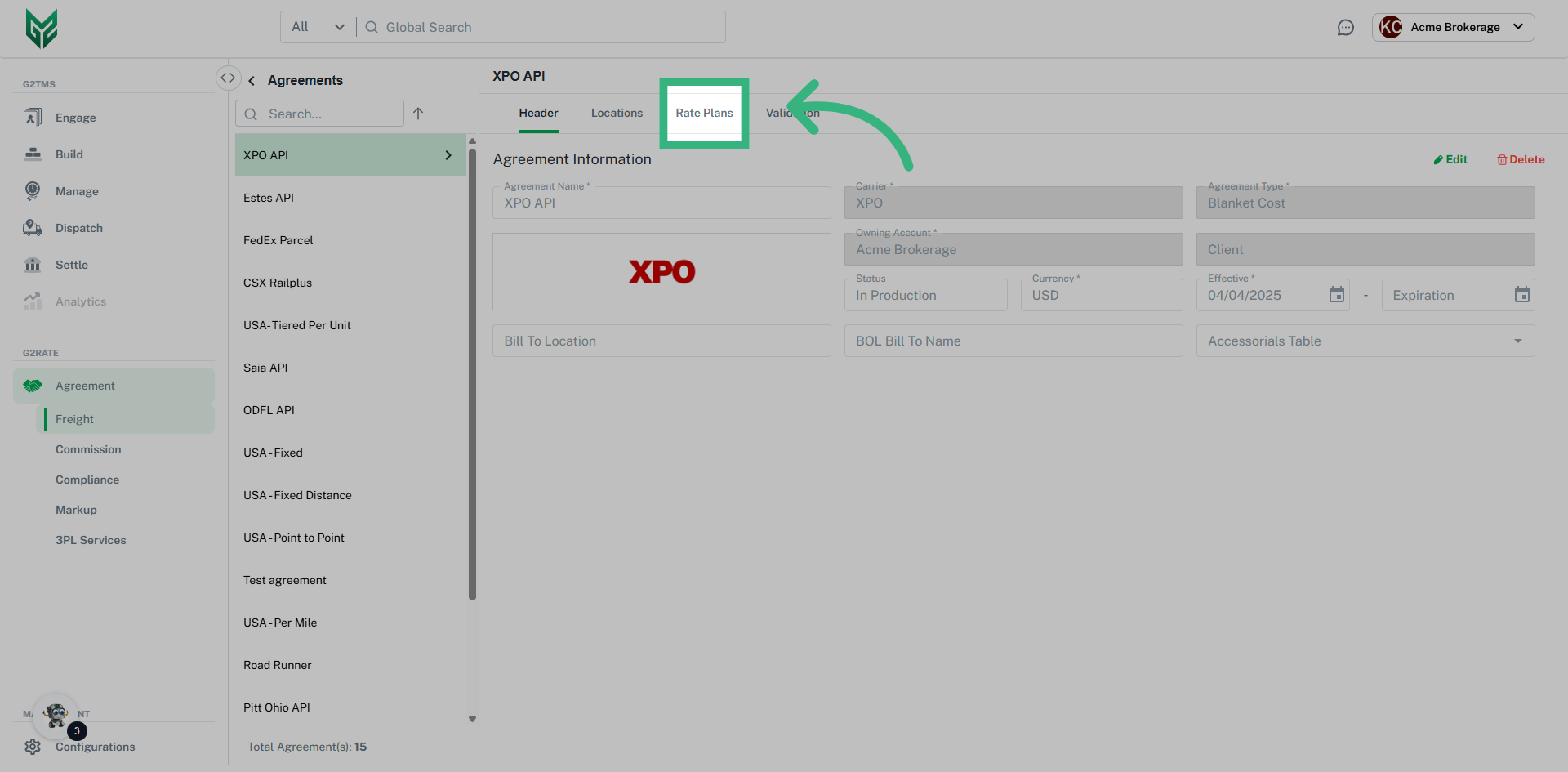
Freight Agreement Header Terms:
Agreement Types
- Billable Agreement- Potential income
- Cost Agreement- Represents a future Expense
- Blanket Benchmark- Provides a standard/ average against rated cost. These are for comparison purposes only, and are non-tenderable
- Blanket Billing- Create Rates to Bill any client (For a Broker, will Rates include Mark-up)
- Blanket Cost- These are the basic shipper/carrier service agreements. The majority of custom carrier contracts will fall in this category
- Blanket Rate Index- An index is an industry average that can only be used if a plugin is activated. A Blanket Index is assigned to any non-specific client
- Client Benchmark- Custom agreements only. Target rates for a specific client, otherwise same as Blanket Benchmark
- Client Billing- Custom agreements only. Client specific billing agreement where amounts will be used to invoice the client
- Client Cost- A client-specific expense agreement, ex. Shipper/ Broker creating for a Carrier
- Client Rate Index- Similar to the Blanket Index, except assigned to a specific Client
Agreement Name:
Carrier: Only required on Cost Agreements
Owning Account: This account is the owner, or "creator," of the agreement. It is a required field.
Client: Select a specific Client, or leave blank if Blanket Agreement
Status: Ensure status is In Production for agreement to be active
Currency: Default currency is always US Dollars
Effective/ Expiration: Effective Date is a required field, while Expiration Date is not required.
Bill To Location: Only required if different from the assigned Location/Contact of the Owning Account.
BOL Bill To Name: Only required if different from the assigned Location/Contact of the Owning Account.
Accessorials Table: These agreements, or tables, must be created in configurations. Only Blanket Accessorial Agreements, or Accessorial Agreements assigned to the specific client will be available.
Return All Qualified Rates: If the user desires all rates to be returned, slide toggle Return ALL qualified rate plans to ON. Otherwise, if off, the rate engine will stop searching after the first qualified rate is returned.