Last Updated: April 25, 2025
Applies to:
Shippers, Brokers, Carriers, and Partners
Common Scenario(s)/Challenge (s):
Freight Agreements serve as the essential foundation of the Rating Engine; without them, it is impossible to generate any rates. A Custom Freight Agreement offers significant flexibility, allowing for the accommodation of various transportation modes, services, equipment types, geographical coverage, and packaging requirements. These Custom Agreements are not only utilized for formal contracts with carriers but can also be established to serve as benchmark or baseline pricing models.
Solution Overview:
The objective is to enable a full freight contract / agreement to be manually or auto-created in the G2M Agreement module. This Agreement can handle and consider any set of components required to provide accurate Rates, and can be linked with other Agreements, like Fuel Agreements, Accessorial Agreements and Mark-up Agreements. Our system can recognize any unique or complex rating system, including Point to Point, Hundredweight (CWT), Fixed (by amount, Handling Unit or Volume) and Tiered (by distance, volume or handling unit). Coverage Areas and other Qualifications (Mode, Equipment types, Weight, Density, Handling Units, etc) can be easily applied where necessary.
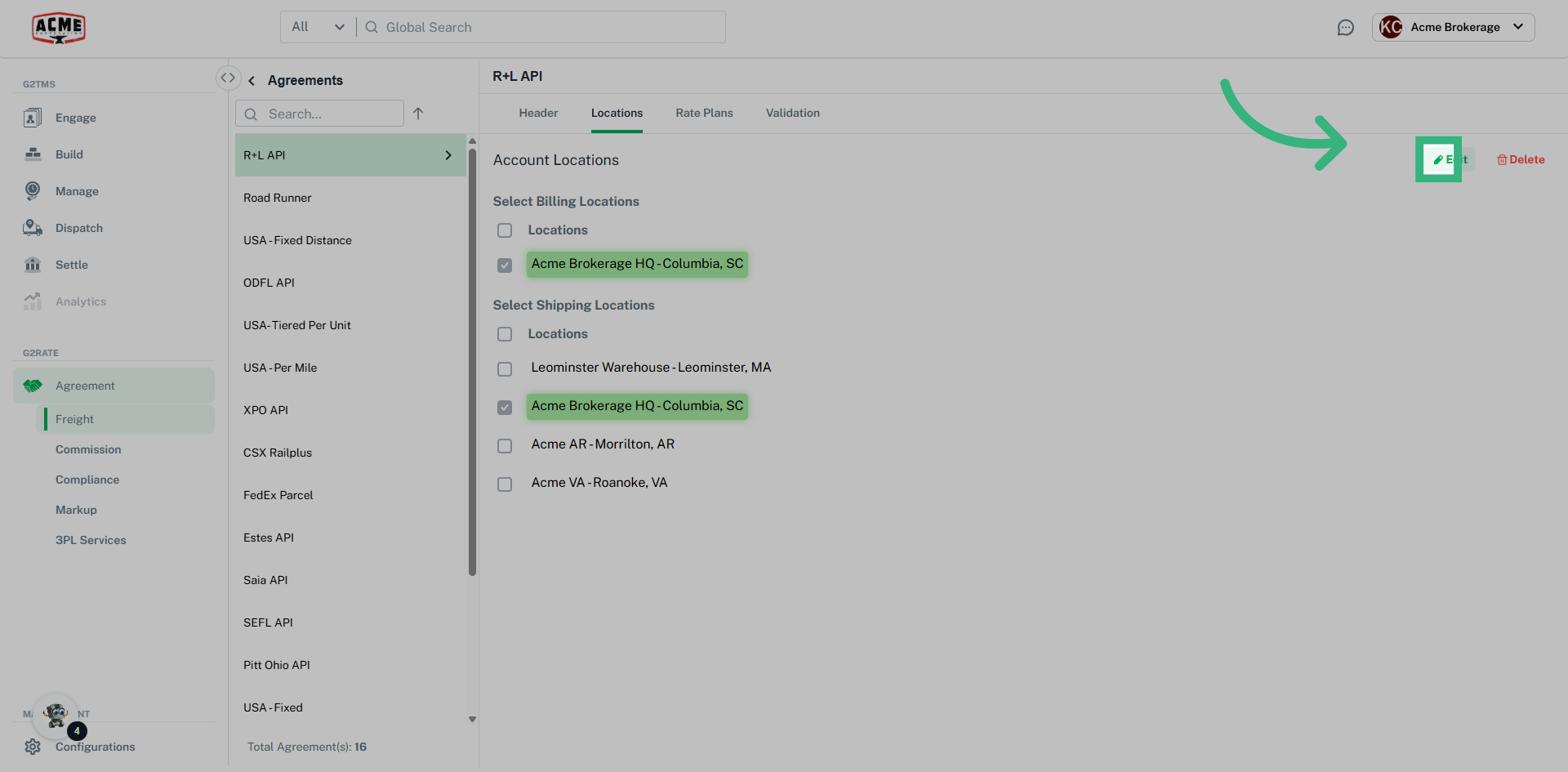
Locations in Freight Agreements is a tab that is accessible through webservice Freight Agreements only. From here, add or remove Locations that can be used, either as Billing Locations or Shipping Locations. Locations must be created in the Account prior to being assigned. For example, a Bill To Location on a Blanket Agreement is pulling from the Locations associated to My Account. A Bill To Location for a Client-specific Freight Agreement comes from the client Location in Engage, or associated to My Account. Additionally, the Locations must be assigned as a Bill To to be an option. The process for selecting a Ship/Receive Location is the same concept.
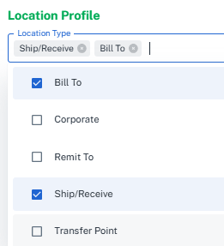
Add/Remove a Location from a webservice Freight Agreement:
To create a Custom Freight Agreement:
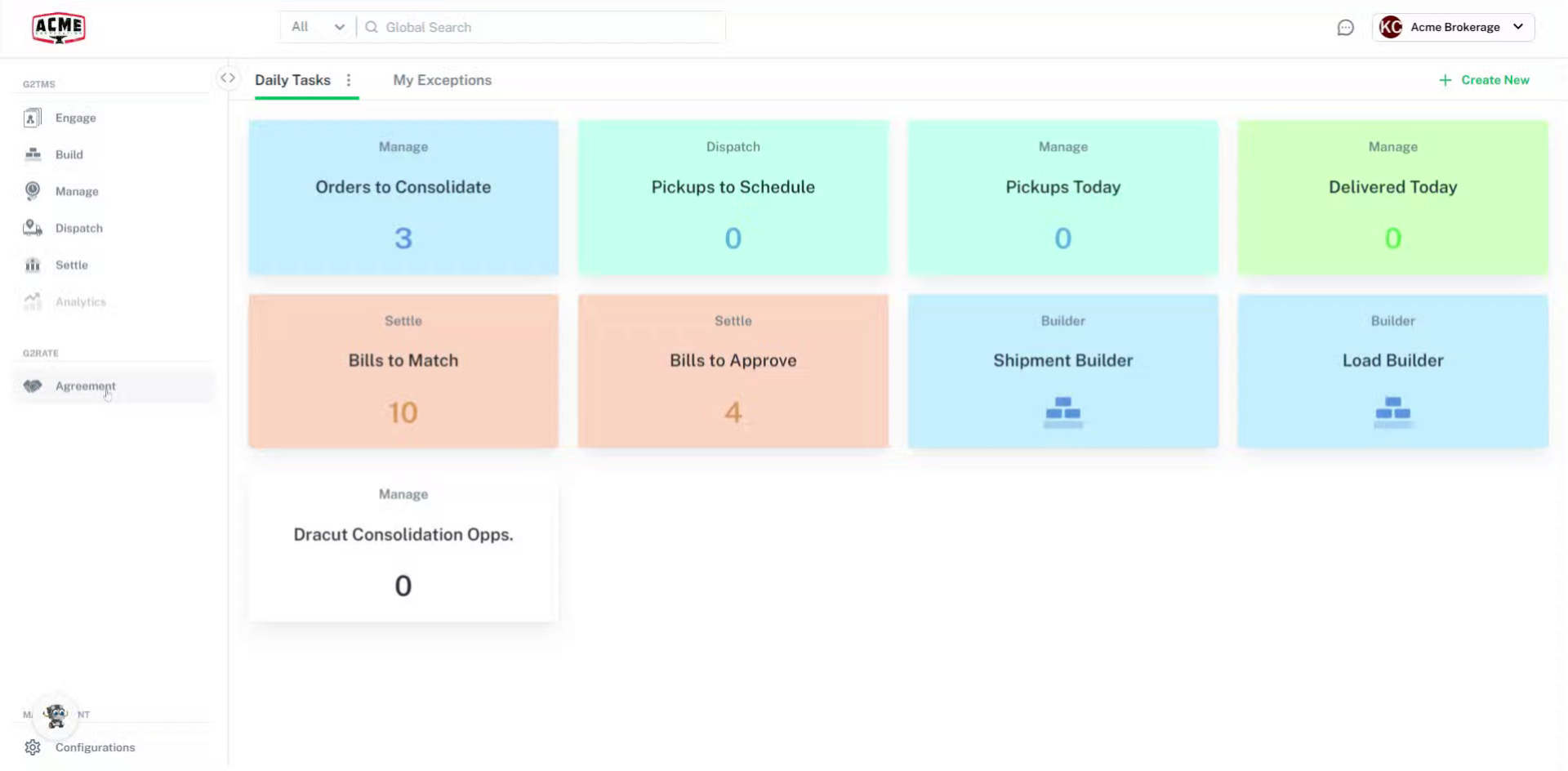
- Select Agreement on left navigation bar
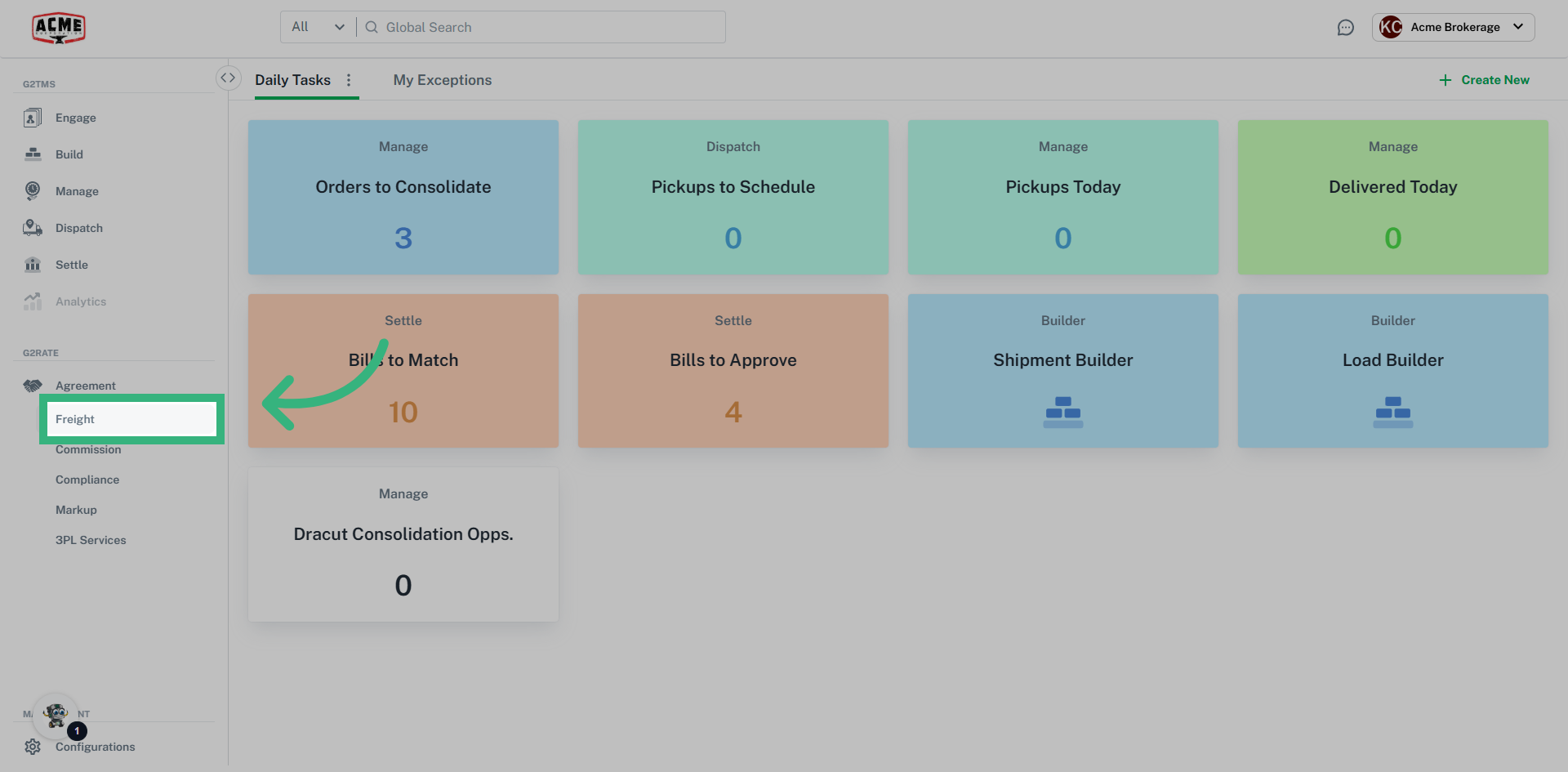
- Select Freight
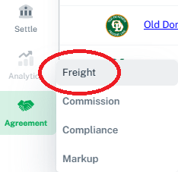
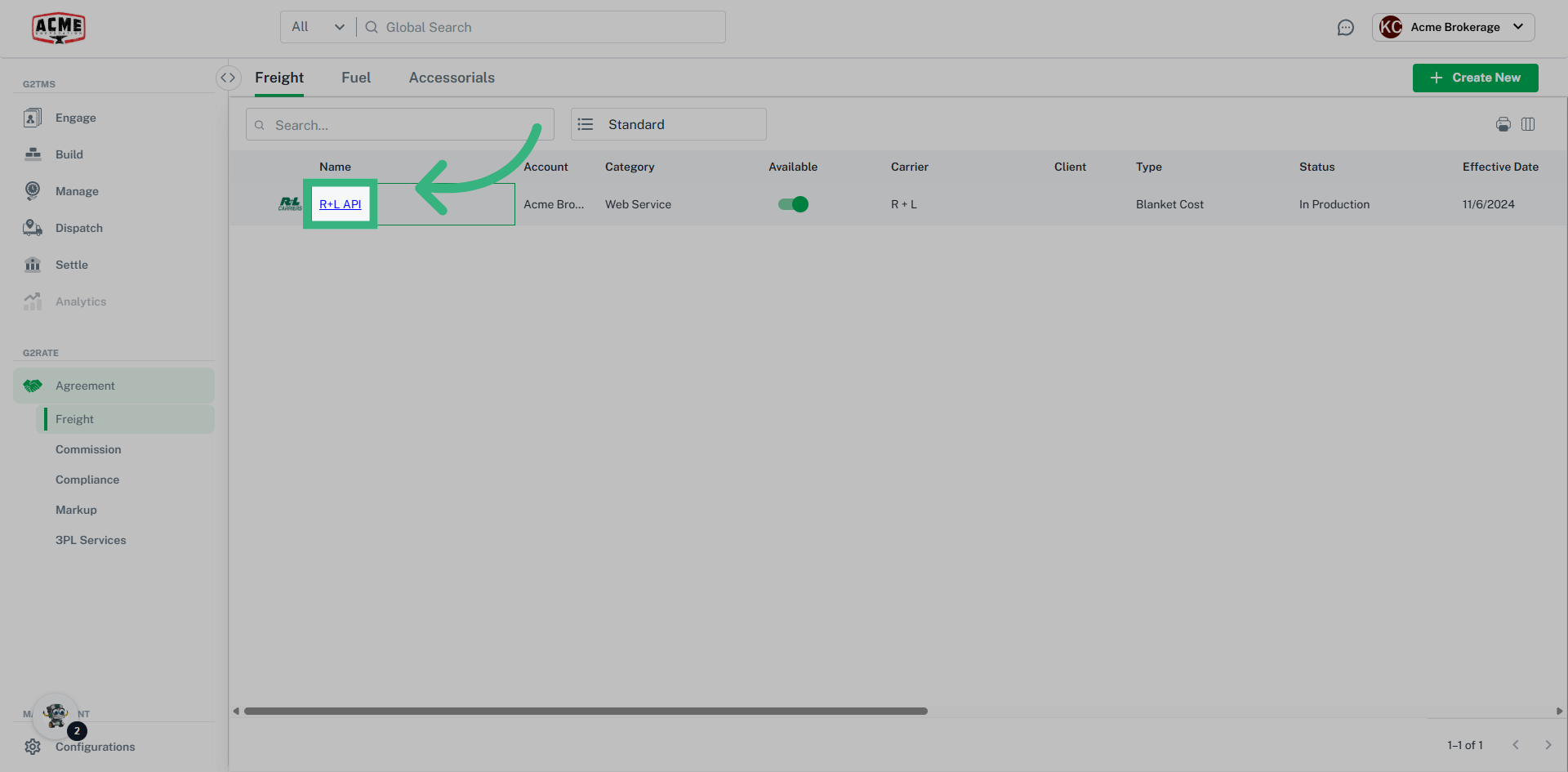
- Select the webservice agreement
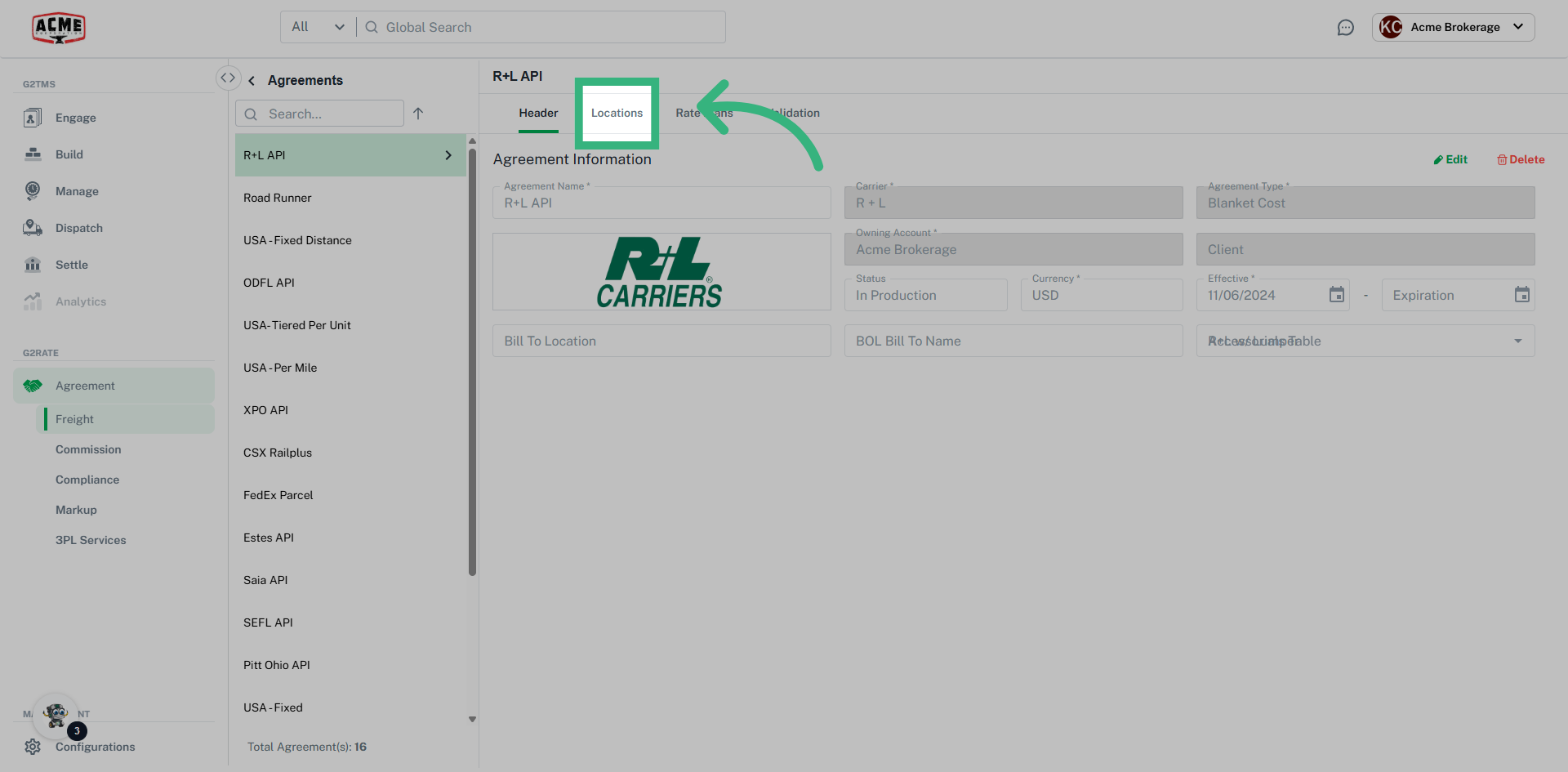
-
Select Locations
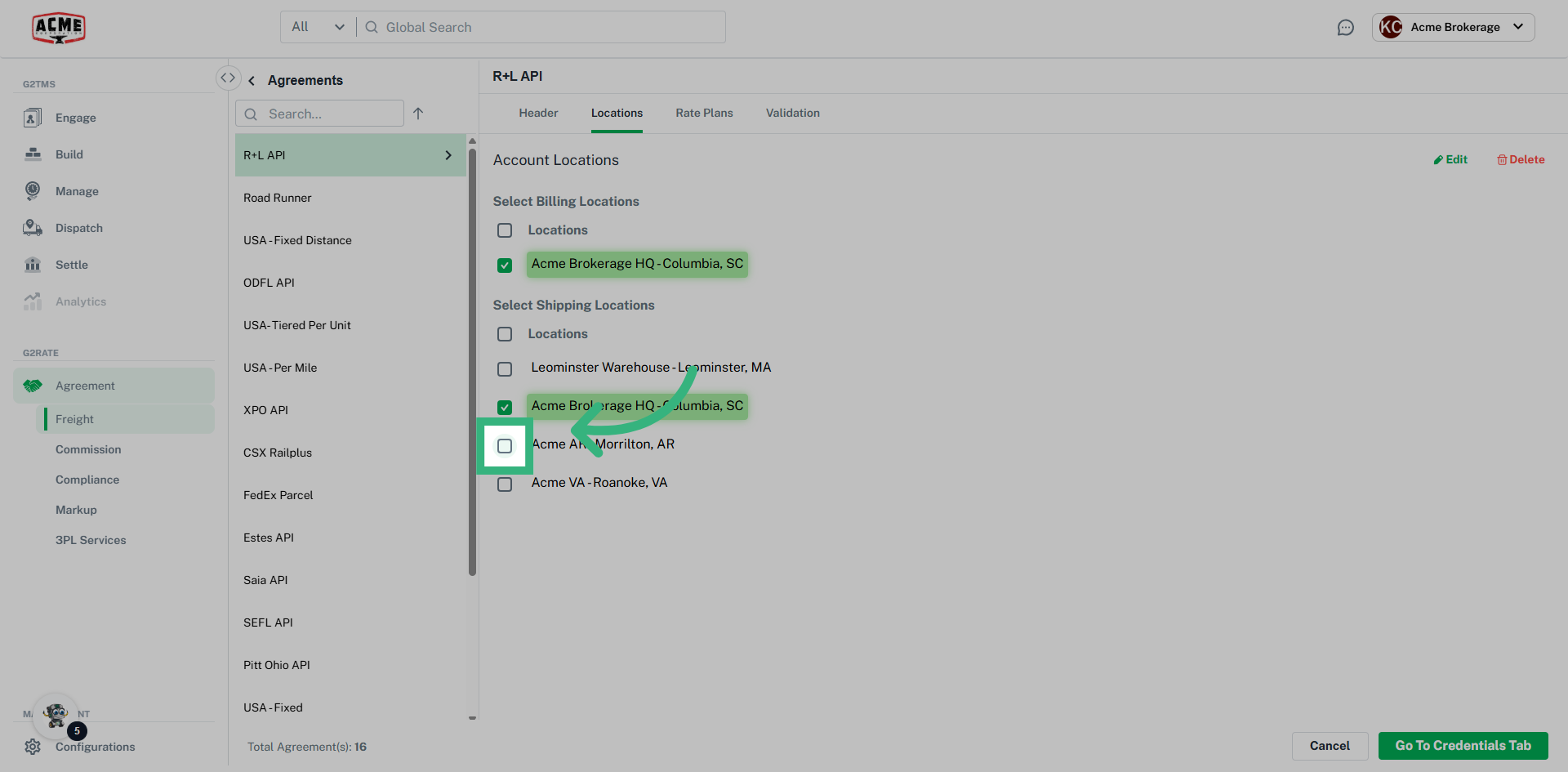
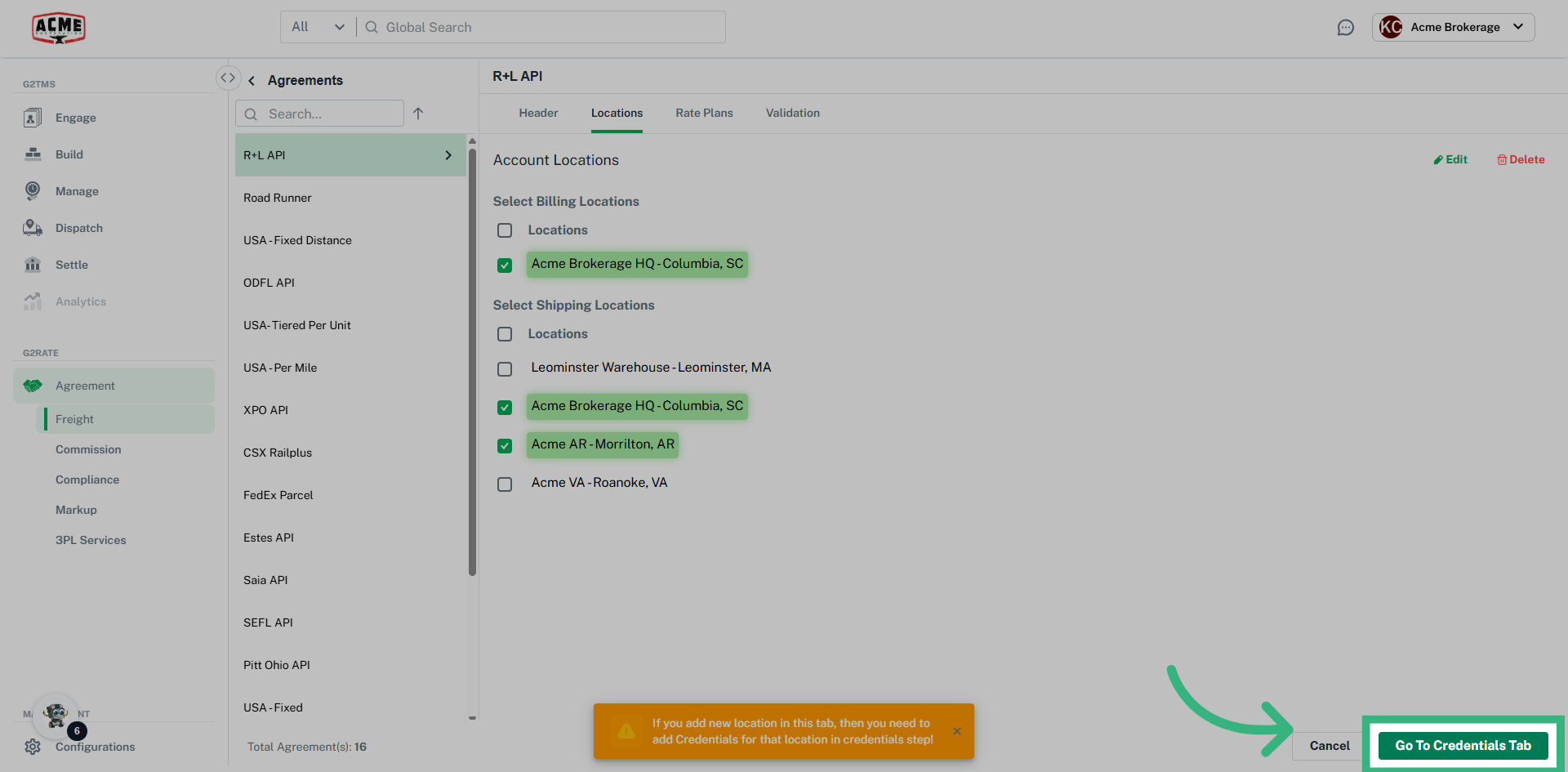
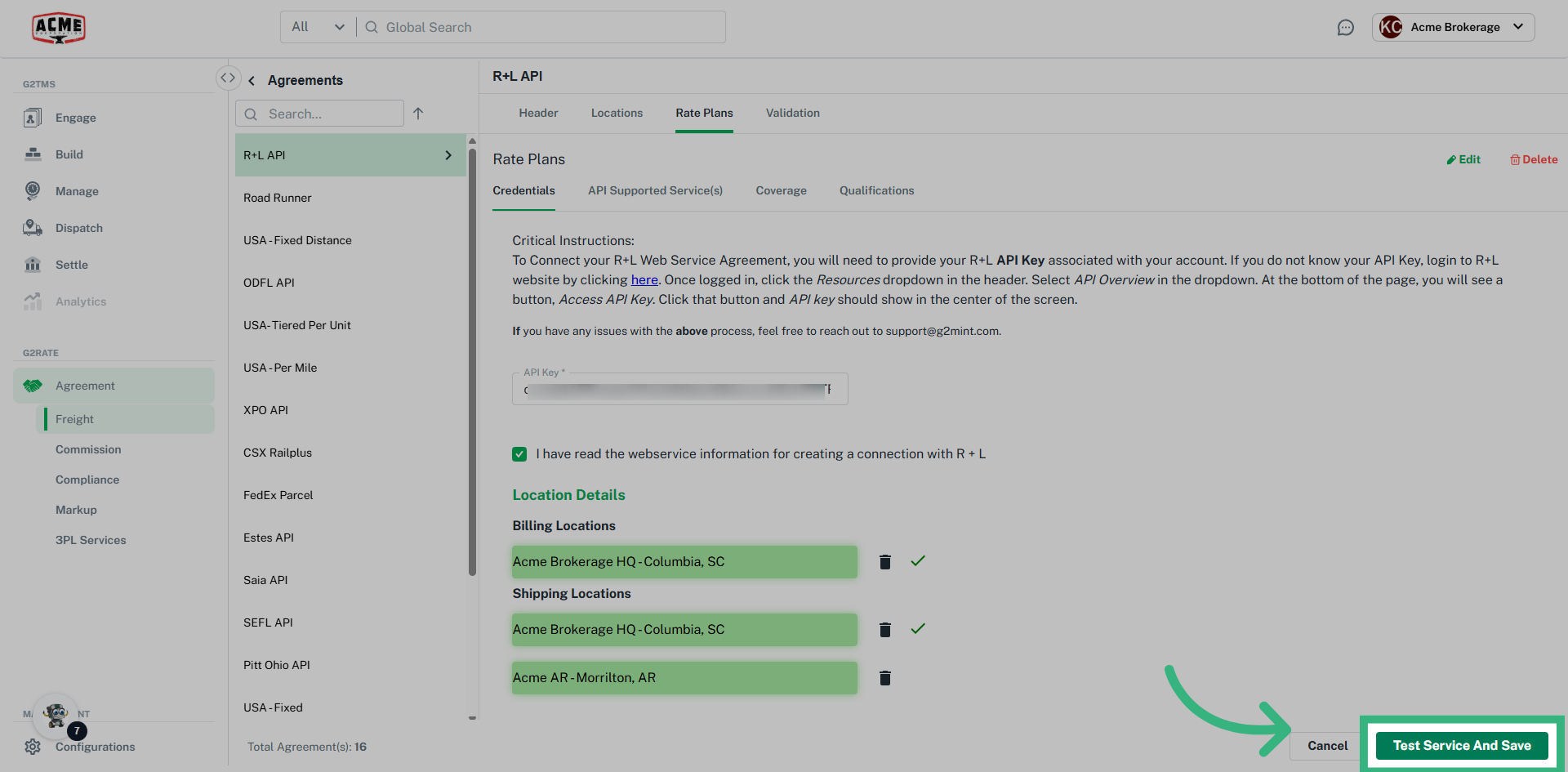
- Click checkboxes to add/remove a Location. If a desired Location is not found, add it to the appropriate Account through Engage.