Last Updated: May 6, 2025
Applies to:
Shippers, Brokers, Carriers
Common Scenario(s)/Challenge (s):
Accurate names, weights, and qualifications on a Handling Unit can allow for accurate rates, improved Load optimization, and fewer execution errors. Handling Units can be standard, such as pallets and cases, or they may be custom designed to meet the specific needs of certain products.
Solution Overview:
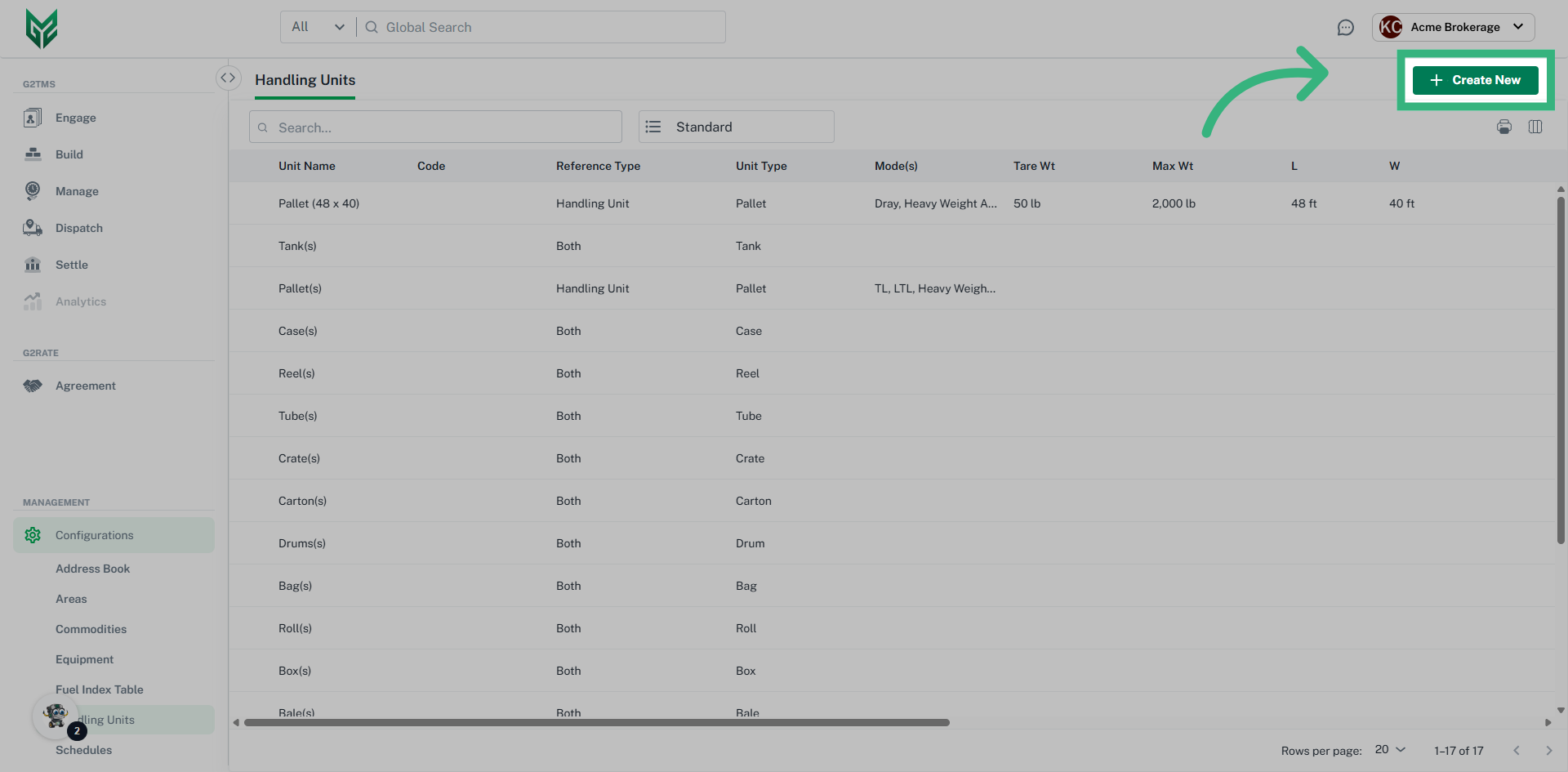
G2Mint automatically provides a set of standard Handling Units (HUs), such as pallets, boxes, cylinders, and rolls. During the initial setup, these default HUs are created without dimensions or tare weight. You may edit these standard units to add details or create custom Handling Units as needed.
To get the most value from G2Mint, it is recommended to use the Handling Unit (HU) module together with the Commodities and Equipment modules. Using these modules together creates a clear relationship between the products being shipped, the way they are packaged or handled, and the equipment used to move them. This improves shipment planning and execution.
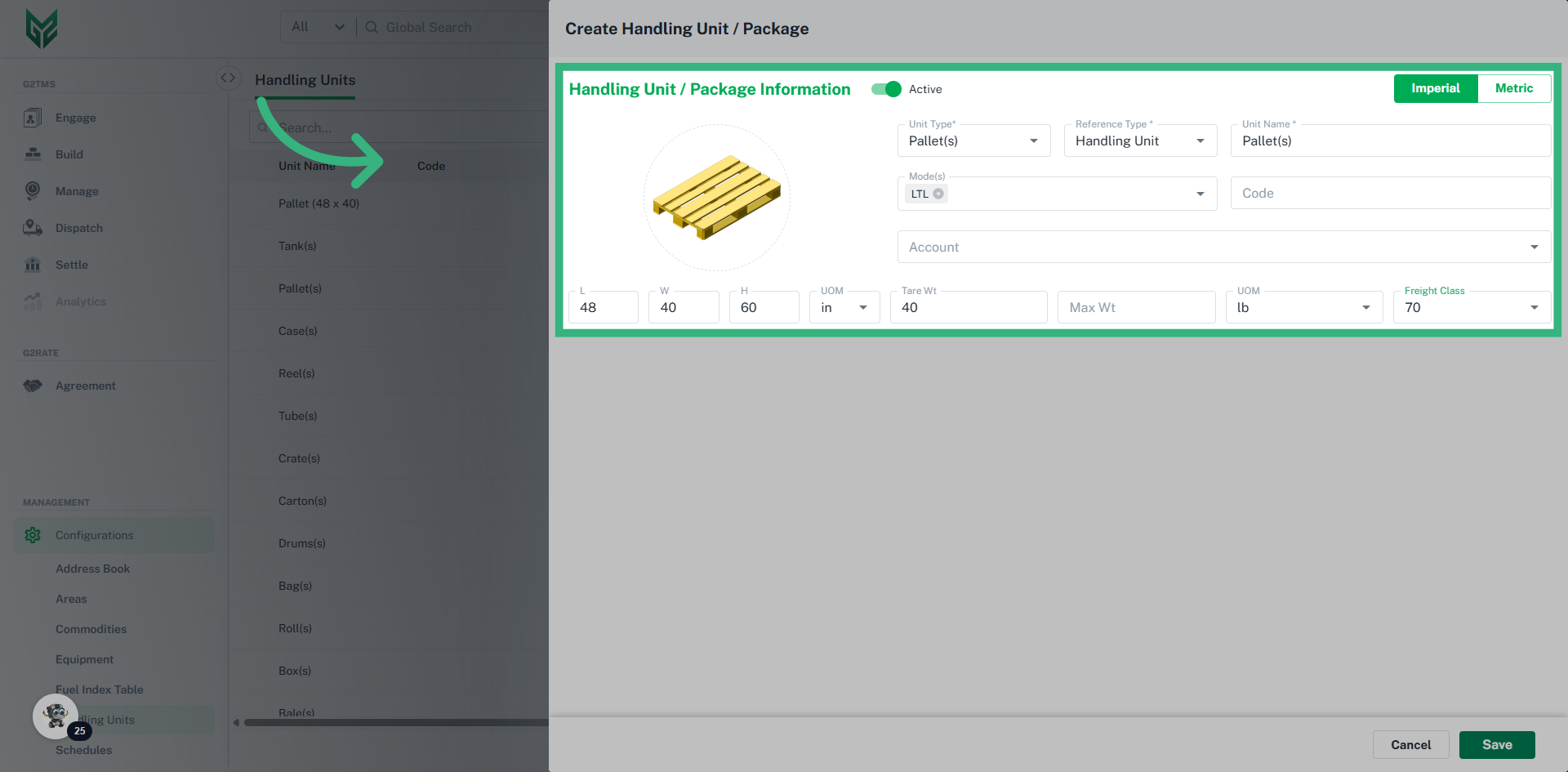
For example, if a customer orders 125 cases of consumer packaged goods (CPG), G2Mint can automatically determine that the shipment requires two pallets with dimensions of 48 x 40 x 60 inches and that the pallets are non-stackable. With accurate dimension data, the system can then assess how much space those pallets will occupy in specific equipment, such as a 53-foot trailer, and identify opportunities to consolidate freight with other shipments.
Handling Unit/Package Key Information:
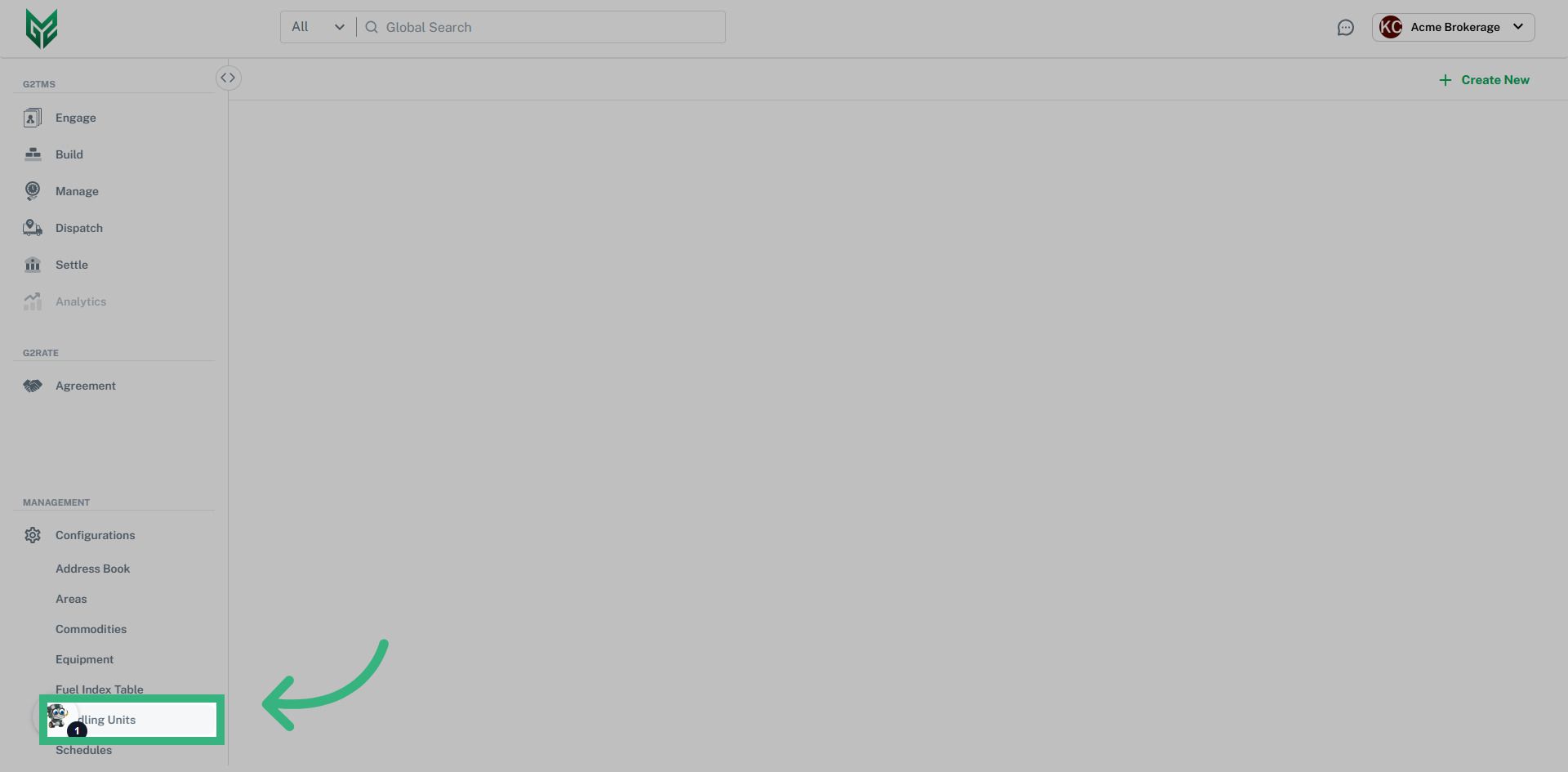
- Handling Units can be accessed through the Configurations section of the application
- Assign to a specific client or leave it blank to make it available for all accounts
- Slide the Active toggle On/Off to add or remove the HU from your view
- The picklist data field Reference Type allows a selection of Handling Unit (a physical package that contains one or more items), Packaging Unit (a single unit of freight) or Both
- From the picklist data field Mode(s) you can determine whether or not the HU/Packaging Unit is Mode specific
- Once the Handling Unit is created, it can be used to Quote any Shipment
Creating Handling/Packaging Units: