Last Updated: April 12, 2025
Applies to:
Shippers, Brokers, Carriers
Common Scenario(s)/Challenge (s):
Build your company profile. Provide information about your company that will save time by removing manual entry.
Solution Overview:
General in My Account contains the standard information for the licensed account. These fields can be filled out or edited upon account activation, or the user can return to them later if desired. This page includes fields for Website, DUNS ID & Rating, Federal ID or EIN, Tax Registration ID, Company Logo and other relevant details.
Step by Step:
The Account setup is created with your initial login through a provided link. This will create the Account name, as well as primary Contact and Location. Additional Contacts and Locations can be added through these steps.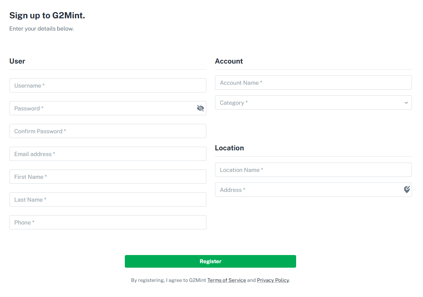
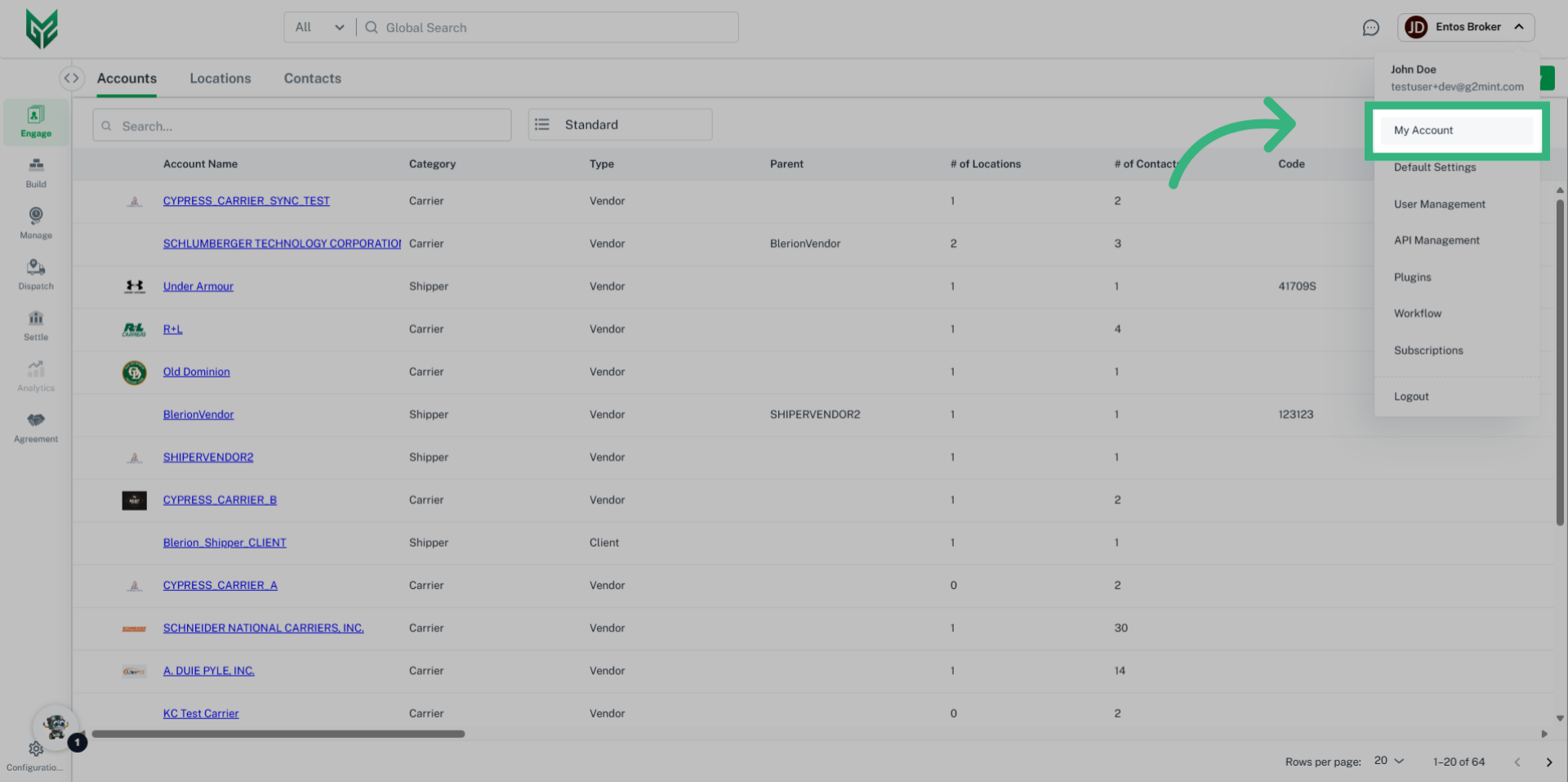
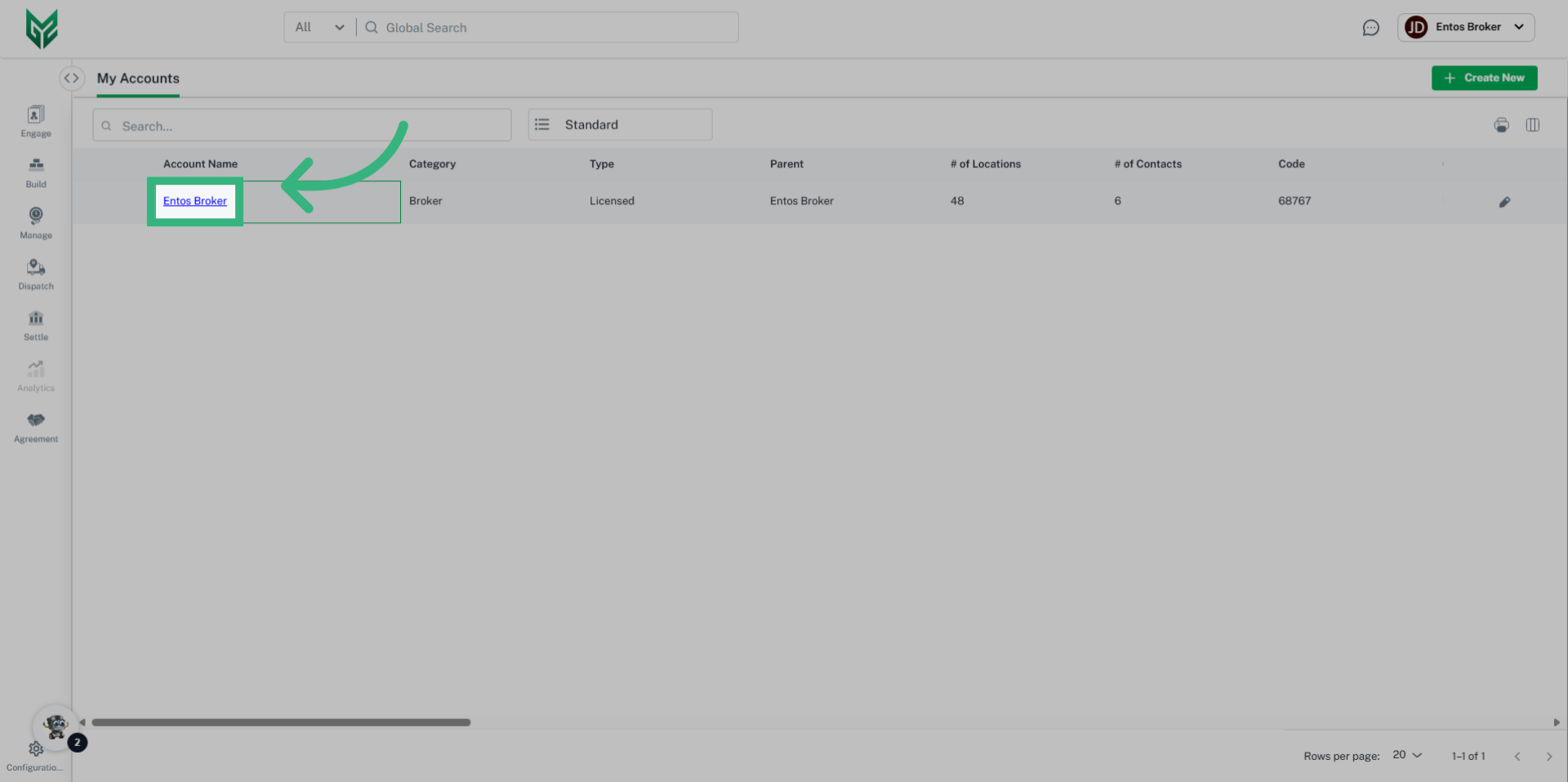
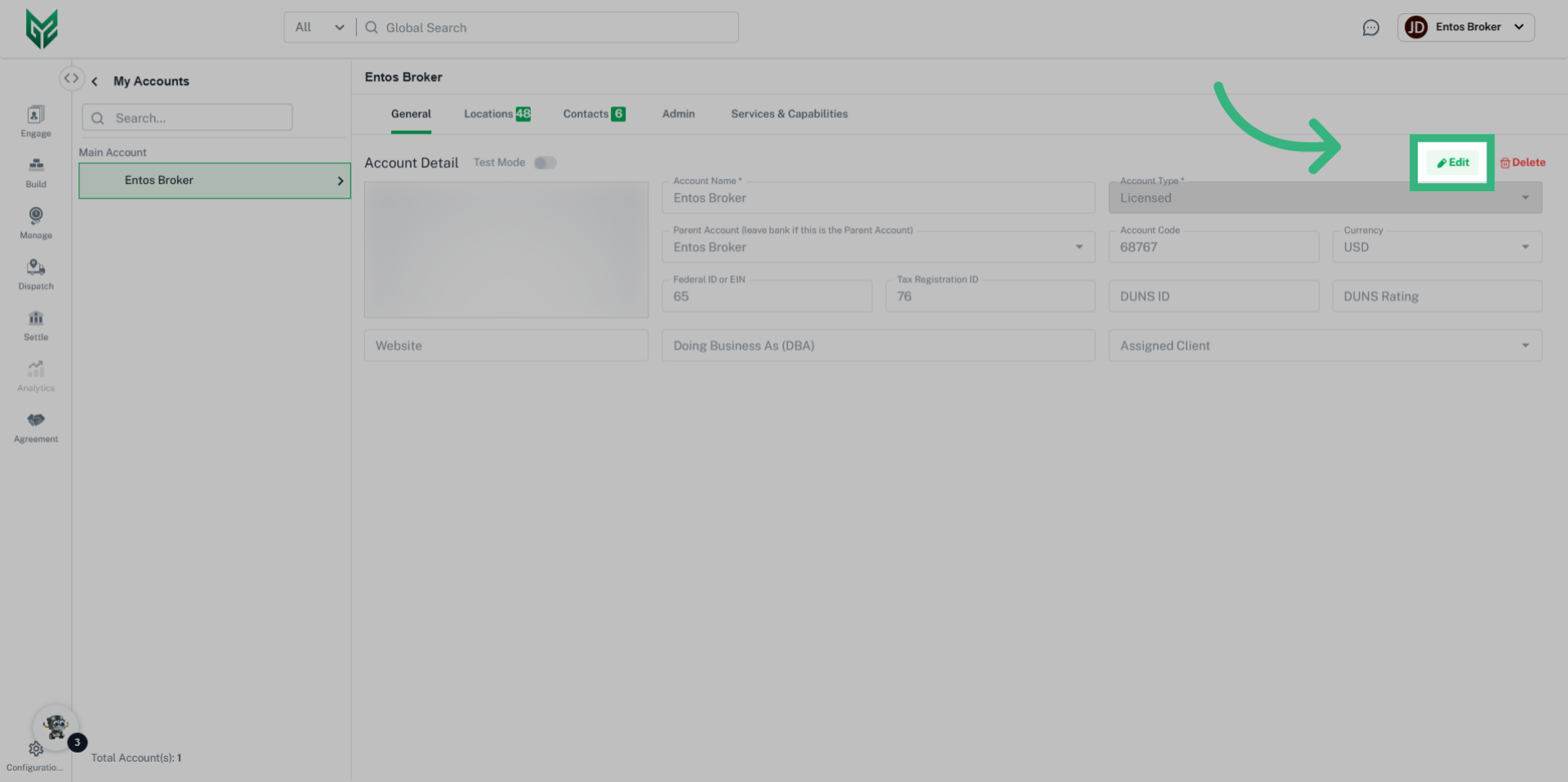
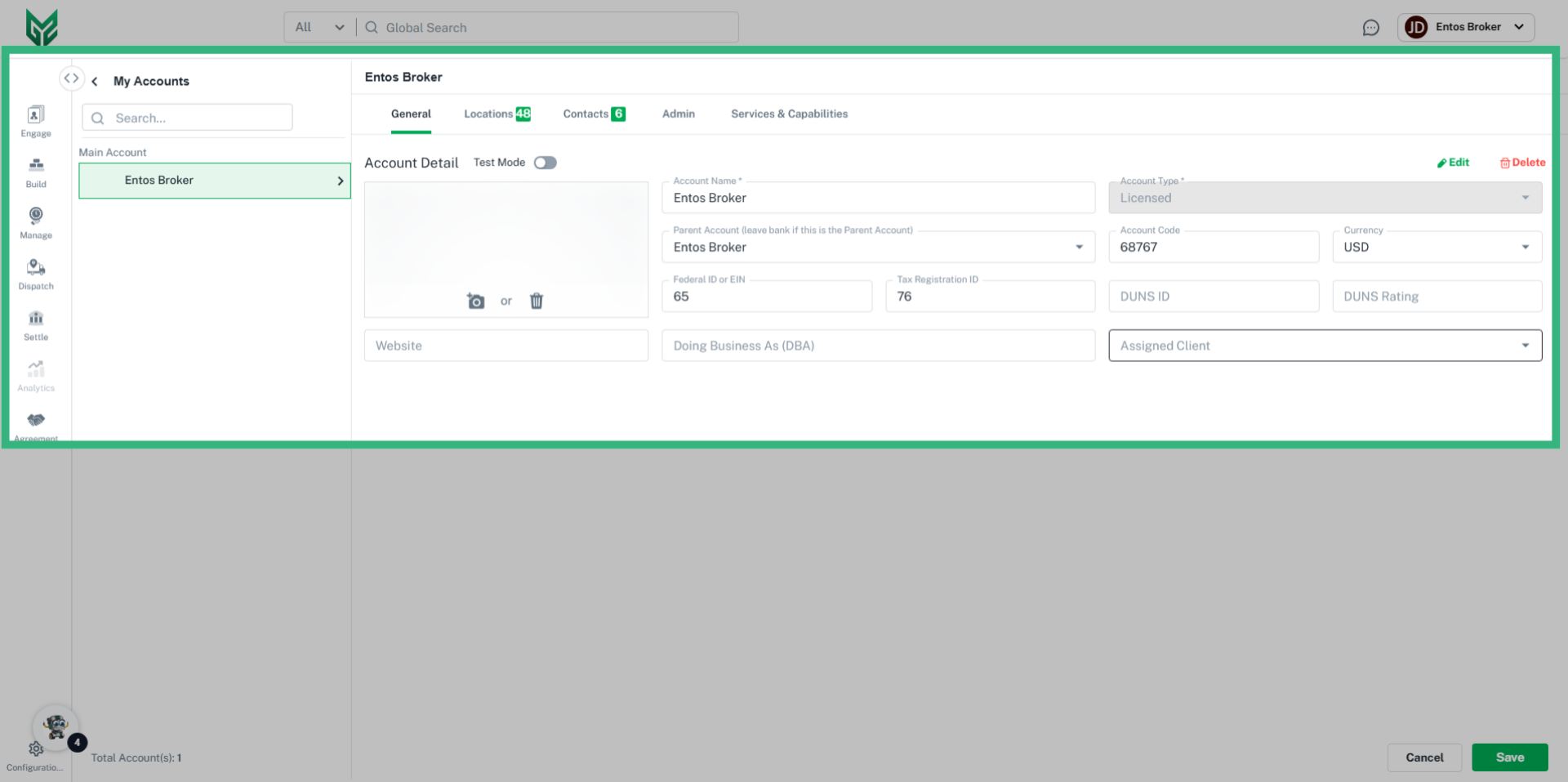
Account Name*: Account Name is determined in the initial Account setup, and is the name associated to the primary User Account. This field can be edited.
Account Type*: In My Account, Account Type will automatically default to Licensed, in reference to the Licensed Account. When creating a client account in Engage, this field is editable.
BOL Prefix: Personalize the prefix of your BOLs with specific initials or numbers
Parent Account: A Parent Account may be assigned if creating subdivisions of the Licensed Account (example would be a Brokerage with a Carrier Division).
Account Code: Optional field where the User can enter a pre-assigned unique identifier code that may correspond with future integrations.
Currency: Select available currency (currently only US Dollars)
Federal ID or EIN: An Employer Identification Number, or federal tax ID, is used to identify a business entity. This is for reference only.
Tax Registration ID: This may be found on a number of documents, including tax returns and forms filed with the IRS. This is for reference only.
DUNS ID: A Data Universal Numbering System (DUNS) is a 9 digit number used for business credit reporting. This is for reference only.
DUNS Rating: A score that measures a business's financial strength and creditworthiness. This is for reference only.
Website: Enter your (primary account holder) website address here
Doing Business As (DBA): Utilize this field if the business operates under a name that is different from its legal name. This name will populate on documents such as BOL's and Invoices.
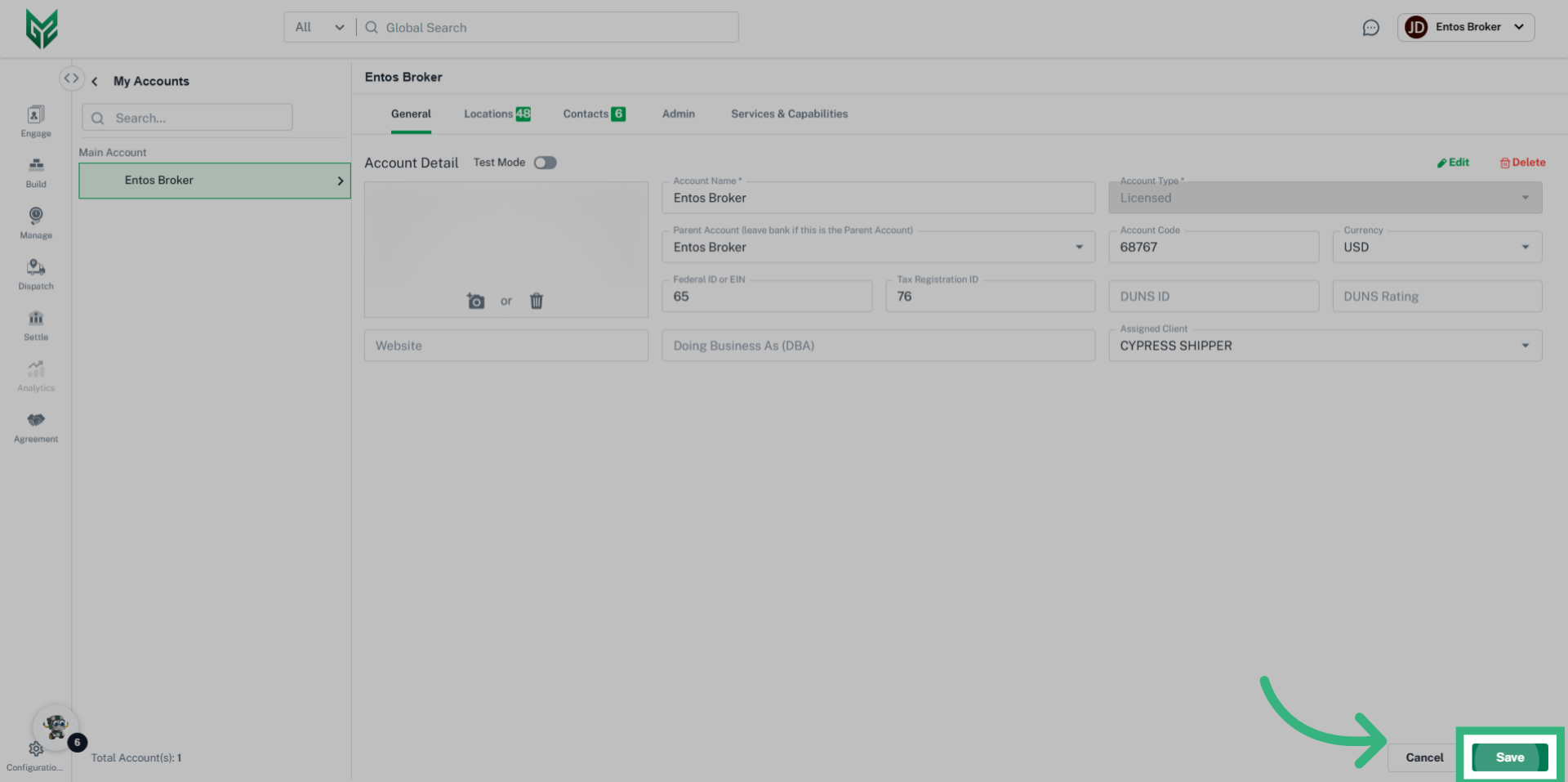
Assigned Client: If a company has more than 1 division, Clients can be assigned to a specific division. For example, if the Carrier division of my Brokerage has specific clients that do not belong to the Brokerage.