Last Updated: April 14, 2025
Applies to:
Brokers and Carriers
Common Scenario(s)/Challenge (s):
Build your company profile. Provide information about your company that will save time by removing manual entry.
Solution Overview:
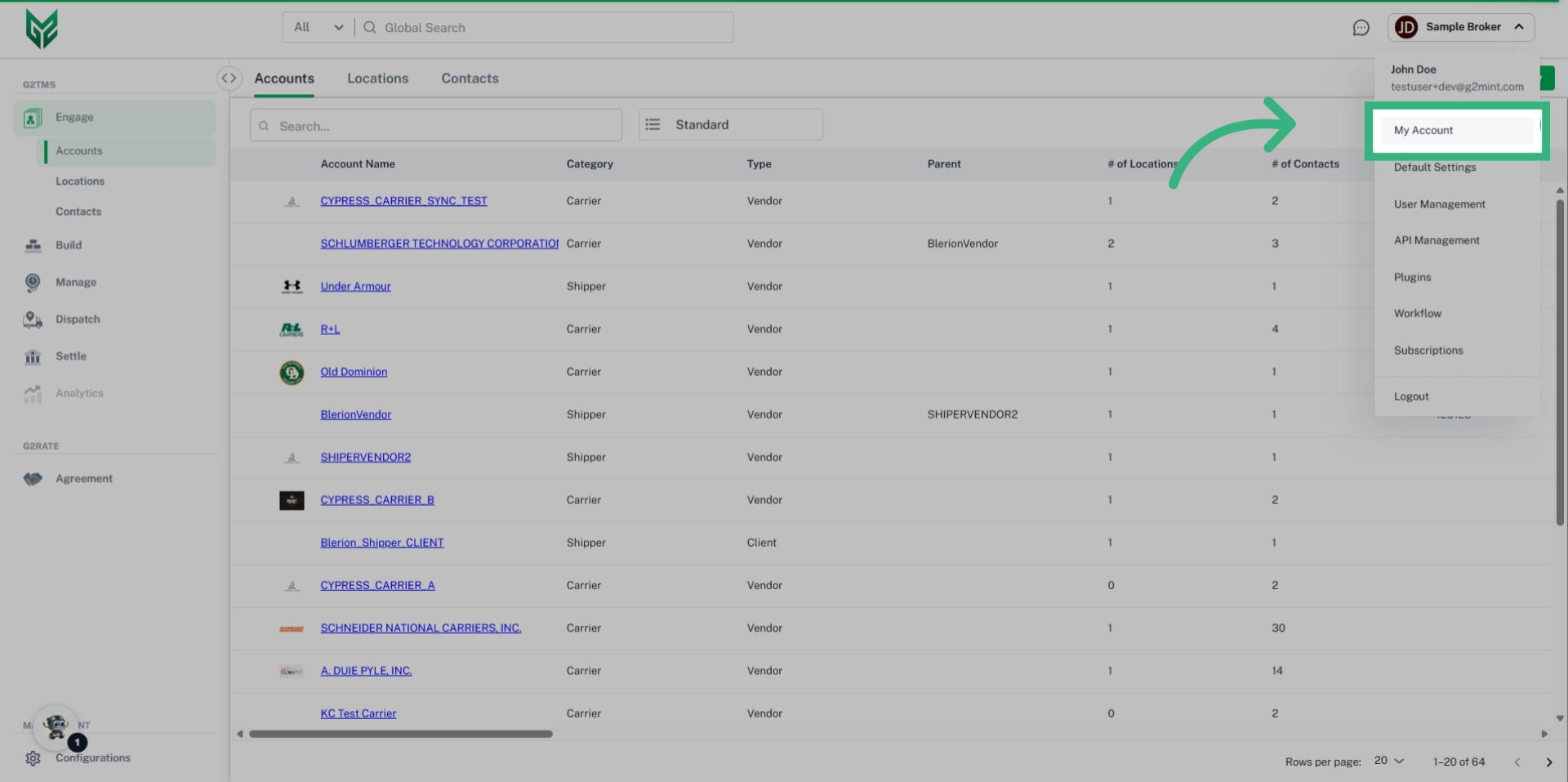
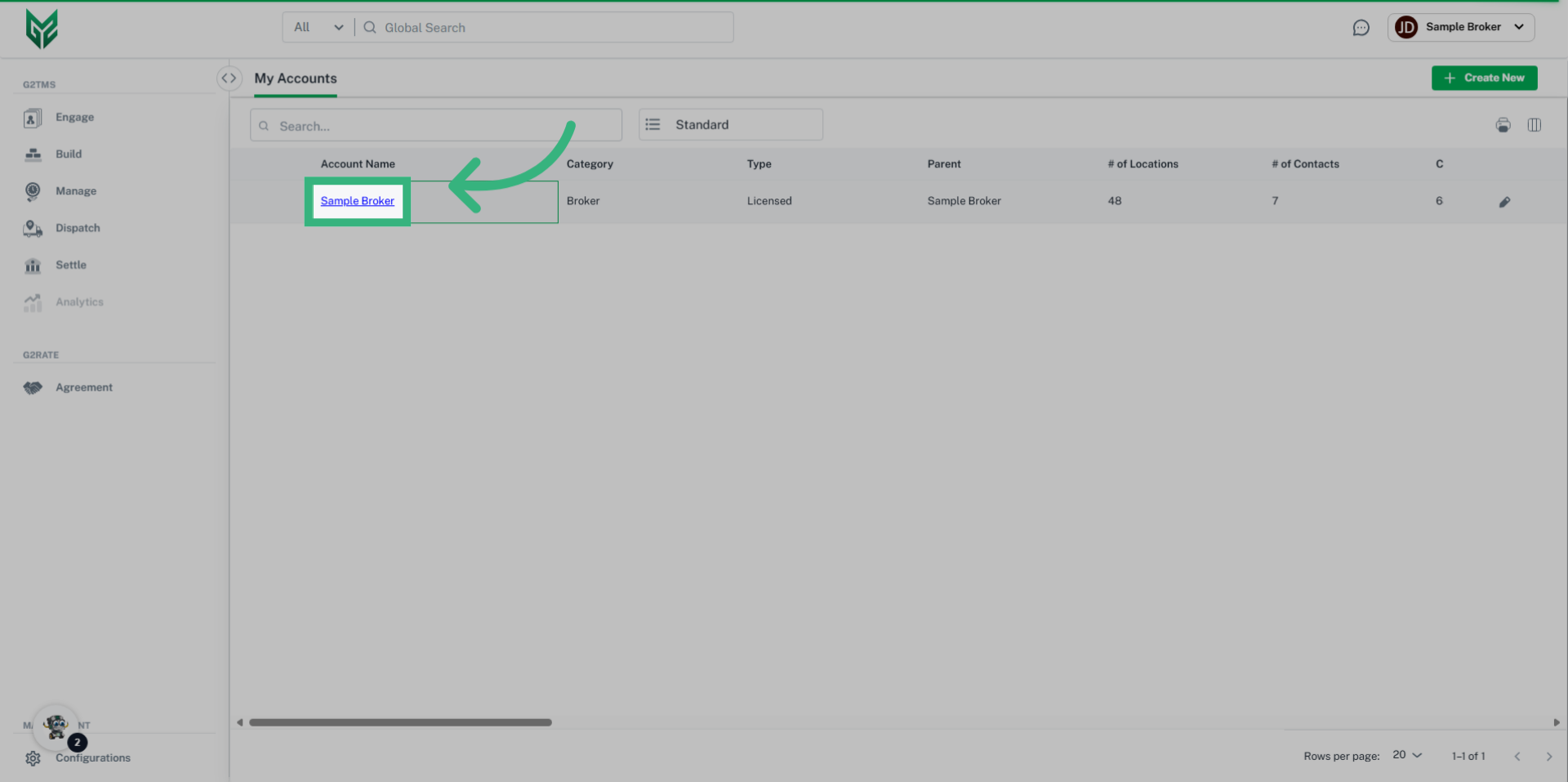
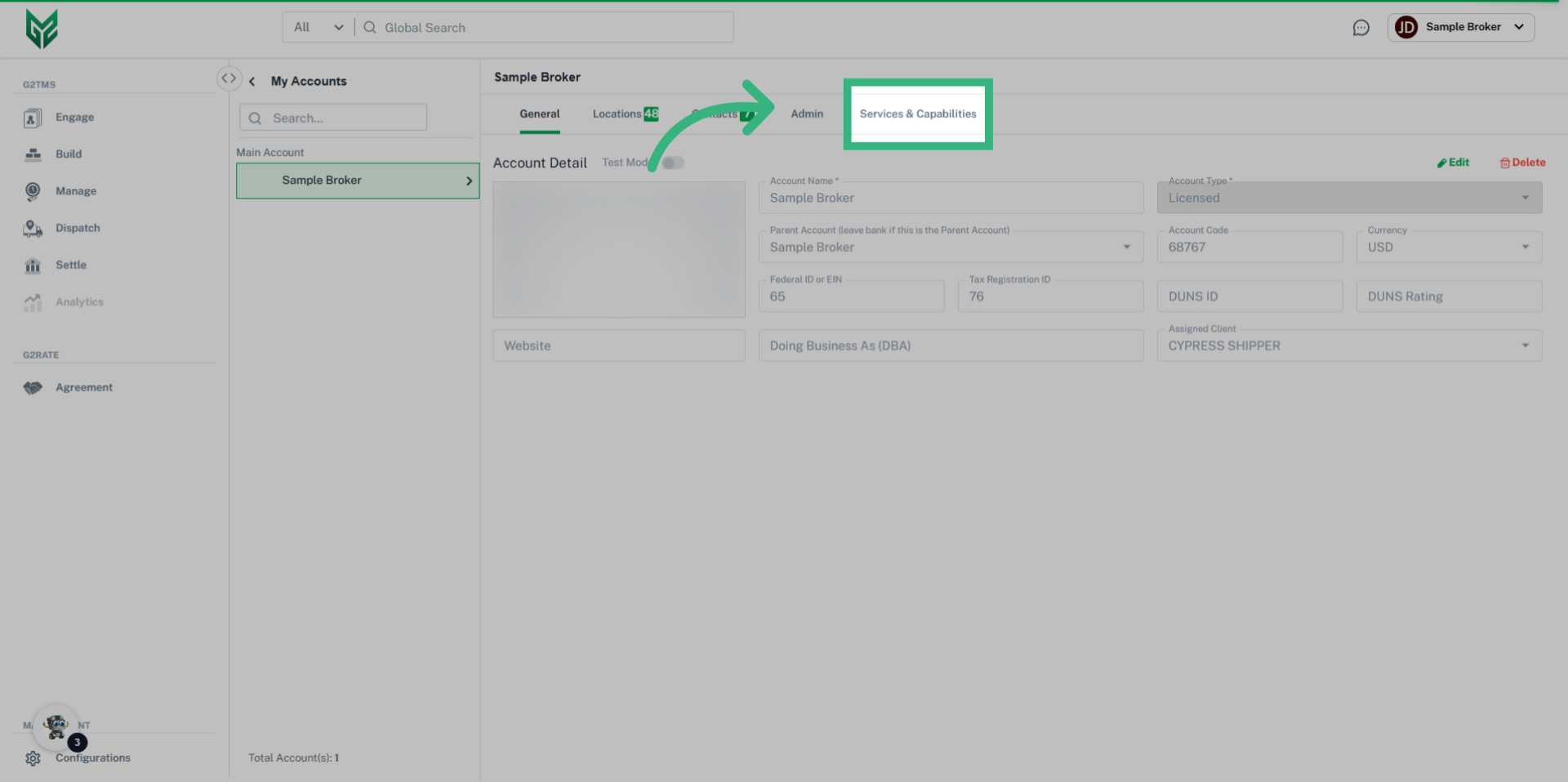
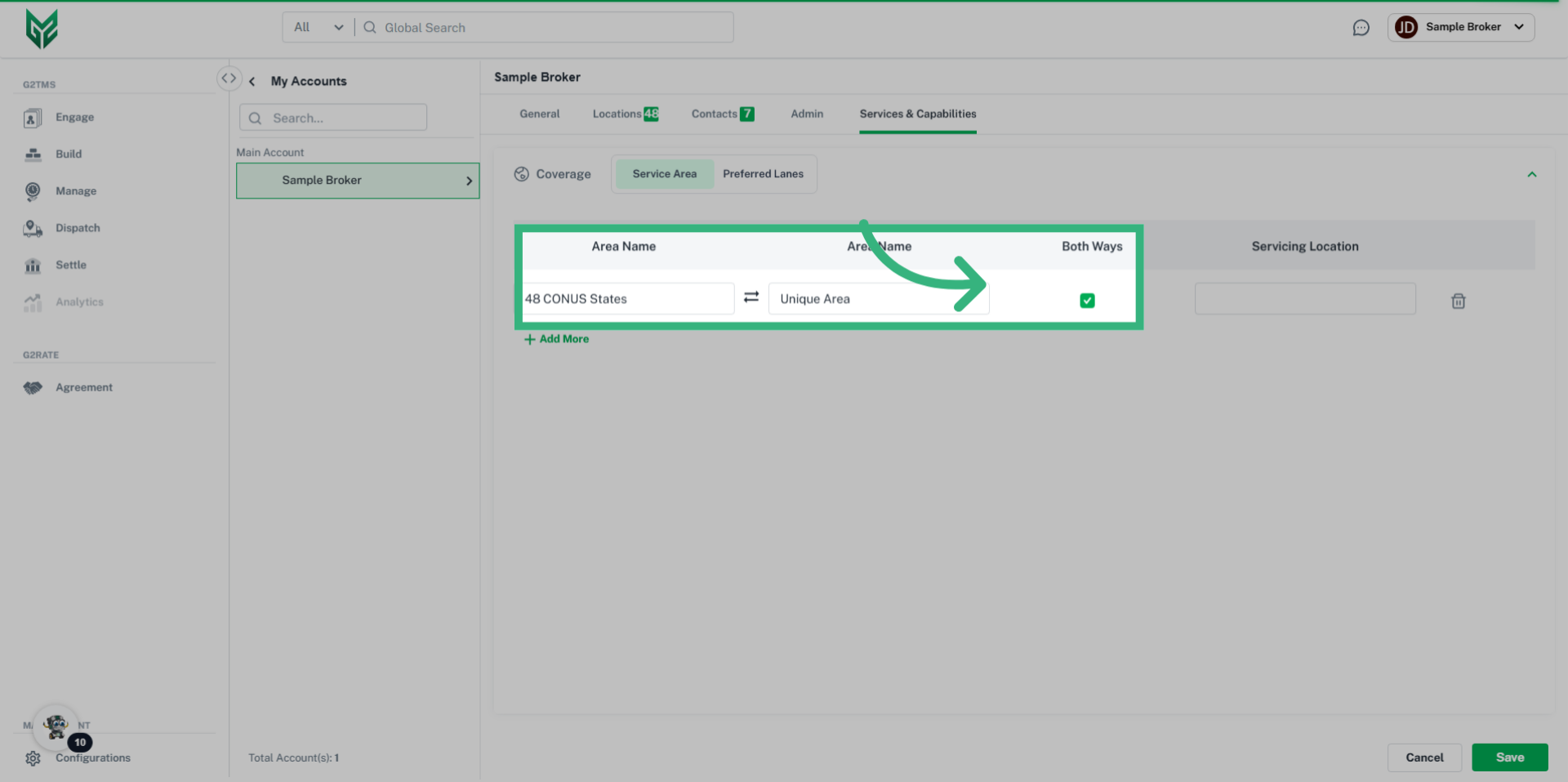
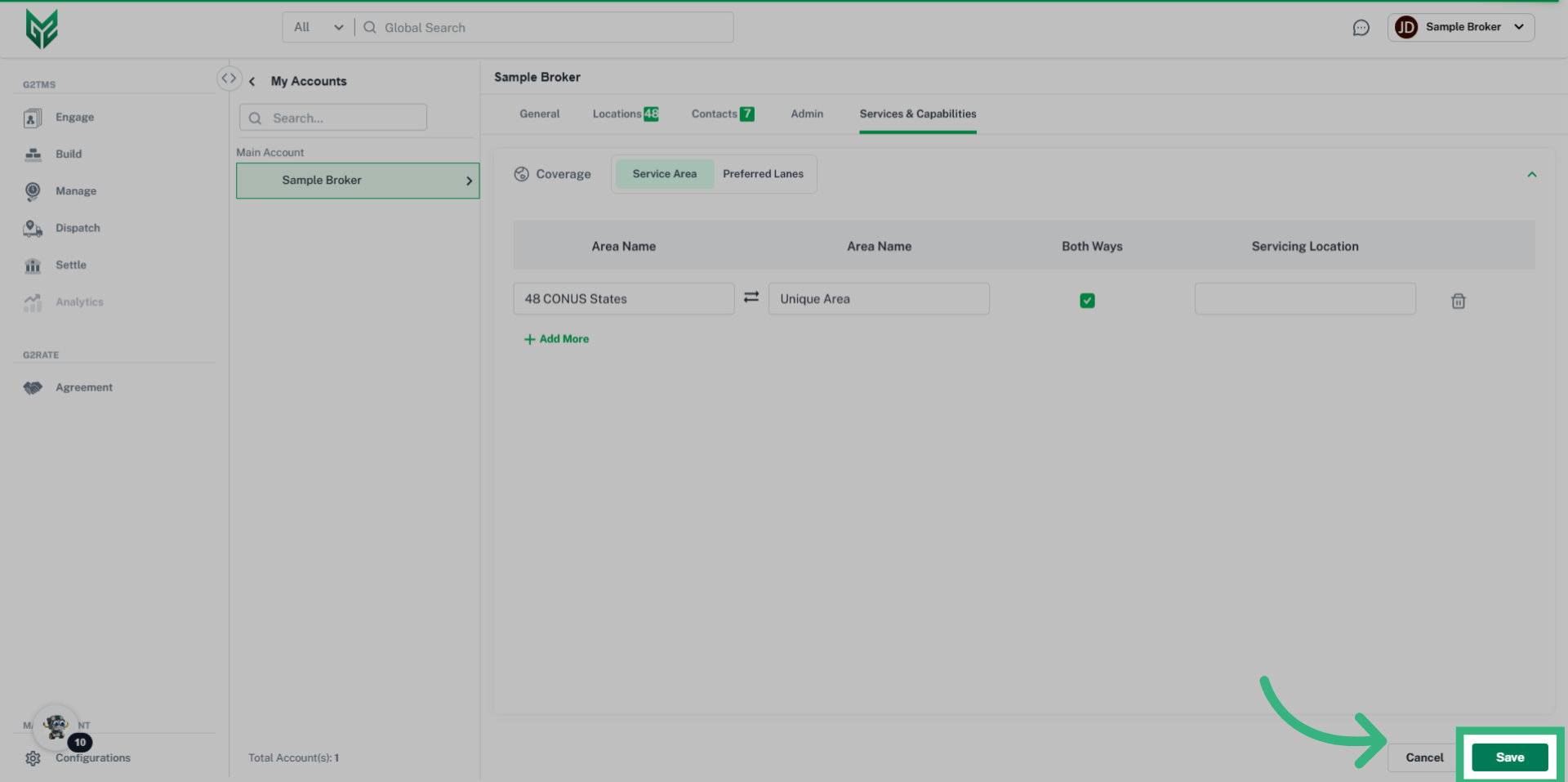
Services & Capabilities in My Account allows Brokers and Carriers to manage, identify, and select specific coverage areas, modes or services to be assigned to their licensed account. In the future, this will allow desired information to be visible to other G2Mint users, which increases networking capabilities.
How to identify core functionality of a Broker/Shipper account:
Services and Capabilities Terms:
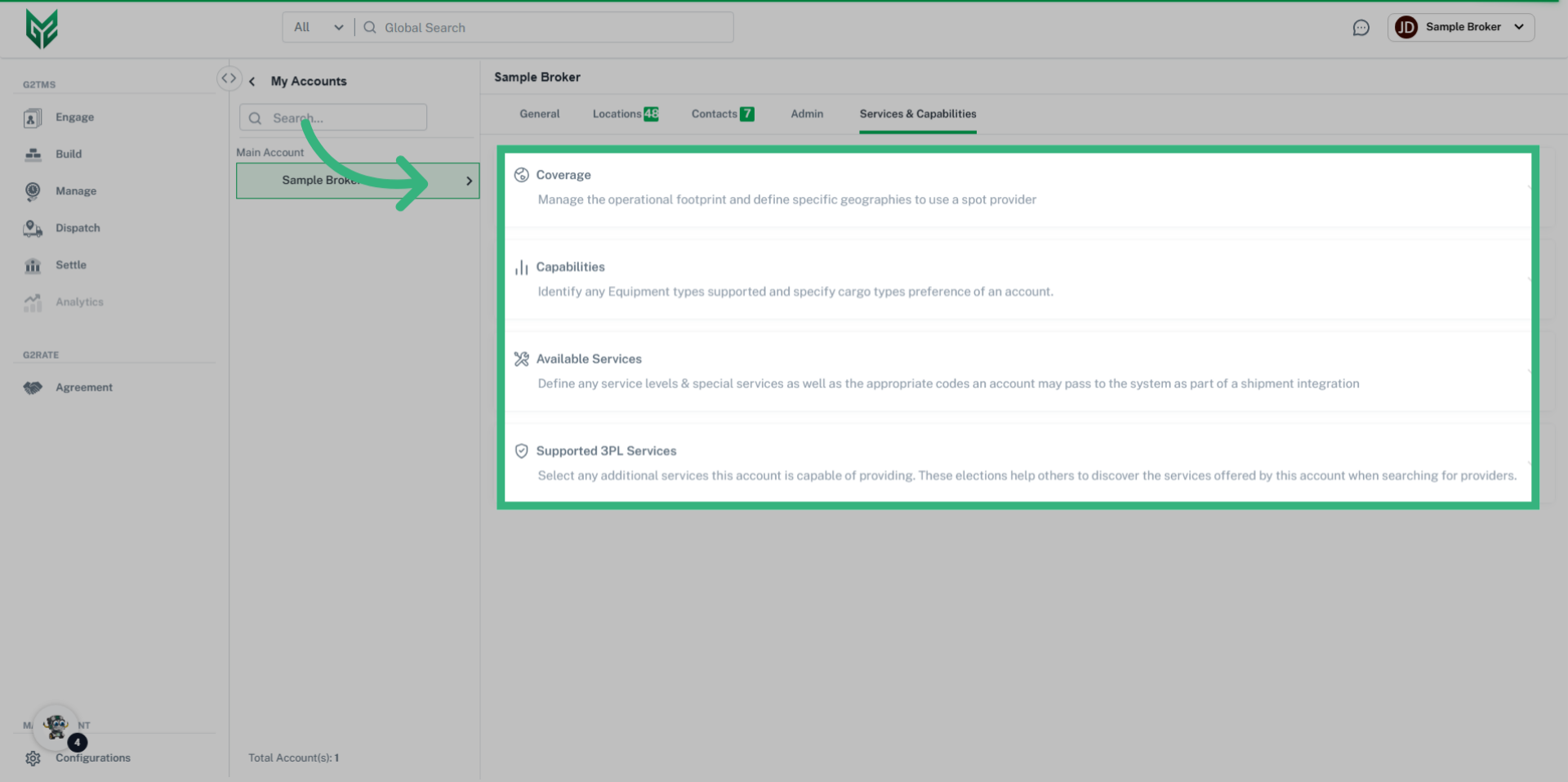
Coverage: Define specific geographic hierarchies (coverage areas) of the service areas you operate in, enabling your preferred lanes to be more prominent.
Capabilities: Allows the user to identify any Equipment types supported and specify cargo types preference of their account.
Available Services: Allows the user to define any service levels & special services as well as the appropriate codes their account may pass to the system as part of the shipment integration.
Supported 3PL Services: Allows the user to select any additional services this account is capable of providing. These elections can be visible to help others to discover services offered by your business.